Chart position — tracked daily by LaunchShots
Screenshot style breakdown
Sampled from 5 of 小寻's App Store screenshots — background, accent and theme, measured by LaunchShots (not something Apple publishes).
#F4FCFC bg
#D6DDDD
#04CC24 accent
#111111 text
Screenshots


Icon palette
About this app
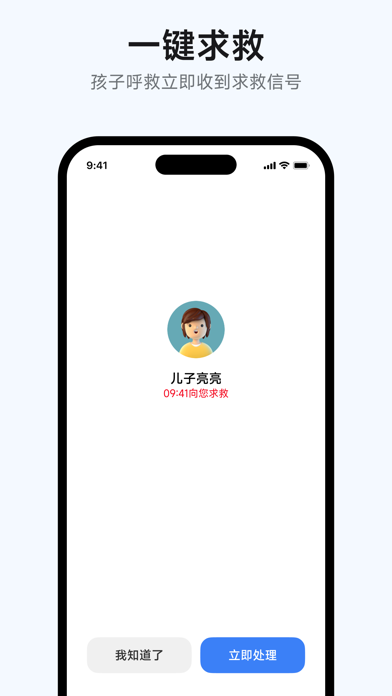
小寻手表APP是一款针对儿童与家长设计的软硬件结合的家长端APP产品,家长通过小寻APP与佩戴在孩子手腕的小寻儿童电话手表连接,实现与小寻儿童电话手表轻松关联,准确定位孩子所在位置,并实现各种亲子互动功能。 小寻儿童电话手表,是根据数万家长与孩子的使用需求,通过潜心的研发,推出的一款针对儿童与家长的软硬件结合的儿童电话手表。 主要功能特点: 1、高清通话:随时互拨高清通话,亲子互动一键搞定 2、语音通信:手机手表实时对讲, 随时随地与孩子语音畅聊 3、秒级定位:五重精准定位技术,时时刻刻都知道孩子的位置 4、一键求救:孩子呼救,立刻收到求救信号 注意事项: 1.小寻已接入HealthKit,从「健康」读取运动步数用于家庭成员之间的计步排名。
App details
What you can learn from 小寻
Every shipping app on the App Store has gone through the same decisions you're working through right now: which screenshot goes first, what caption sits over it, which device frame to show, what color the background should be. The 5 screenshots above are 小寻's answers to those questions — they're public, they're real, and they made it through Apple's review.
What the numbers say: 小寻 runs a light set with one background colour (#F4FCFC) carried across every screenshot — the listing reads as a single poster when the shots sit side by side in search results. The accent colour we picked up, #04CC24, is the one to reuse for badges, arrows and highlighted words if you borrow this look. Hit Use this style to open the editor with these exact colours and drop your own screenshot in.
Notice the first screenshot in particular. It's the one users see in search results and on the product page, and it's where most apps spend their best caption and tightest design. Look at the proportion of background to phone, where the text sits, what one thing the image is trying to communicate.
Want to see how other Social Networking apps approach the same problem? Browse more Social Networking apps in the showcase.
Take what works into your own screenshots
Open LaunchShots and design your App Store & Google Play screenshots — pick a device frame, drop captions, ship in minutes. Free, in your browser.
Open the screenshot editor →Apps with a similar look
Closest background + accent colours among the listings we've analysed — useful when you want to see the same palette handled by a different team.