Screenshots


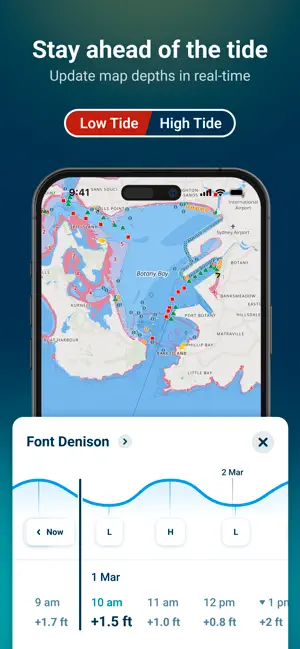
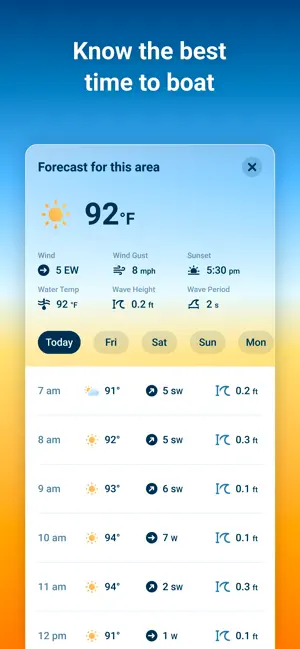

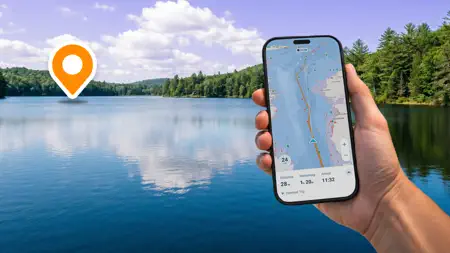
Icon palette
About this app
Ever have a stressful day navigating on the water? Wanted to know more about the conditions you are about to head into? Are you looking for exciting places to explore, the best place to refuel, or just trying to meet up with a friend? Wavve Boating takes a new spin on traditional boating navigation by bringing detailed nautical charts, tide predictions, weather forecasts, and more in one easy-to-use tool. Join a fast-growing community of boaters building a network of marine knowledge that everyone can enjoy. With Wavve Boating you get: - Simple and Seamless Marine GPS Navigation - Put away overcrowded and complex charts and apps. Wavve Boating's GPS focuses on important and relevant information so that navigating is as easy as staying in the blue and avoiding the red. - Custom Nautical Charts - View and change Wavve Boating's nautical charts based on your unique boating needs and pr…
App details
What you can learn from Wavve Boating: GPS, Map, Chart
Every shipping app on the App Store has gone through the same decisions you're working through right now: which screenshot goes first, what caption sits over it, which device frame to show, what color the background should be. The 7 screenshots above are Wavve Boating: GPS, Map, Chart's answers to those questions — they're public, they're real, and they made it through Apple's review.
Notice the first screenshot in particular. It's the one users see in search results and on the product page, and it's where most apps spend their best caption and tightest design. Look at the proportion of background to phone, where the text sits, what one thing the image is trying to communicate.
Want to see how other Navigation apps approach the same problem? Browse more Navigation apps in the showcase.
Take what works into your own screenshots
Open LaunchShots and design your App Store & Google Play screenshots — pick a device frame, drop captions, ship in minutes. Free, in your browser.
Open the screenshot editor →