Screenshots
Icon palette
About this app
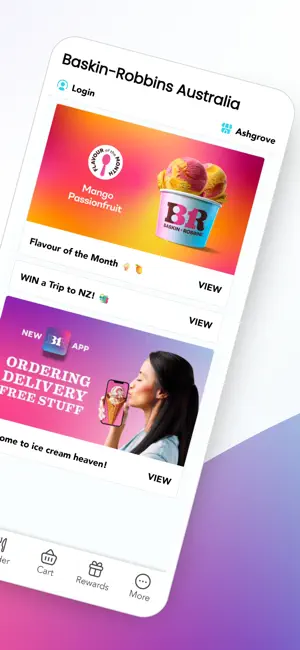
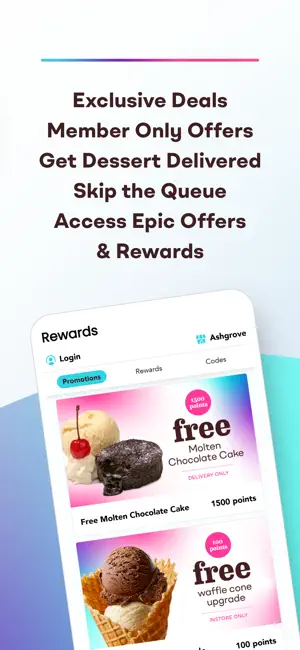
Introducing the Baskin-Robbins Rewards app - or as we like to call it, ice cream heaven. Use it to pay in-store on your phone and earn 10 points for every dollar spent, then redeem your points to enjoy even more ice cream awesomeness. Access sweet deals, exclusive offers and scooptastic competitions, and even spread the joy with Baskin-Robbins gift vouchers. Summary: Pay in-store with your phone. Sign up via the Apple store, securely add your payment details, and earn 10 points for every $1 you spend. Ice-cream heaven, here you come! Did somebody say free ice-cream? Redeem your hard-earned points to enjoy awesome ice-cream rewards - like free scoops, free waffle cone upgrades and more. Access sweet deals and scooptastic competitions. Being part of Baskin-Robbins Rewards comes with plenty of extra perks and exclusive offers. Check the app regularly for the inside scoop. S…
App details
What you can learn from Baskin-Robbins Australia
Every shipping app on the App Store has gone through the same decisions you're working through right now: which screenshot goes first, what caption sits over it, which device frame to show, what color the background should be. The 3 screenshots above are Baskin-Robbins Australia's answers to those questions — they're public, they're real, and they made it through Apple's review.
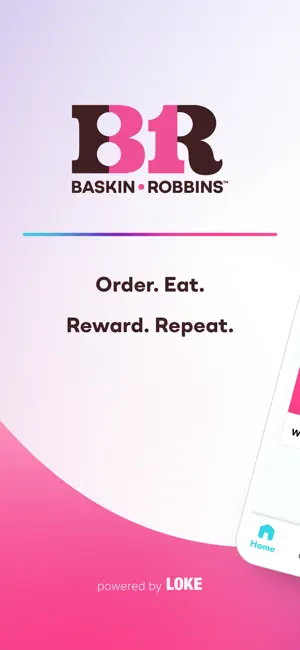
Notice the first screenshot in particular. It's the one users see in search results and on the product page, and it's where most apps spend their best caption and tightest design. Look at the proportion of background to phone, where the text sits, what one thing the image is trying to communicate.
Want to see how other Food & Drink apps approach the same problem? Browse more Food & Drink apps in the showcase.
Take what works into your own screenshots
Open LaunchShots and design your App Store & Google Play screenshots — pick a device frame, drop captions, ship in minutes. Free, in your browser.
Open the screenshot editor →