Screenshots
Icon palette
About this app
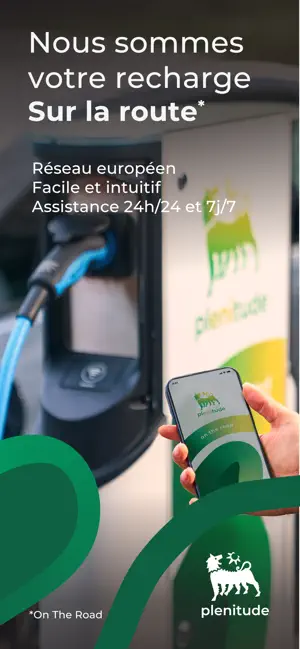
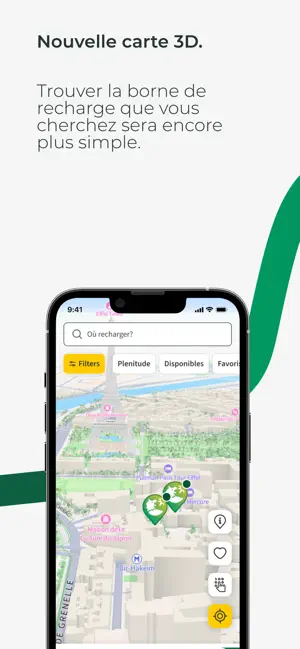
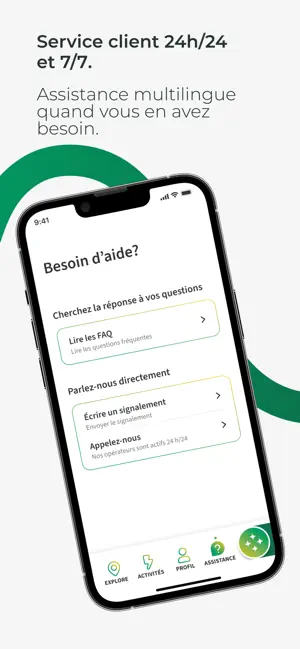
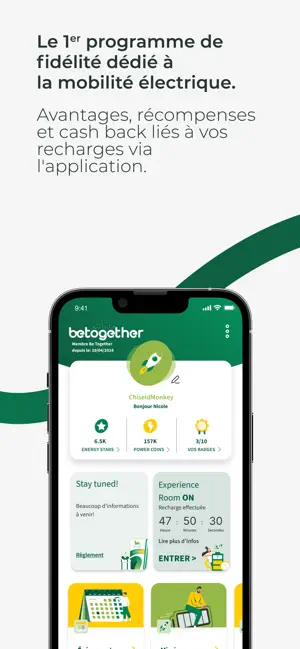
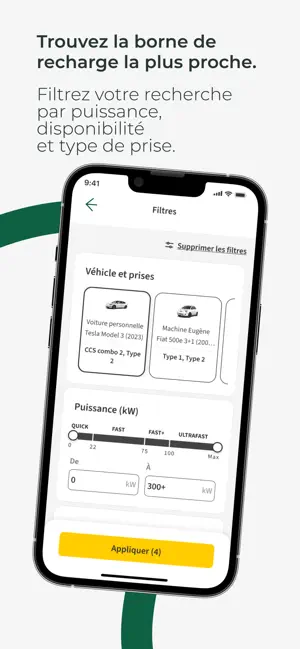
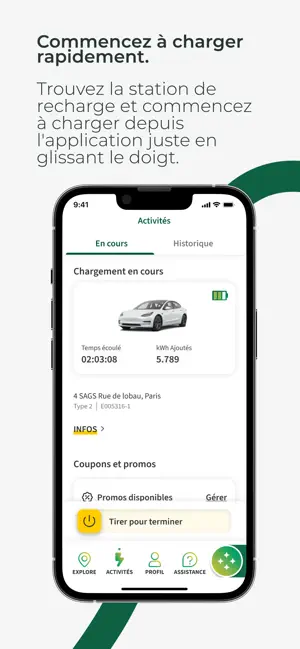
Accédez et commancez à recharger dans plus de 400 000 borne de recharge à travers l'Europe! Notre réseau propriétaire et les bornes de recharge disponibles des autres opérateur dans l'application sont en constante croissance. Plenitude On The Road est l'application qui dynamise vos voyages et expérience de mobilité électrique. Voici les avantages de Plenitude On The Road: - Un réseau de recharge en croissance continue dans toute l’Europe Vous aurez accès à plus de 400.000 bornes de recharge propriétaires et à celles proposées par notre réseau de partenaires à travers l'Europe. Nous installons constamment de nouvelles bornes de recharge et essayons de mettre à jour rapidement les informations sur les nouvelles bornes disponibles auprès des partenaires de roaming. - Les filtres permettent de trouver facilement la station qui vous convient. Recherchez une station en appliquant…
App details
What you can learn from Plenitude On The Road
Every shipping app on the App Store has gone through the same decisions you're working through right now: which screenshot goes first, what caption sits over it, which device frame to show, what color the background should be. The 6 screenshots above are Plenitude On The Road's answers to those questions — they're public, they're real, and they made it through Apple's review.
Notice the first screenshot in particular. It's the one users see in search results and on the product page, and it's where most apps spend their best caption and tightest design. Look at the proportion of background to phone, where the text sits, what one thing the image is trying to communicate.
Want to see how other Navigation apps approach the same problem? Browse more Navigation apps in the showcase.
Take what works into your own screenshots
Open LaunchShots and design your App Store & Google Play screenshots — pick a device frame, drop captions, ship in minutes. Free, in your browser.
Open the screenshot editor →