Screenshots


Icon palette
About this app
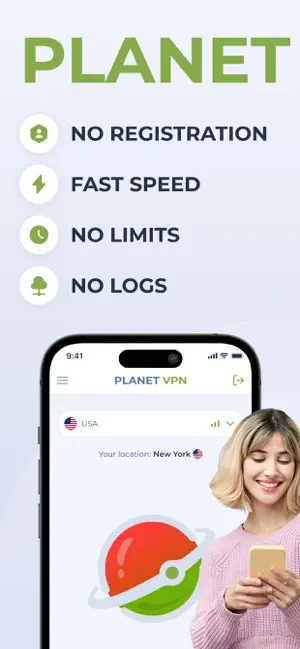
Planet VPN - 100% Free, unlimited and secure VPN. There are no alternatives to our app in all of AppStore. The safety and anonymity of our users is a priority for us! Unlike other VPN services, we do not keep logs and do not require registration. Accordingly, we do not collect personal data of our users. Key Features of our Free VPN: - No registration is required, and no personal information is needed to get started. - 6 locations absolutely free with no limits on time, bandwidth, or speed. - Strict no-logs policy. - Multiple protocol selection: IKEV2, OpenVPN, Starguard and others. - Possibility to use an unlimited number of devices. - Killswitch function - automatically cuts Internet when server connection is lost. - High-speed servers with high encryption. - 24/7 customer support via live chat or email. Reasons to Use Free Planet VPN: 1. Secure Your Personal Information: Protect…
App details
What you can learn from Planet Free VPN ™ Super Proxy
Every shipping app on the App Store has gone through the same decisions you're working through right now: which screenshot goes first, what caption sits over it, which device frame to show, what color the background should be. The 6 screenshots above are Planet Free VPN ™ Super Proxy's answers to those questions — they're public, they're real, and they made it through Apple's review.
Notice the first screenshot in particular. It's the one users see in search results and on the product page, and it's where most apps spend their best caption and tightest design. Look at the proportion of background to phone, where the text sits, what one thing the image is trying to communicate.
Want to see how other Utilities apps approach the same problem? Browse more Utilities apps in the showcase.
Take what works into your own screenshots
Open LaunchShots and design your App Store & Google Play screenshots — pick a device frame, drop captions, ship in minutes. Free, in your browser.
Open the screenshot editor →