Chart position — tracked daily by LaunchShots
Screenshot style breakdown
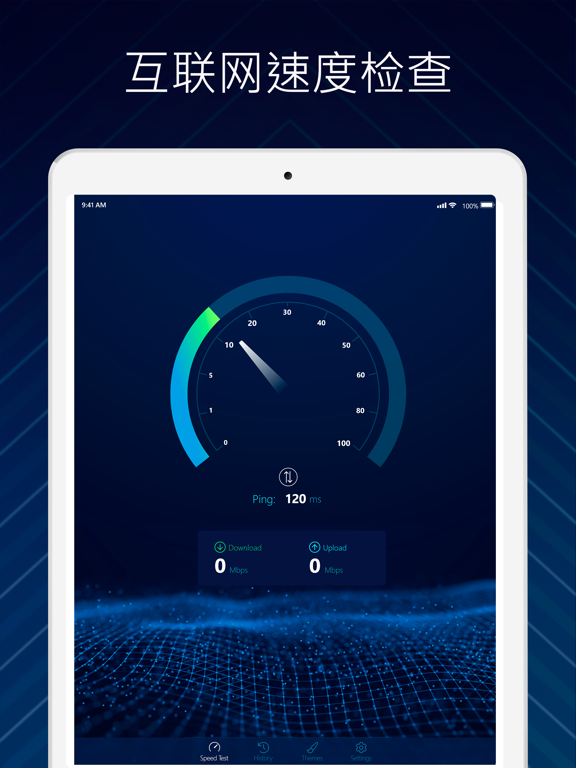
Sampled from 4 of Speedtest - 网络测速测量和wifi分析仪's App Store screenshots — background, accent and theme, measured by LaunchShots (not something Apple publishes).
#041C4C bg
#273B65
#048454 accent
#FFFFFF text
Reading the caption text from the screenshots in your browser…
Screenshots


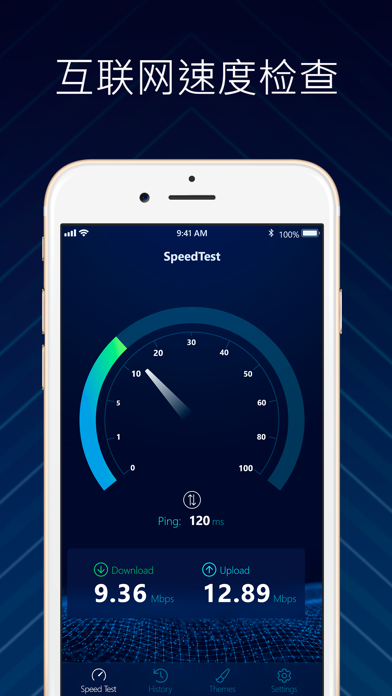
iPad screenshots
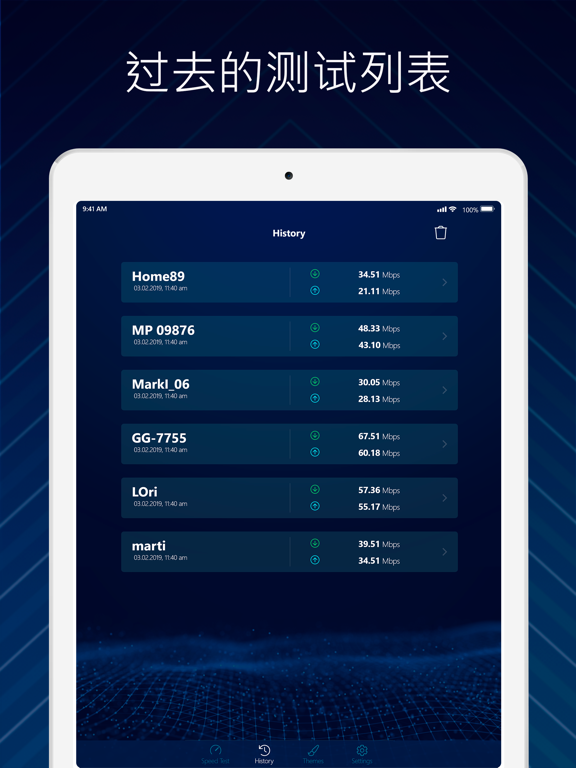
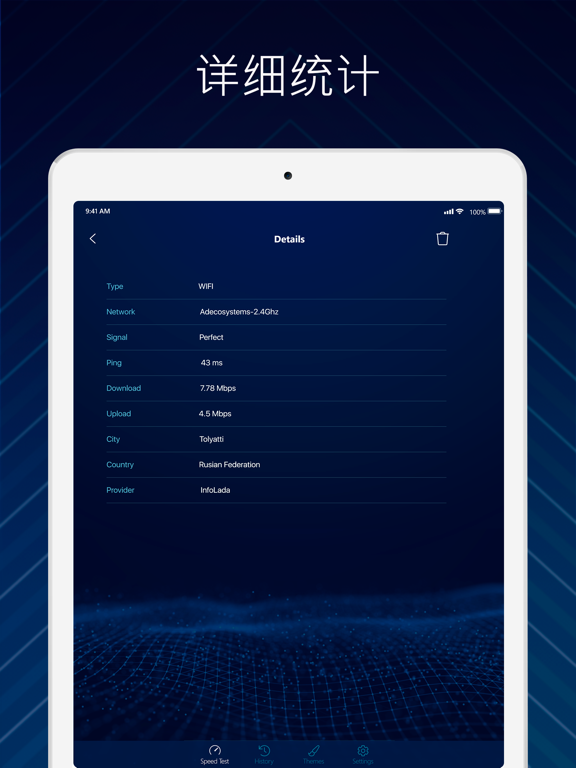
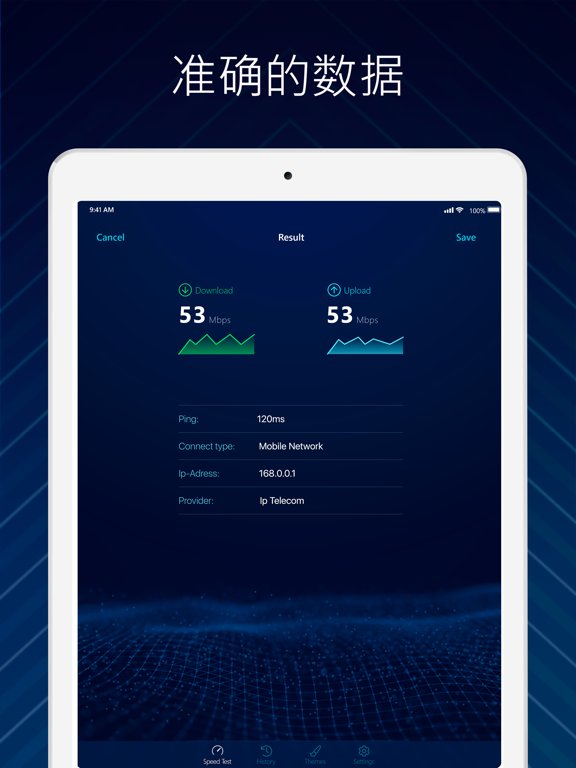
Icon palette
About this app
1,000,000名用户使用专业人士信赖的Speedtest来测试互联网和WI-FI的速度。 此应用程序是一个快速和准确的实用程序,用于评估任何设备上的蜂窝(3G,4G,LTE)和Wi-Fi连接。只需轻轻一按即可执行专家互联网速度测试,并获取有关您的连接的所有必要信息。 特征: - 观察下载,上传和Ping - 在30秒内完成一次触摸测试 - 具有连接等级,下载和上传图表,ISP平均速度等的实时图表 - 通过详细报告跟踪过去的测试 - 分享您的结果 - 将结果与ISP的平均速度和延迟进行比较 - 数据使用监控 订阅 摆脱广告干扰,解锁所有有趣的主题,并获得具有高级访问权限的无限数量的测试: - 通过免费试用三天来检查它的优点。 3天后,试用版将自动转为周付费订阅。 - 付费订阅分为3种类型:每周,每月和每年。 - 一周付费订阅费用为7.99美元。 月 - 19.99美元。 年 - 99.99美元。 - 确认购买后,将从您的iTunes帐户中收取费用。 - 您可以随时取消订阅或免费试用,但至少在当前期间结束前24小时取消。 否则,它将自动续订。 - 该帐户将在当前期间结束前24小时内收取续订费用。…
App details
What you can learn from Speedtest - 网络测速测量和wifi分析仪
Every shipping app on the App Store has gone through the same decisions you're working through right now: which screenshot goes first, what caption sits over it, which device frame to show, what color the background should be. The 8 screenshots above are Speedtest - 网络测速测量和wifi分析仪's answers to those questions — they're public, they're real, and they made it through Apple's review.
What the numbers say: Speedtest - 网络测速测量和wifi分析仪 runs a dark set with one background colour (#041C4C) carried across every screenshot — the listing reads as a single poster when the shots sit side by side in search results. The accent colour we picked up, #048454, is the one to reuse for badges, arrows and highlighted words if you borrow this look. Hit Use this style to open the editor with these exact colours and drop your own screenshot in.
Notice the first screenshot in particular. It's the one users see in search results and on the product page, and it's where most apps spend their best caption and tightest design. Look at the proportion of background to phone, where the text sits, what one thing the image is trying to communicate.
Want to see how other Productivity apps approach the same problem? Browse more Productivity apps in the showcase.
Take what works into your own screenshots
Open LaunchShots and design your App Store & Google Play screenshots — pick a device frame, drop captions, ship in minutes. Free, in your browser.
Open the screenshot editor →Apps with a similar look
Closest background + accent colours among the listings we've analysed — useful when you want to see the same palette handled by a different team.