Screenshots
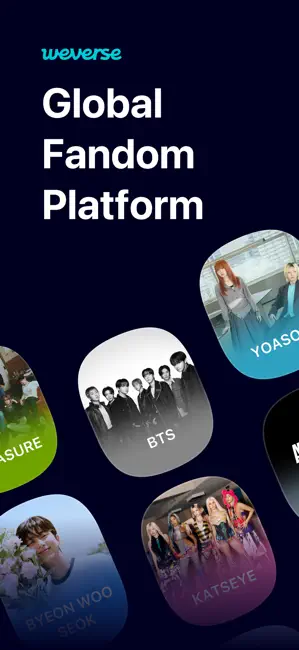
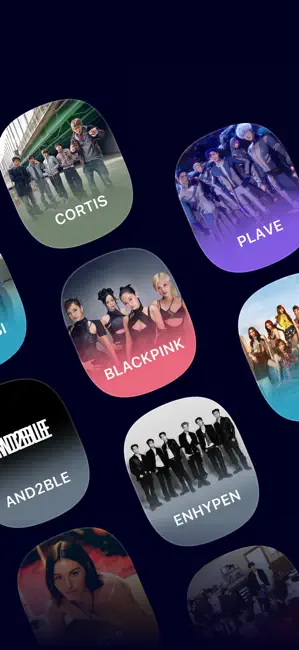
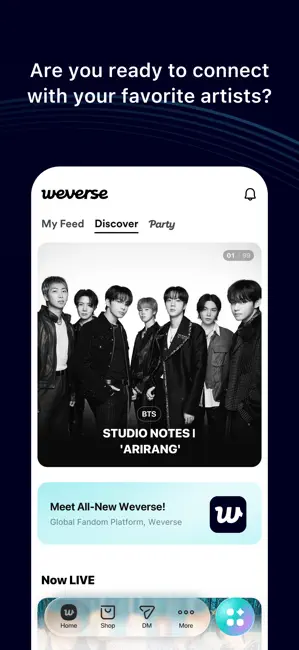
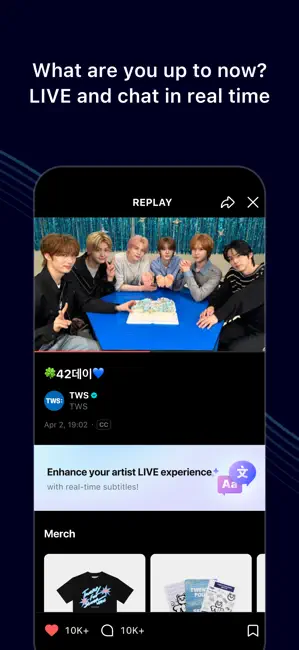
Icon palette
About this app
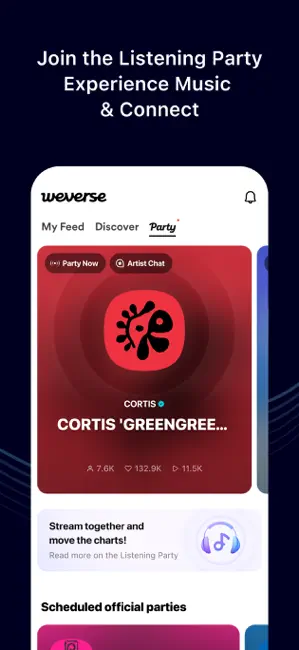
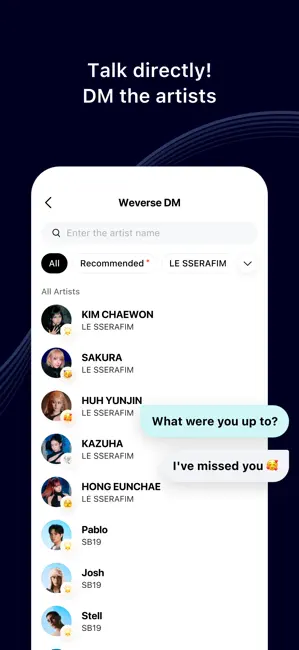
■ A Community for Fans and Artists · Check out the daily stories of the artists and leave comments and likes. · Want to know what fans from other countries/regions are saying? Use the auto-translation feature to overcome the language barrier! Posts and comments by artists can also be auto-translated into the selected language. ■ Communicate in Real-Time on Weverse LIVE · Watch the artists stream in real-time on Weverse LIVE! · Send chat messages and hearts in real-time on your favorite artists' streams! ■ Share your music and connect – Listening Party · Connect your streaming service to Weverse, listen to music together, and communicate in real-time with the Listening Party. · From artist official to fan-hosted parties, enjoy shared experiences through music. ■ Get Closer to Your Favorite Artists on Weverse DM · Subscribe to Weverse DM, where you can talk directly with artists! · …
App details
What you can learn from Weverse: Connect with Artists
Every shipping app on the App Store has gone through the same decisions you're working through right now: which screenshot goes first, what caption sits over it, which device frame to show, what color the background should be. The 7 screenshots above are Weverse: Connect with Artists's answers to those questions — they're public, they're real, and they made it through Apple's review.
Notice the first screenshot in particular. It's the one users see in search results and on the product page, and it's where most apps spend their best caption and tightest design. Look at the proportion of background to phone, where the text sits, what one thing the image is trying to communicate.
Want to see how other Social Networking apps approach the same problem? Browse more Social Networking apps in the showcase.
Take what works into your own screenshots
Open LaunchShots and design your App Store & Google Play screenshots — pick a device frame, drop captions, ship in minutes. Free, in your browser.
Open the screenshot editor →