Screenshots



Icon palette
About this app
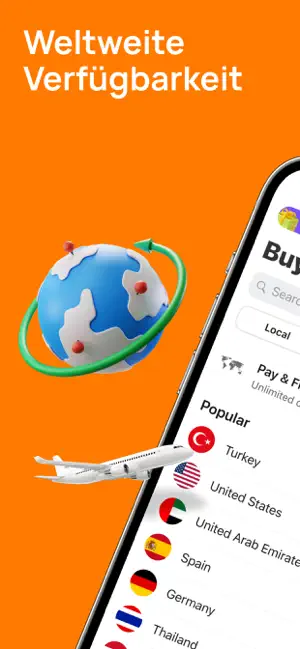
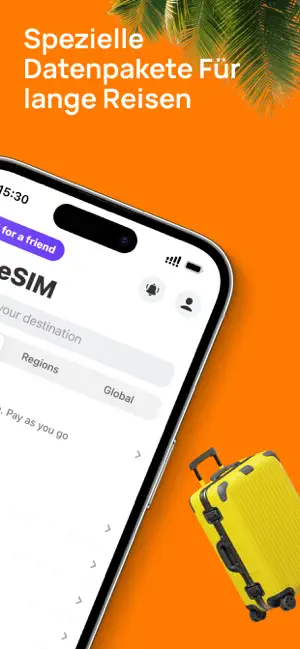
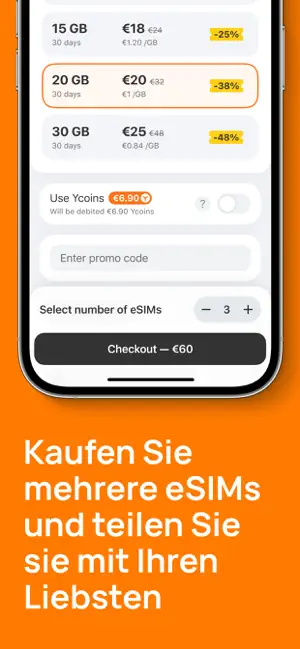
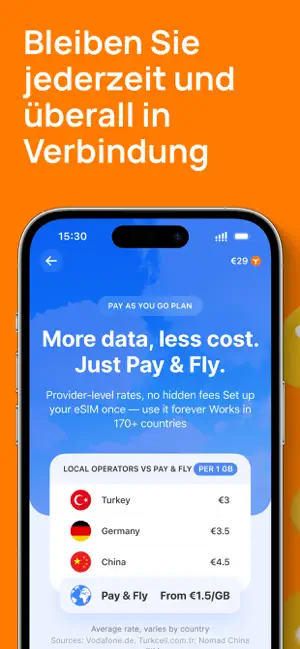
Bleiben Sie mühelos verbunden, egal wohin Ihre Reisen Sie führen – mit Yesim. Unsere eSIM-Lösung bietet Ihnen perfektes mobiles Internet und eine virtuelle zweite Leitung, sodass Sie weltweit nahtlose Konnektivität genießen können. Vergessen Sie Roaming-Gebühren und unsicheres öffentliches WLAN – Yesim bringt Ihnen schnelles, zuverlässiges und erschwingliches mobiles Internet. Warum Yesim? 1. Globale Abdeckung: Die Abdeckung von Yesim erstreckt sich auf über 200 Länder und Regionen weltweit. Von lebhaften Städten bis hin zu abgelegenen Zielen haben Sie immer Zugang zu einem stabilen Netzwerk. 2. Flexible Datenpläne: Wählen Sie aus festen oder unbegrenzten Datenplänen, die bis zu 30 Tage gültig sind. Egal, ob Sie nur ein paar Tage oder einen ganzen Monat reisen, Yesim hat den passenden Plan für Sie. 3. Kostengünstig: Nutzen Sie Datentarife, die günstiger sind als herkömmliche Roaming…
App details
What you can learn from Yesim: Reisen eSIM, Internet
Every shipping app on the App Store has gone through the same decisions you're working through right now: which screenshot goes first, what caption sits over it, which device frame to show, what color the background should be. The 7 screenshots above are Yesim: Reisen eSIM, Internet's answers to those questions — they're public, they're real, and they made it through Apple's review.
Notice the first screenshot in particular. It's the one users see in search results and on the product page, and it's where most apps spend their best caption and tightest design. Look at the proportion of background to phone, where the text sits, what one thing the image is trying to communicate.
Want to see how other Travel apps approach the same problem? Browse more Travel apps in the showcase.
Take what works into your own screenshots
Open LaunchShots and design your App Store & Google Play screenshots — pick a device frame, drop captions, ship in minutes. Free, in your browser.
Open the screenshot editor →