Screenshots

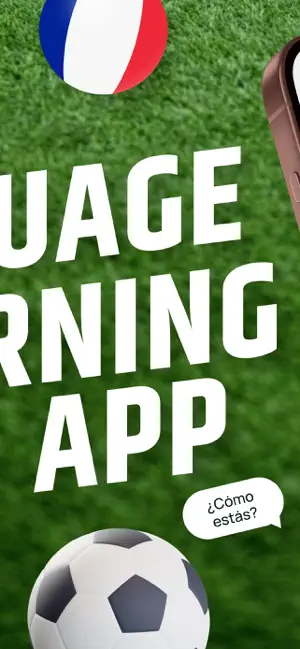
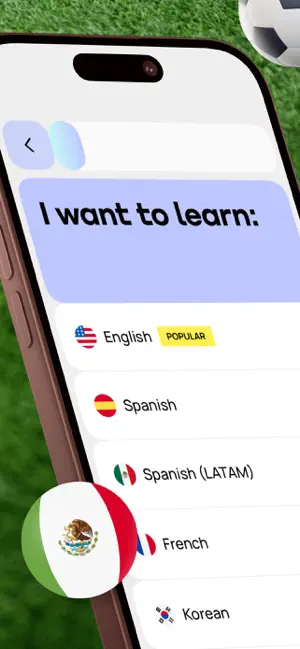



Icon palette
About this app
You've studied. You've practiced. But the moment to actually speak still feels miles away. Promova is the language learning app that changes that. Promova is built for today’s minds, busy adults who want real progress, not just another streak to maintain. Whatever your goal, holding your own in a conversation, nailing a job interview in a new language, or finally feeling like yourself when you speak, Promova adapts to you. Your goals, your schedule, your starting point. Trusted by 25M+ learners across 190+ countries. Rated 4.6 on the App Store. 13 languages. Built with a board of 16 language experts. 93% of users say Promova helped them reach their language learning goals. WHY LEARNERS STAY • Speak sooner. AI conversation practice in 80+ real-life scenarios, available whenever you are. • Progress that fits you. Adaptive learning paths adjust to your level, goals, and how you learn. …
App details
What you can learn from Promova: Language Learning App
Every shipping app on the App Store has gone through the same decisions you're working through right now: which screenshot goes first, what caption sits over it, which device frame to show, what color the background should be. The 7 screenshots above are Promova: Language Learning App's answers to those questions — they're public, they're real, and they made it through Apple's review.
Notice the first screenshot in particular. It's the one users see in search results and on the product page, and it's where most apps spend their best caption and tightest design. Look at the proportion of background to phone, where the text sits, what one thing the image is trying to communicate.
Want to see how other Education apps approach the same problem? Browse more Education apps in the showcase.
Take what works into your own screenshots
Open LaunchShots and design your App Store & Google Play screenshots — pick a device frame, drop captions, ship in minutes. Free, in your browser.
Open the screenshot editor →