Screenshot style breakdown
Sampled from 5 of 島忠・ホームズアプリ's App Store screenshots — background, accent and theme, measured by LaunchShots (not something Apple publishes).
#FCFCFC bg
#DDDDDD
#BC8C1C accent
#111111 text
Screenshots

Icon palette
About this app
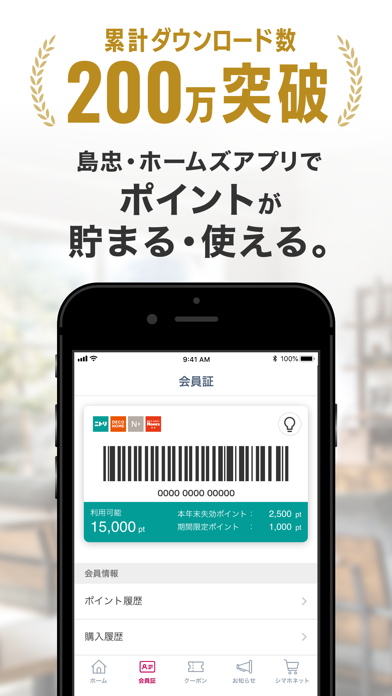
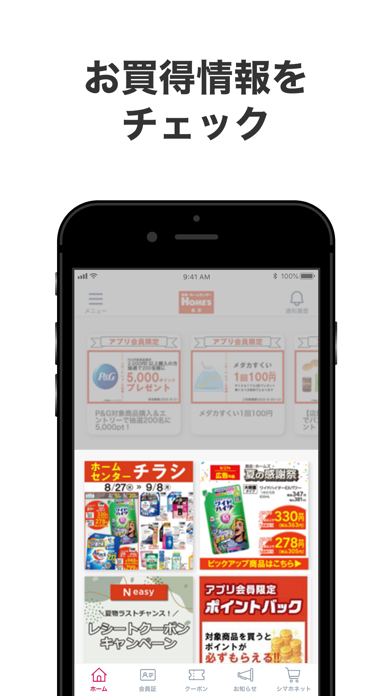
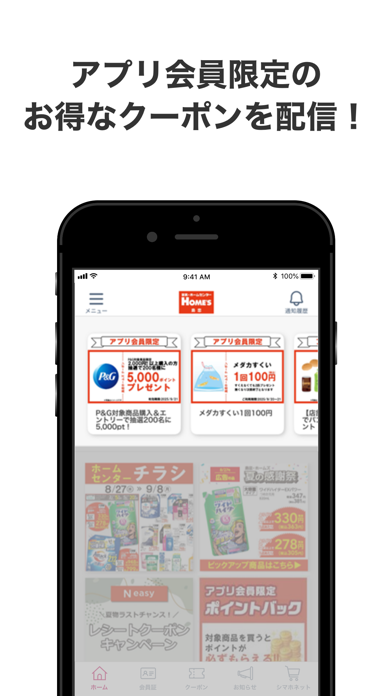
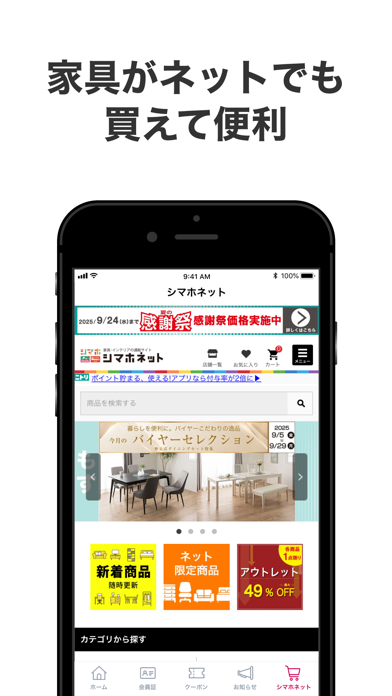
島忠・ホームズでのお買い物が便利になる公式アプリです。 インストールするだけで、おトクな情報をGet! 《 アプリの主な機能 》 ◆会員機能 ①特典 アプリでポイントを貯めることができ、貯めたポイントはニトリグループの店舗・ネットショップでのお買い物でご利用できます。 ②購入履歴・ポイント履歴 会員証を使ったお買い物の購入履歴とポイント履歴の確認ができます。 ◆お買い得情報の配信 最新のキャンペーン・SALE情報が満載のチラシをいつでもどこでも確認できる『デジタルチラシ』や家具通販サイト『シマホネット』のお買得情報等をお知らせします。 ◆店舗検索機能 ・条件を設定し絞込み検索 ・現在地から近い店舗を検索 現在地から店舗まで、車・徒歩・電車別のルートが表示されます。 ◆サイズメモ 撮影した画像にサイズ記入やメモをしてお買い物前にチェックできます。 ◆イベントを見る/レンタル工具予約 一部店舗限定のサービスとなります。 ■ご留意事項 ※現在地からの店舗検索、ルート案内にはGPS位置情報を利用します。 ご利用の際には端…
App details
What you can learn from 島忠・ホームズアプリ
Every shipping app on the App Store has gone through the same decisions you're working through right now: which screenshot goes first, what caption sits over it, which device frame to show, what color the background should be. The 5 screenshots above are 島忠・ホームズアプリ's answers to those questions — they're public, they're real, and they made it through Apple's review.
What the numbers say: 島忠・ホームズアプリ runs a light set with one background colour (#FCFCFC) carried across every screenshot — the listing reads as a single poster when the shots sit side by side in search results. The accent colour we picked up, #BC8C1C, is the one to reuse for badges, arrows and highlighted words if you borrow this look. Hit Use this style to open the editor with these exact colours and drop your own screenshot in.
Notice the first screenshot in particular. It's the one users see in search results and on the product page, and it's where most apps spend their best caption and tightest design. Look at the proportion of background to phone, where the text sits, what one thing the image is trying to communicate.
Want to see how other Lifestyle apps approach the same problem? Browse more Lifestyle apps in the showcase.
Take what works into your own screenshots
Open LaunchShots and design your App Store & Google Play screenshots — pick a device frame, drop captions, ship in minutes. Free, in your browser.
Open the screenshot editor →Apps with a similar look
Closest background + accent colours among the listings we've analysed — useful when you want to see the same palette handled by a different team.