Screenshot changes — detected by LaunchShots
Screenshot style breakdown
Sampled from 4 of 熊日ビューアー's App Store screenshots — background, accent and theme, measured by LaunchShots (not something Apple publishes).
#FCFCFC bg
#DDDDDD
#5474B4 accent
#111111 text
Reading the caption text from the screenshots in your browser…
Screenshots
iPad screenshots


Icon palette
About this app
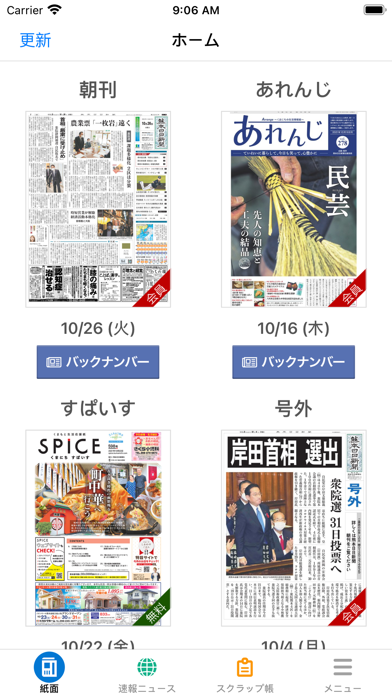
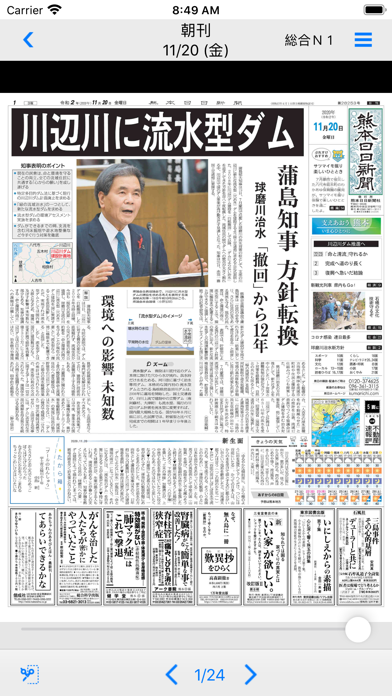
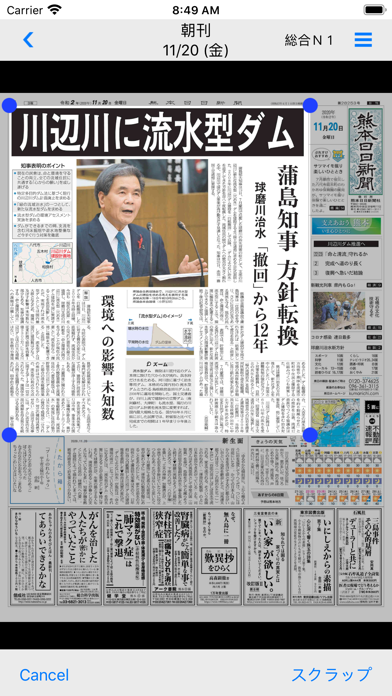
<特長> ・毎朝午前5時ごろに当日の紙面イメージを更新します。 ・朝刊は当日を含めて過去30日分を閲覧できます。 ・小さな文字も拡大して表示することができます。 ・紙面データは保存でき、ネットワークがつながらない環境でも閲覧できます。 <アプリの機能について> ・アイコンをタップするとアプリが起動します。 ・アプリの起動後、日付、朝刊を選択しタップすると紙面イメージが表示されます。 ・紙面イメージ画面はダブルタップするごとで拡大できます。また、ピンチ操作でも拡大、縮小ができます。 ・画面タップで最下部に表示される「<」「>」ボタンを押すと、ページを進めたり戻したりできます。またはページのフリック(指ではじいて)でも行えます。 ・紙面イメージを日付ごとにダウンロードできます。最大7つまで保存でき、ネットワークがつながらない環境でも閲覧が可能です。 <おことわり> ・一部の記事・写真、広告は掲載されません。 ・新聞休刊日の翌日は更新しません。 ※閲覧には通信が発生しますので、WiFi環境でのご利用をおすすめし…
App details
What you can learn from 熊日ビューアー
Every shipping app on the App Store has gone through the same decisions you're working through right now: which screenshot goes first, what caption sits over it, which device frame to show, what color the background should be. The 8 screenshots above are 熊日ビューアー's answers to those questions — they're public, they're real, and they made it through Apple's review.
What the numbers say: 熊日ビューアー runs a light set with one background colour (#FCFCFC) carried across every screenshot — the listing reads as a single poster when the shots sit side by side in search results. The accent colour we picked up, #5474B4, is the one to reuse for badges, arrows and highlighted words if you borrow this look. Hit Use this style to open the editor with these exact colours and drop your own screenshot in.
Notice the first screenshot in particular. It's the one users see in search results and on the product page, and it's where most apps spend their best caption and tightest design. Look at the proportion of background to phone, where the text sits, what one thing the image is trying to communicate.
Want to see how other News apps approach the same problem? Browse more News apps in the showcase.
Take what works into your own screenshots
Open LaunchShots and design your App Store & Google Play screenshots — pick a device frame, drop captions, ship in minutes. Free, in your browser.
Open the screenshot editor →Apps with a similar look
Closest background + accent colours among the listings we've analysed — useful when you want to see the same palette handled by a different team.