Screenshots



iPad screenshots



Icon palette
About this app
Quantum random exploration can change reality as you know it. The superpower behind Randonautica gives you a random location to journey to. Set your intention in your mind for what you seek, you will find. Reasons to use Randonautica to generate completely random coordinates for you to travel to: -To go on an unexpected adventure -To test out quantum entropy and the mind's ability to influence reality -To break the matrix -To get some exercise by walking to a random location -To open a real world portal -To get off screens and go on an outdoor adventure -To feel heightened awareness and observation -To feel being present -To find new areas in your neighborhood, town or city -To connect with other people of similar interests across the globe on Randonautica's in-app Social Media feed, Discover Randonautica is the first ever quantumly generated adventure game that takes you on a jour…
App details
What you can learn from Randonautica
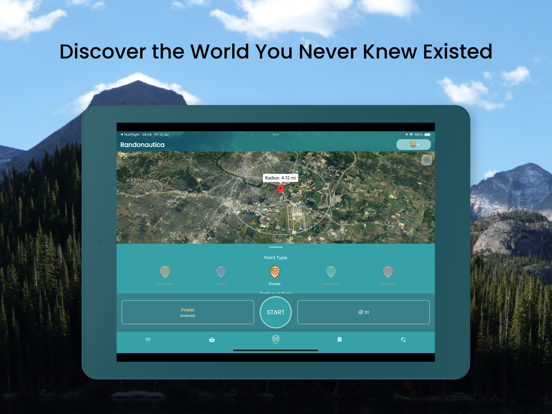
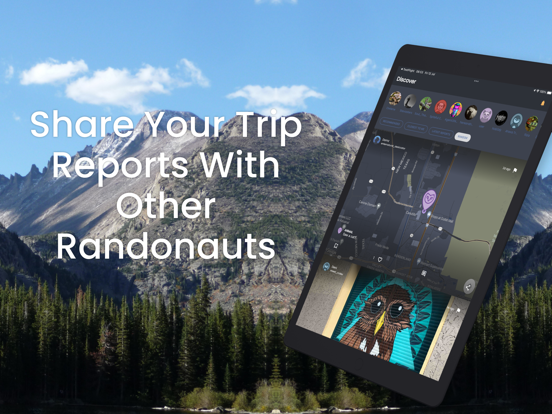
Every shipping app on the App Store has gone through the same decisions you're working through right now: which screenshot goes first, what caption sits over it, which device frame to show, what color the background should be. The 12 screenshots above are Randonautica's answers to those questions — they're public, they're real, and they made it through Apple's review.
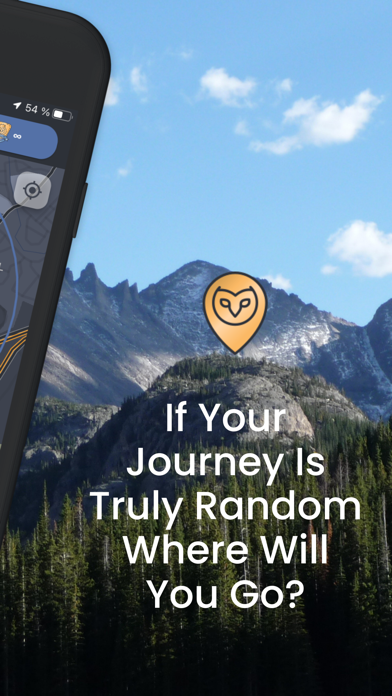
Notice the first screenshot in particular. It's the one users see in search results and on the product page, and it's where most apps spend their best caption and tightest design. Look at the proportion of background to phone, where the text sits, what one thing the image is trying to communicate.
Want to see how other Navigation apps approach the same problem? Browse more Navigation apps in the showcase.
Take what works into your own screenshots
Open LaunchShots and design your App Store & Google Play screenshots — pick a device frame, drop captions, ship in minutes. Free, in your browser.
Open the screenshot editor →