Chart position — tracked daily by LaunchShots
Screenshot style breakdown
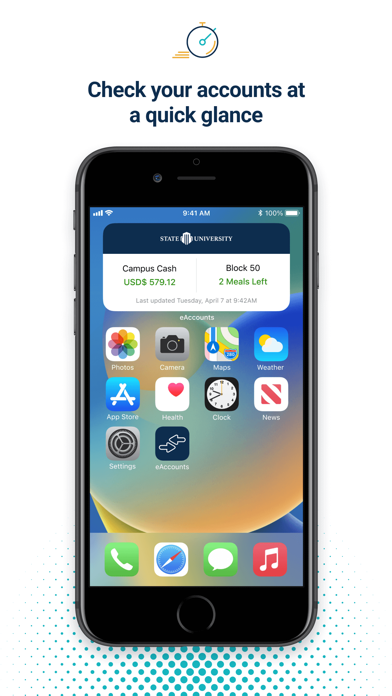
Sampled from 6 of Transact eAccounts's App Store screenshots — background, accent and theme, measured by LaunchShots (not something Apple publishes).
#FCFCFC bg
#DDDDDD
#0C2C4C accent
#111111 text
Reading the caption text from the screenshots in your browser…
Screenshots
Icon palette
About this app
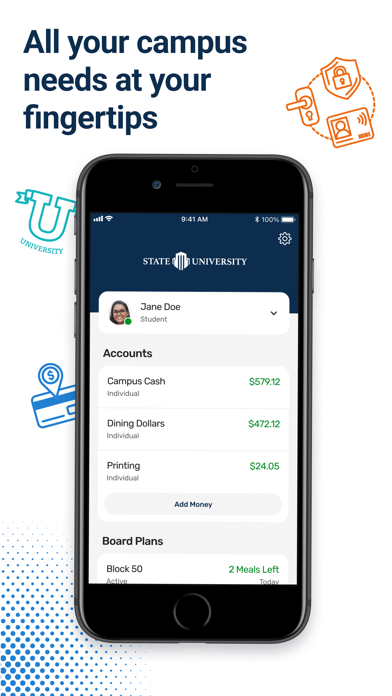
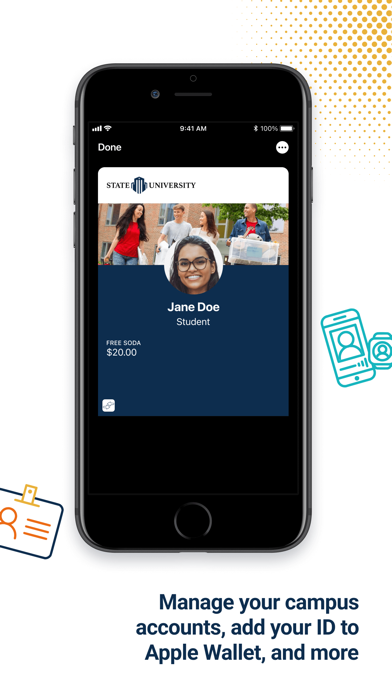
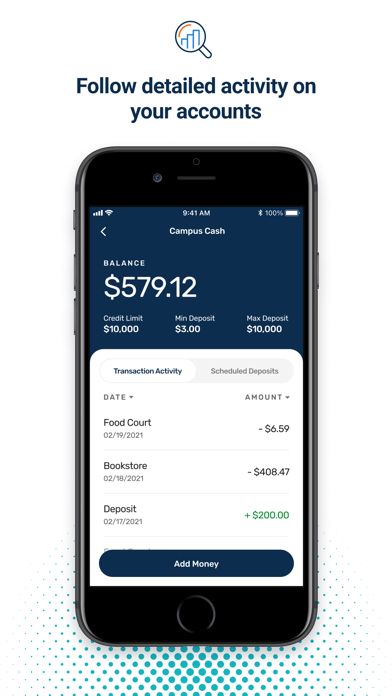
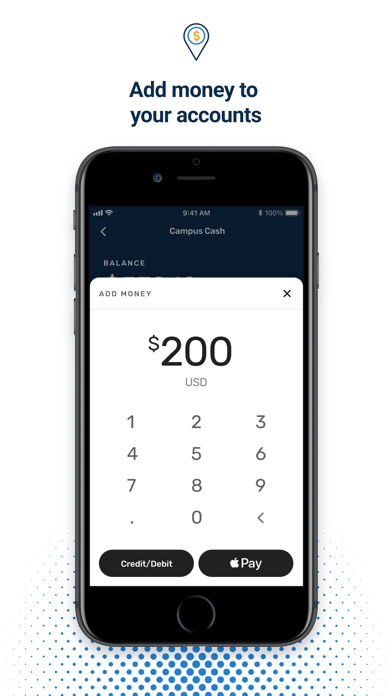
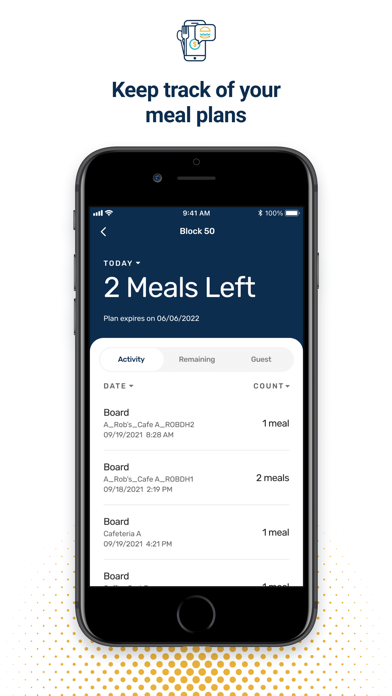
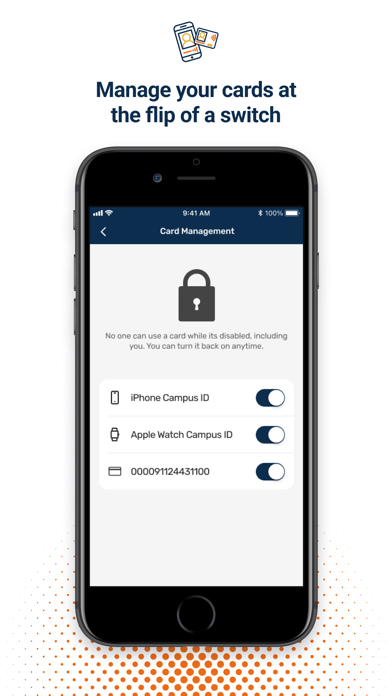
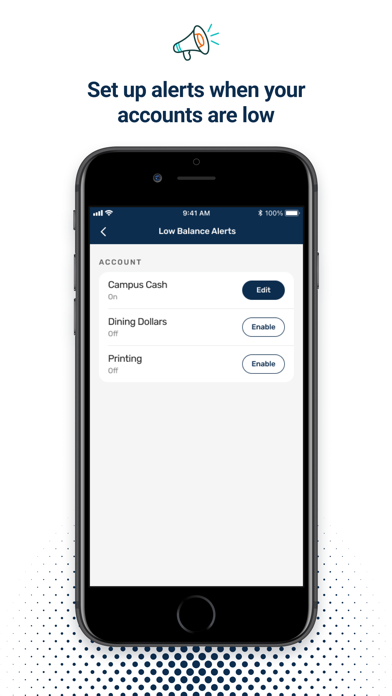
For users at participating campuses and institutions, eAccounts mobile makes it easy to view account balances, add money and track recent transactions. At select campuses, users can now add their ID card to Wallet to access places like your residence hall, the library, and events; or pay for laundry, snacks, and dinners using their iPhone and Apple Watch. Key Features & Benefits: • View account balances • Track recent transactions • Add money to accounts using Apple Pay or a previously-saved payment method • Add your ID card to Apple Wallet (select campuses) • Barcode (select campuses) • Report cards lost or found • Multi Factor Authentication • App Shortcuts • Change PIN Requirements: • Campus or institution must subscribe to eAccounts service • Campus or institution must enable mobile features to provide access to users • Wi-Fi or cellular data plan for Internet access Contact y…
App details
What you can learn from Transact eAccounts
Every shipping app on the App Store has gone through the same decisions you're working through right now: which screenshot goes first, what caption sits over it, which device frame to show, what color the background should be. The 9 screenshots above are Transact eAccounts's answers to those questions — they're public, they're real, and they made it through Apple's review.
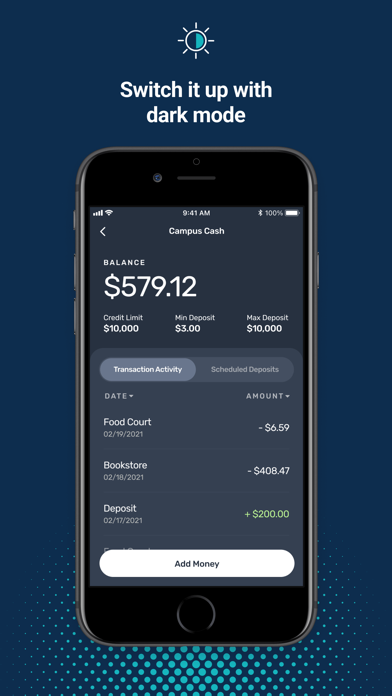
What the numbers say: Transact eAccounts runs a mixed light-and-dark set where the background shifts from screenshot to screenshot (first shot #FCFCFC) — each image has to stand on its own, so the captions carry more of the story. The accent colour we picked up, #0C2C4C, is the one to reuse for badges, arrows and highlighted words if you borrow this look. Hit Use this style to open the editor with these exact colours and drop your own screenshot in.
Notice the first screenshot in particular. It's the one users see in search results and on the product page, and it's where most apps spend their best caption and tightest design. Look at the proportion of background to phone, where the text sits, what one thing the image is trying to communicate.
Want to see how other Education apps approach the same problem? Browse more Education apps in the showcase.
Take what works into your own screenshots
Open LaunchShots and design your App Store & Google Play screenshots — pick a device frame, drop captions, ship in minutes. Free, in your browser.
Open the screenshot editor →Apps with a similar look
Closest background + accent colours among the listings we've analysed — useful when you want to see the same palette handled by a different team.