Chart position — tracked daily by LaunchShots
Screenshot style breakdown
Sampled from 5 of gov.br's App Store screenshots — background, accent and theme, measured by LaunchShots (not something Apple publishes).
#FCC404 bg
#DDAC03
#144CAC accent
#111111 text
Screenshots
Icon palette
About this app
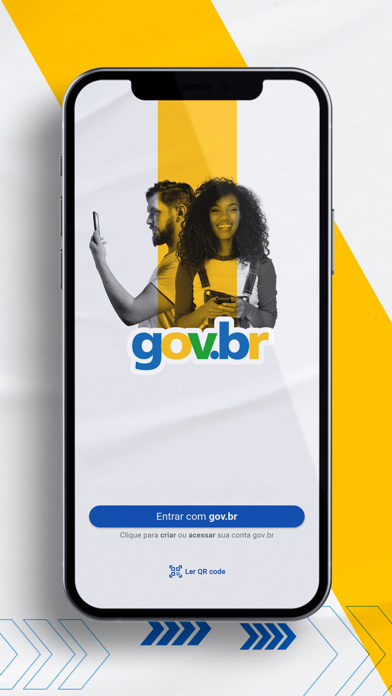
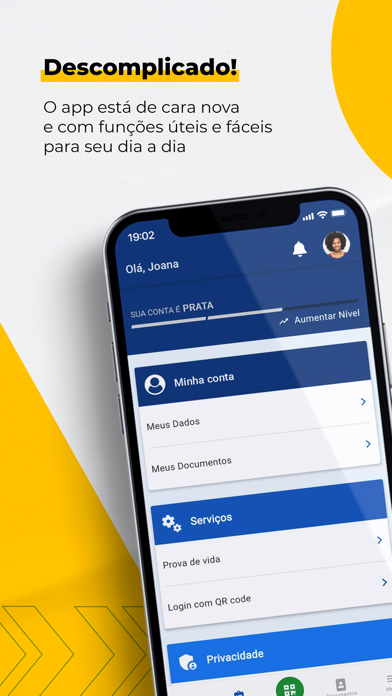
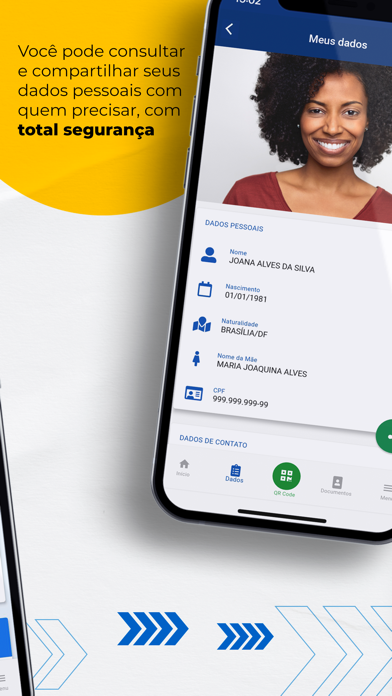
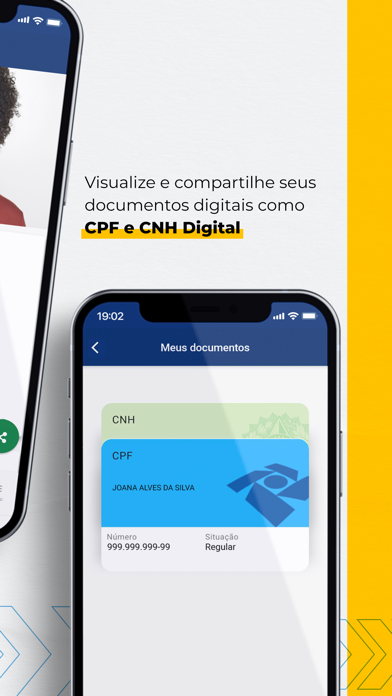
Agora sim! Estamos de cara nova! E com novidades! O app "gov.br" (antes Meu gov.br) está renovado para que você tenha uma experiência mais simplificada: - Para começar, você pode acessar o app sem fazer o reconhecimento facial e se precisar criar sua conta gov.br, já faremos pelo app. - Você pode acessar qualquer serviço do governo que tenha o botão “Entrar com gov.br” sem precisar de senha, usando apenas a biometria do seu celular. Vai que você esquece a senha?! - E mais, além de poder consultar seus dados e documentos digitais, poderá compartilhá-los com seus contatos para facilitar a vida. Também pode ver seu histórico de login em sites gov.br e ter mais transparência para entender como estão usando seus dados. - E para deixar sua conta mais segura, pode aumentar o nível dela para prata ou ouro! Tudo isso disponível no novo app, mantendo o que já era útil: prova de vid…
App details
What you can learn from gov.br
Every shipping app on the App Store has gone through the same decisions you're working through right now: which screenshot goes first, what caption sits over it, which device frame to show, what color the background should be. The 5 screenshots above are gov.br's answers to those questions — they're public, they're real, and they made it through Apple's review.
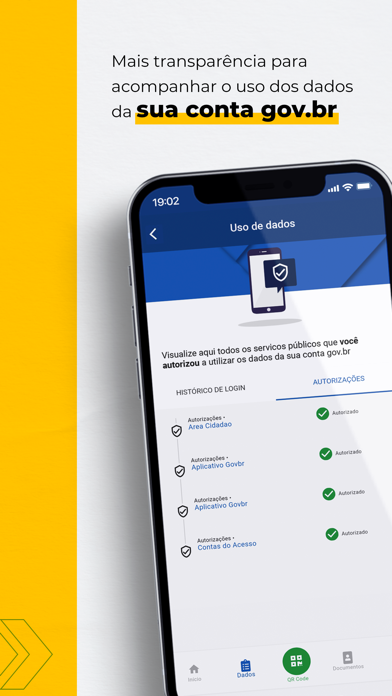
What the numbers say: gov.br runs a light set where the background shifts from screenshot to screenshot (first shot #FCC404) — each image has to stand on its own, so the captions carry more of the story. The accent colour we picked up, #144CAC, is the one to reuse for badges, arrows and highlighted words if you borrow this look. Hit Use this style to open the editor with these exact colours and drop your own screenshot in.
Notice the first screenshot in particular. It's the one users see in search results and on the product page, and it's where most apps spend their best caption and tightest design. Look at the proportion of background to phone, where the text sits, what one thing the image is trying to communicate.
Want to see how other Utilities apps approach the same problem? Browse more Utilities apps in the showcase.
Take what works into your own screenshots
Open LaunchShots and design your App Store & Google Play screenshots — pick a device frame, drop captions, ship in minutes. Free, in your browser.
Open the screenshot editor →Apps with a similar look
Closest background + accent colours among the listings we've analysed — useful when you want to see the same palette handled by a different team.