Screenshots
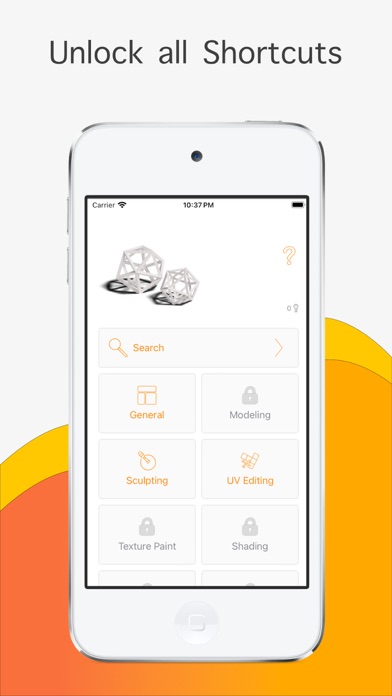
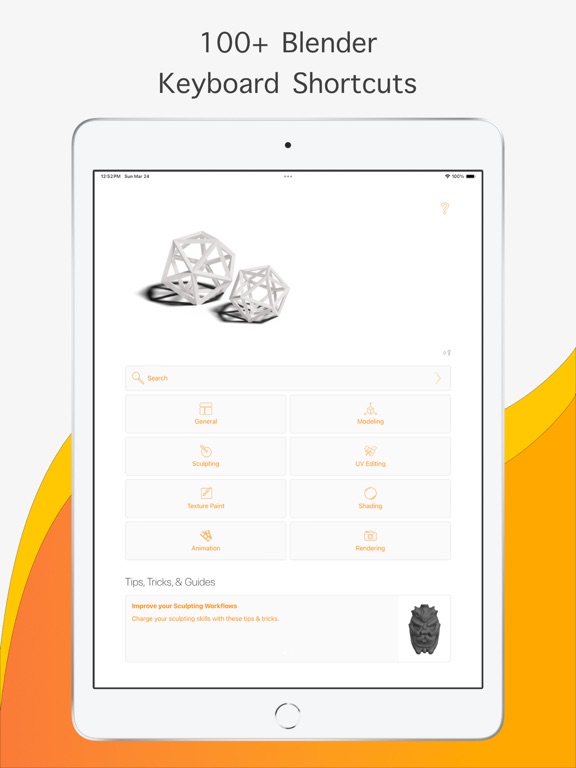
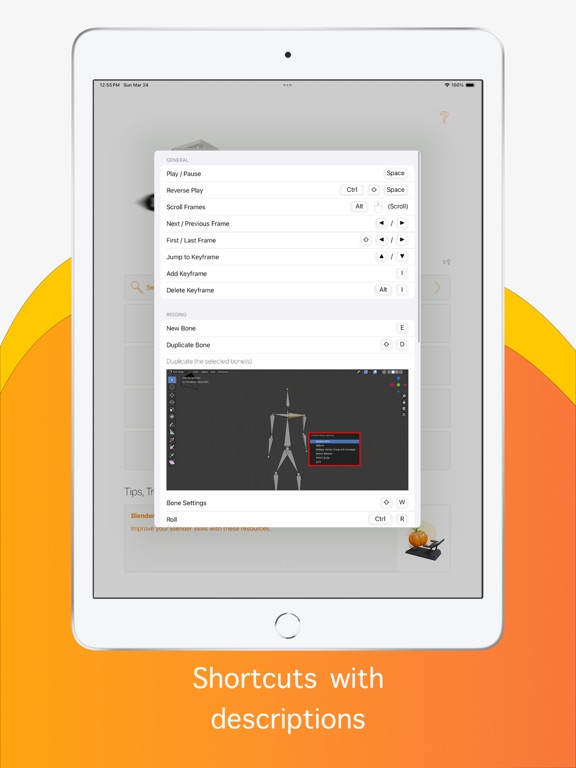
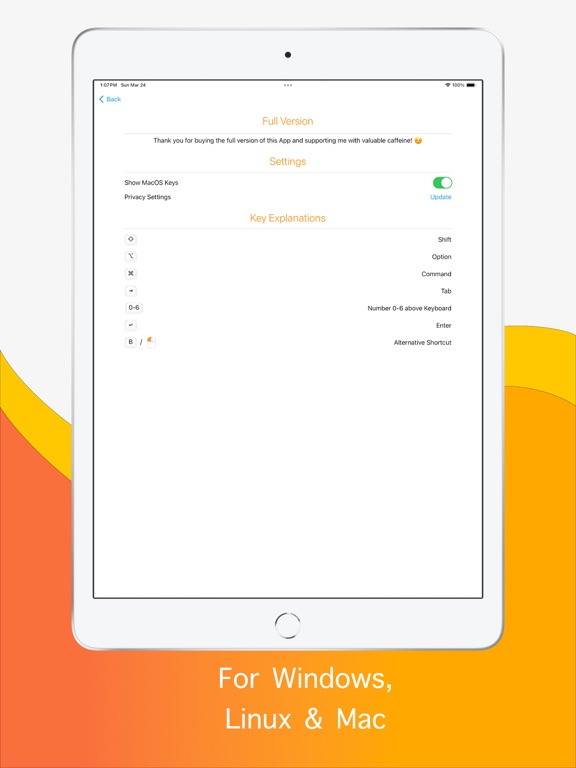
iPad screenshots
Icon palette
About this app
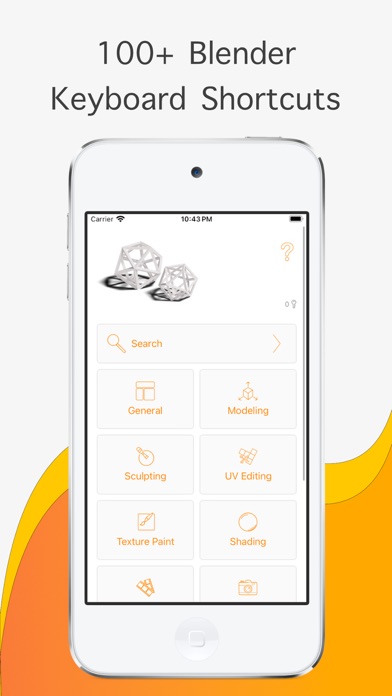
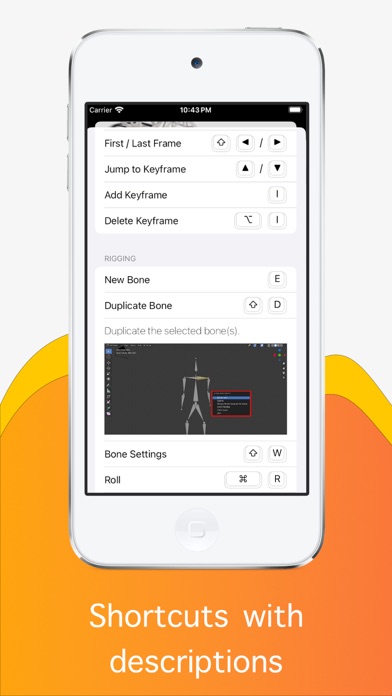
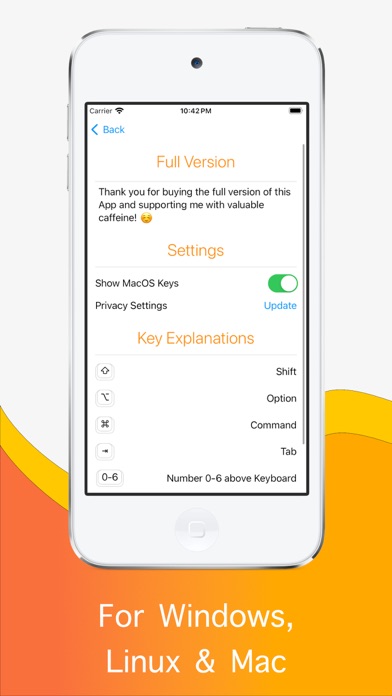
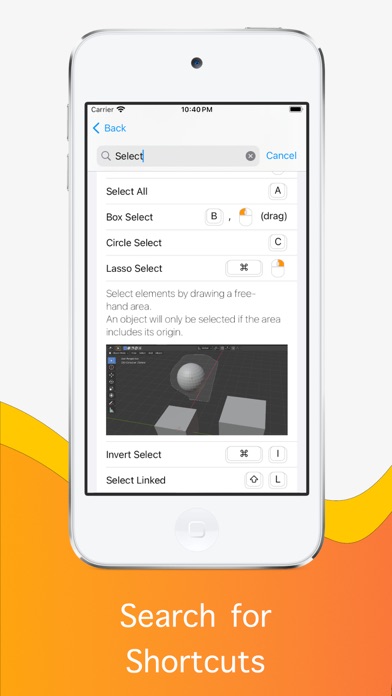
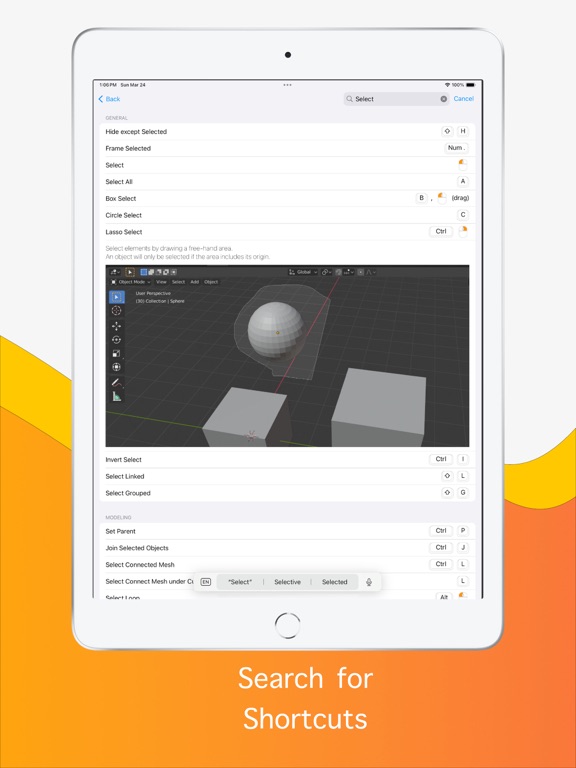
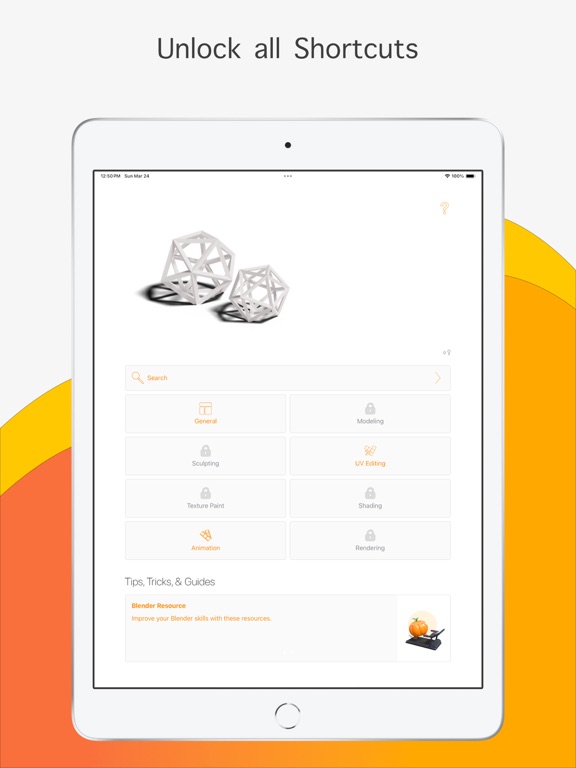
No matter if you are a new Blender user or have been using Blender already for a while, it comes with a lot of keyboard shortcut. If you know them you can improve your workflow and work much faster. This app was built to help you get to know the different keyboard shortcuts. This app contains more than 100+ keyboard shortcuts for the 3D software Blender version 2.8 and up. All keyboard shortcuts are available offline and are sorted by various categories. We also added some helpful descriptions to each shortcut explaining it. Additionally, the app offers the possibility to search for keyboard shortcuts. There are two different versions of the app available. The free version contains Ads, but for a small amount, you can get an Ad-Free version of the App. In the free version you can unlock a limited number of shortcuts. The ad-free version with all shortcuts you can buy as In-App Purchas…
App details
What you can learn from Blender Keys
Every shipping app on the App Store has gone through the same decisions you're working through right now: which screenshot goes first, what caption sits over it, which device frame to show, what color the background should be. The 10 screenshots above are Blender Keys's answers to those questions — they're public, they're real, and they made it through Apple's review.
Notice the first screenshot in particular. It's the one users see in search results and on the product page, and it's where most apps spend their best caption and tightest design. Look at the proportion of background to phone, where the text sits, what one thing the image is trying to communicate.
Want to see how other Reference apps approach the same problem? Browse more Reference apps in the showcase.
Take what works into your own screenshots
Open LaunchShots and design your App Store & Google Play screenshots — pick a device frame, drop captions, ship in minutes. Free, in your browser.
Open the screenshot editor →