Screenshots

Icon palette
About this app
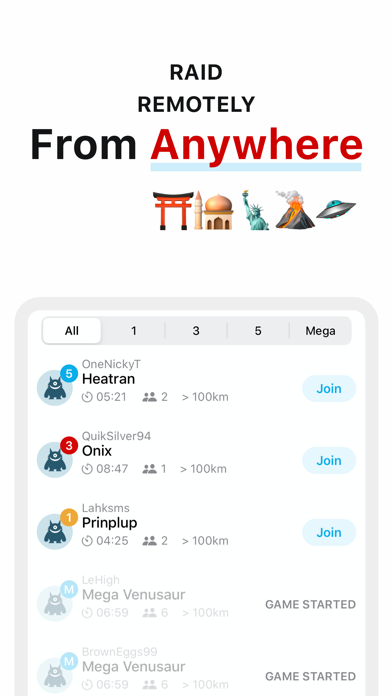
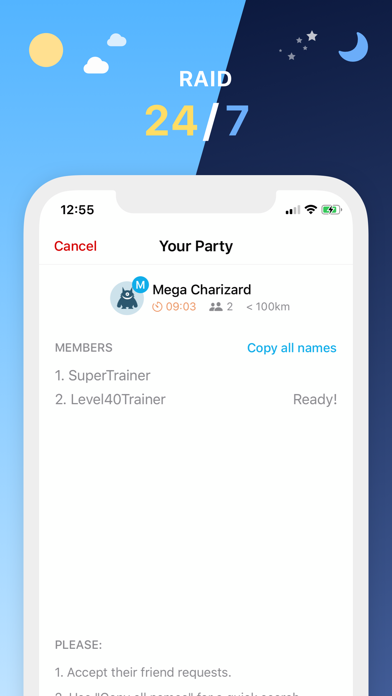
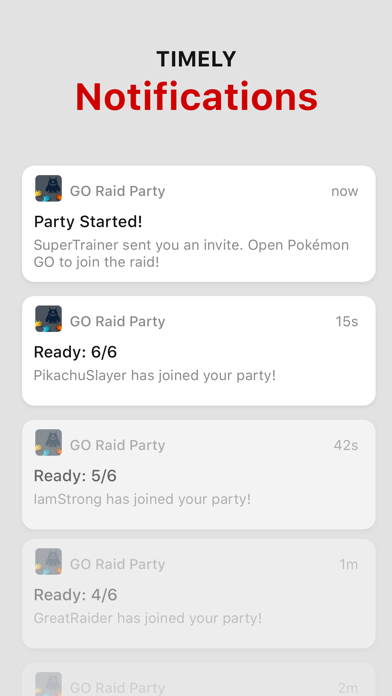
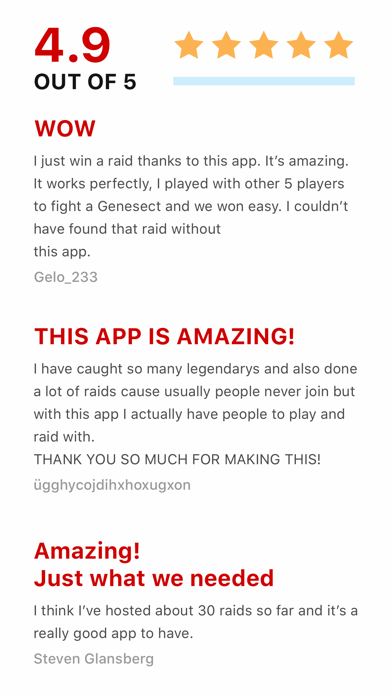
The ability to raid remotely from anywhere in the world might be the biggest thing since the release of Pokémon GO. Now it doesn't matter where you live, you can join a party to take down that Tier 5 boss you've been dreaming about. With GO Raid Party, we match people who need help with people who want to help, with a simple and easy to understand interface. This app is perfect for people who: - Has plenty of raids around but nobody to raid with. Go host a room! - Has a strong team but no raid around to join. Go find a room to help out! - Wants to raid regional stuff. It used to sucks when you can't have Azelf/Mesprit/Uxie just because you can't travel. Now you can (when it comes back to raids, of course). - Want to raid 24/7 to grind that hundo or shiny or dare we suggest, SHUNDO. Download the app, setup your profile and get your first raid done in less than 10 minutes. It's that s…
App details
What you can learn from GO Raid Party
Every shipping app on the App Store has gone through the same decisions you're working through right now: which screenshot goes first, what caption sits over it, which device frame to show, what color the background should be. The 5 screenshots above are GO Raid Party's answers to those questions — they're public, they're real, and they made it through Apple's review.
Notice the first screenshot in particular. It's the one users see in search results and on the product page, and it's where most apps spend their best caption and tightest design. Look at the proportion of background to phone, where the text sits, what one thing the image is trying to communicate.
Want to see how other Utilities apps approach the same problem? Browse more Utilities apps in the showcase.
Take what works into your own screenshots
Open LaunchShots and design your App Store & Google Play screenshots — pick a device frame, drop captions, ship in minutes. Free, in your browser.
Open the screenshot editor →