Screenshots




Icon palette
About this app
Discover Foody Bag – Your Solution to Affordable and Sustainable Eating! Ever wondered what happens to delicious, fresh food at the end of the day in bakeries, supermarkets, cafes, and restaurants? Foody Bag offers the answer: a chance to snag a variety of delightful food products at a fraction of their original price! What is a Foody Bag? A Foody Bag is a curated selection of random, delectable food items available for purchase at one-third of their retail price. From sandwiches and donuts to rolls, bread, supermarket items, meat, fish, fruits, vegetables, pastries, cakes, and more – something for everyone! Customize Your Experience! With Foody Bag, you're in control. Filter options allow you to refine your search based on budget, store types, price range, dietary preferences, and star ratings. Create a personalized profile, organize your favorites, and leave reviews to help other…
App details
What you can learn from Foody Bag: Rescue Food
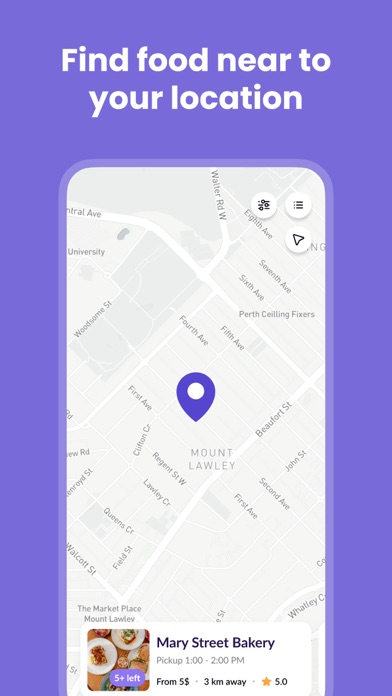
Every shipping app on the App Store has gone through the same decisions you're working through right now: which screenshot goes first, what caption sits over it, which device frame to show, what color the background should be. The 5 screenshots above are Foody Bag: Rescue Food's answers to those questions — they're public, they're real, and they made it through Apple's review.
Notice the first screenshot in particular. It's the one users see in search results and on the product page, and it's where most apps spend their best caption and tightest design. Look at the proportion of background to phone, where the text sits, what one thing the image is trying to communicate.
Want to see how other Food & Drink apps approach the same problem? Browse more Food & Drink apps in the showcase.
Take what works into your own screenshots
Open LaunchShots and design your App Store & Google Play screenshots — pick a device frame, drop captions, ship in minutes. Free, in your browser.
Open the screenshot editor →