Screenshots
Icon palette
About this app
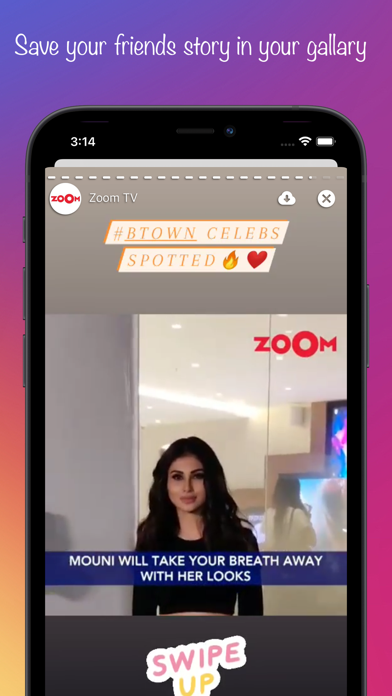
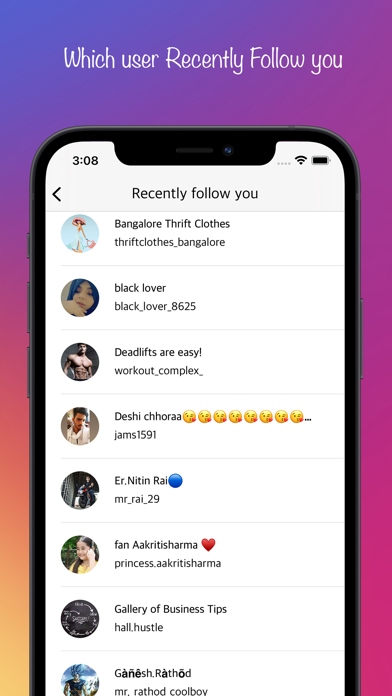
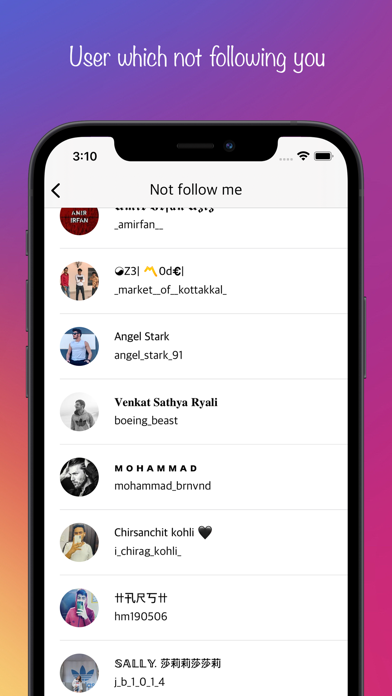
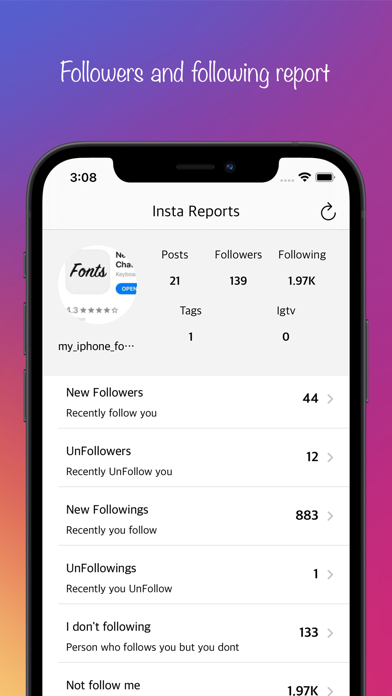
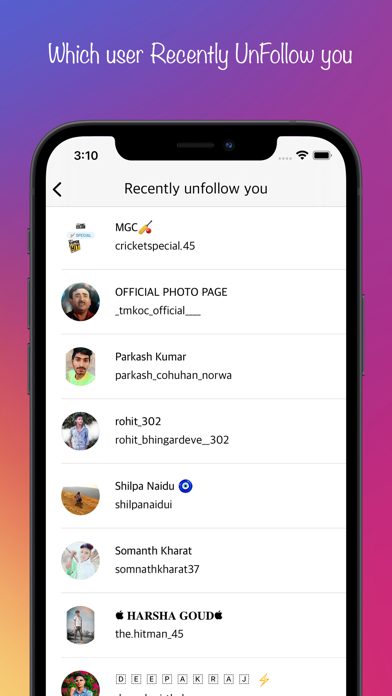
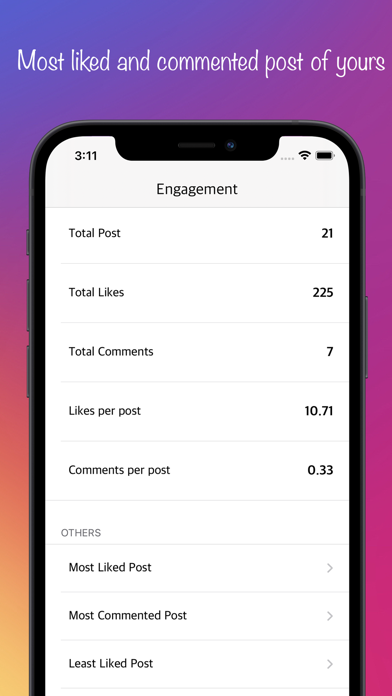
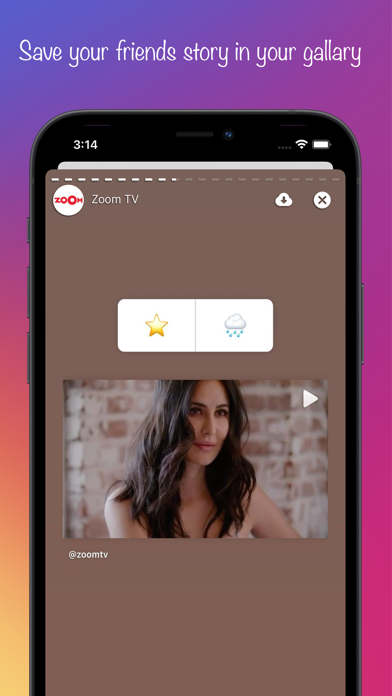
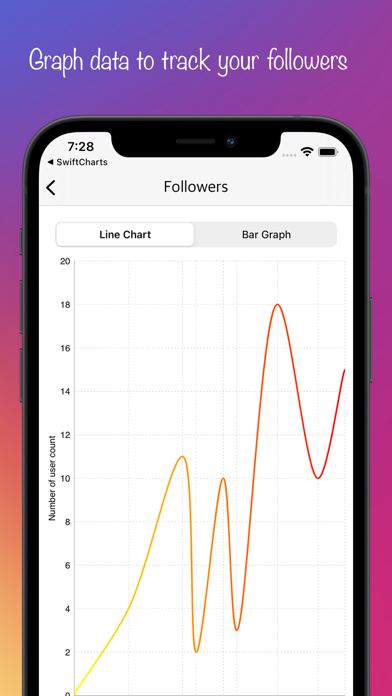
Now you can save your friends story timeline in to your gallery by using this app. By using InstaReports you can check who follow or un follow me recently. this app contains your follower count in app of instagram and gives you report based on you activity on Instagram. Implement a chart feature using line chart and bar chart for new followers and followings. Features - Who follows you recently. - Who unfollow you recently. - which user you follow recently. - which user you unfollow recently. - Line chart for keep record of your followers. - bar chart for keep record for your followers. - Total likes on your posts. - Total comment on your posts. - Most liked post from your post. - Most commented post from your post. - Save stories in to your gallery.
App details
What you can learn from new follower for Instagram
Every shipping app on the App Store has gone through the same decisions you're working through right now: which screenshot goes first, what caption sits over it, which device frame to show, what color the background should be. The 8 screenshots above are new follower for Instagram's answers to those questions — they're public, they're real, and they made it through Apple's review.
Notice the first screenshot in particular. It's the one users see in search results and on the product page, and it's where most apps spend their best caption and tightest design. Look at the proportion of background to phone, where the text sits, what one thing the image is trying to communicate.
Want to see how other Reference apps approach the same problem? Browse more Reference apps in the showcase.
Take what works into your own screenshots
Open LaunchShots and design your App Store & Google Play screenshots — pick a device frame, drop captions, ship in minutes. Free, in your browser.
Open the screenshot editor →