Screenshot style breakdown
Sampled from 4 of HisenseHome's App Store screenshots — background, accent and theme, measured by LaunchShots (not something Apple publishes).
#FCFCFC bg
#DDDDDD
#04ACA4 accent
#111111 text
Screenshots
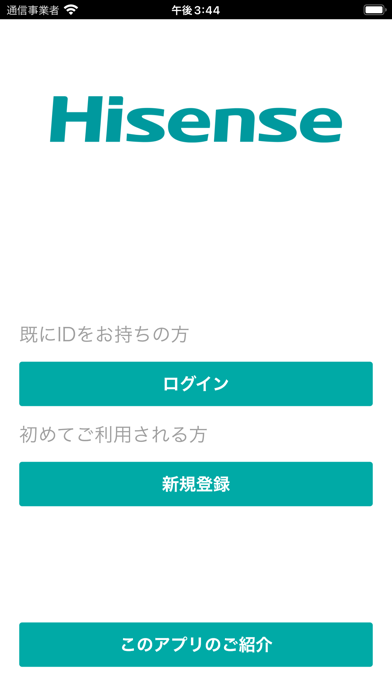
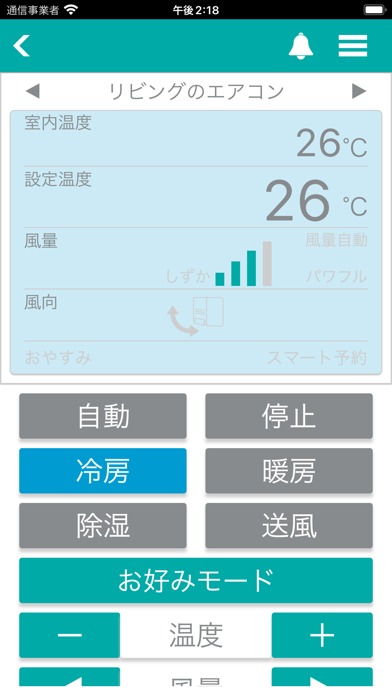
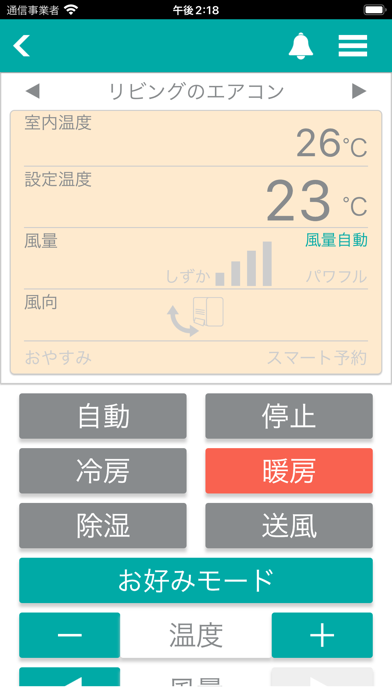
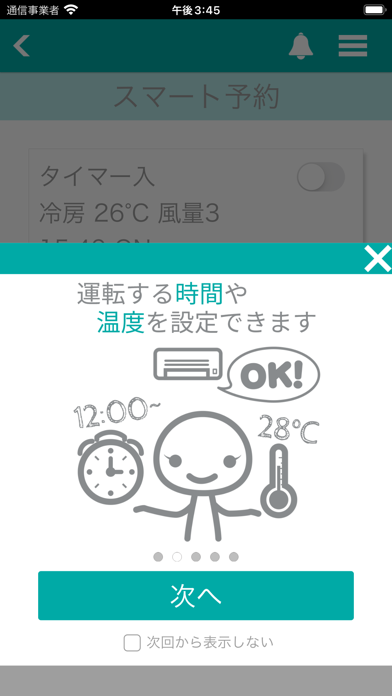
iPad screenshots


Icon palette
About this app
「HiseneHome」では、お使いのスマートフォンで、どこにいるときでも簡単にエアコンを操作をしたり、運転状況を確認することが可能です。 ■HiseneHomeの主な特徴 -エアコンの運転状況を表示 お使いのエアコンが今どのような動作をしているのか、アプリで確認することができます。 -エアコンの運転モードの設定 様々な運転モード(自動、冷房、暖房、除湿、送風)に変更できます。 -エアコンの設定温度、設定風量の変更 温度設定や風量設定を変更できます。 -エアコンのお好みモードの設定 自分好みの専用モードを、ワンタッチで設定できる機能です。 運転モード、温度、風量を自由な組み合わせで設定することができます。 -エアコンスマート予約 様々な条件で予約を行うことができる機能です。 時刻設定での運転ON、運転OFFだけでなく、室温条件で運転モードを変更することもできます。 (例) 室温29℃以上になったら冷房・27℃・風量自動で運転 -洗濯機の運転予約 リモートで洗濯予約を行うことが出来る機能です。 各洗濯コースの説…
App details
What you can learn from HisenseHome
Every shipping app on the App Store has gone through the same decisions you're working through right now: which screenshot goes first, what caption sits over it, which device frame to show, what color the background should be. The 8 screenshots above are HisenseHome's answers to those questions — they're public, they're real, and they made it through Apple's review.
What the numbers say: HisenseHome runs a light set with one background colour (#FCFCFC) carried across every screenshot — the listing reads as a single poster when the shots sit side by side in search results. The accent colour we picked up, #04ACA4, is the one to reuse for badges, arrows and highlighted words if you borrow this look. Hit Use this style to open the editor with these exact colours and drop your own screenshot in.
Notice the first screenshot in particular. It's the one users see in search results and on the product page, and it's where most apps spend their best caption and tightest design. Look at the proportion of background to phone, where the text sits, what one thing the image is trying to communicate.
Want to see how other Lifestyle apps approach the same problem? Browse more Lifestyle apps in the showcase.
Take what works into your own screenshots
Open LaunchShots and design your App Store & Google Play screenshots — pick a device frame, drop captions, ship in minutes. Free, in your browser.
Open the screenshot editor →Apps with a similar look
Closest background + accent colours among the listings we've analysed — useful when you want to see the same palette handled by a different team.