Screenshots



Icon palette
About this app
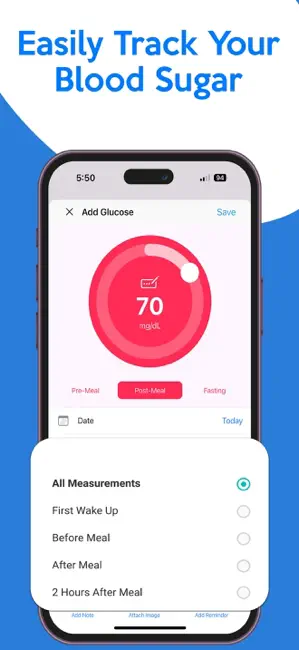
Blood Sugar & Diabetes Tracker: Your Comprehensive Health Management Solution Take control of your health with the Blood Sugar & Diabetes Tracker app, designed to make tracking and managing your health simple, efficient, and accessible. Whether you’re monitoring blood sugar levels, medications, A1C, or weight, this app provides the tools you need for better diabetes management and overall health tracking. Supporting both mg/dL (American system) and mmol/L (British system), our app ensures global compatibility for your blood sugar log conversions. Core Features * Blood Sugar Tracking: Record and analyze your daily and monthly blood sugar levels. * Medication Tracker: Manage and log your medications using a user-friendly medication library. * A1C Tracker: Monitor your A1C levels for long-term diabetes management. * Weight Tracker: Keep track of your weight and analyze trends for better …
App details
What you can learn from Blood Sugar & Diabetes Tracker
Every shipping app on the App Store has gone through the same decisions you're working through right now: which screenshot goes first, what caption sits over it, which device frame to show, what color the background should be. The 6 screenshots above are Blood Sugar & Diabetes Tracker's answers to those questions — they're public, they're real, and they made it through Apple's review.
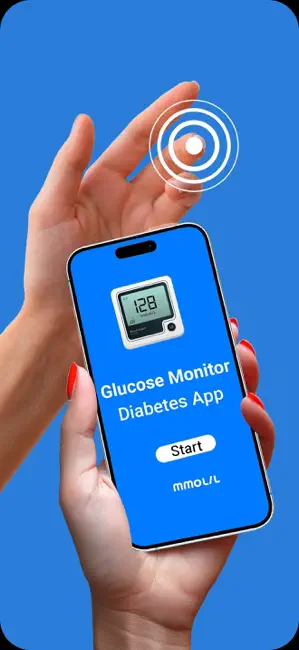
Notice the first screenshot in particular. It's the one users see in search results and on the product page, and it's where most apps spend their best caption and tightest design. Look at the proportion of background to phone, where the text sits, what one thing the image is trying to communicate.
Want to see how other Medical apps approach the same problem? Browse more Medical apps in the showcase.
Take what works into your own screenshots
Open LaunchShots and design your App Store & Google Play screenshots — pick a device frame, drop captions, ship in minutes. Free, in your browser.
Open the screenshot editor →