Screenshots

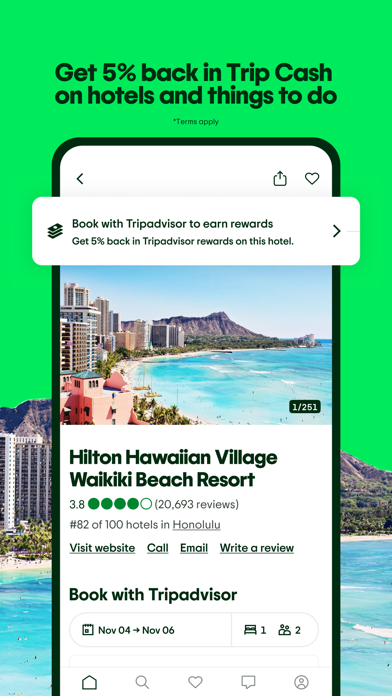

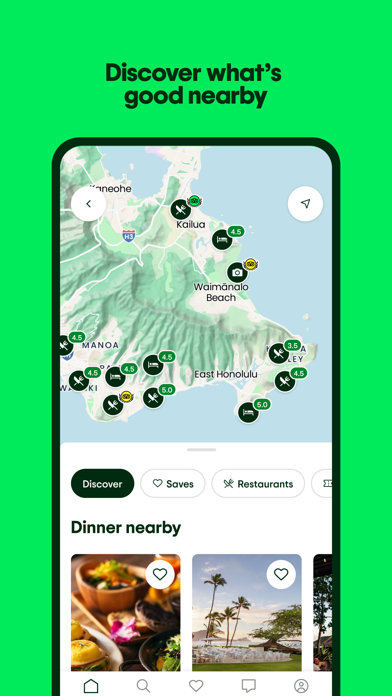

iPad screenshots

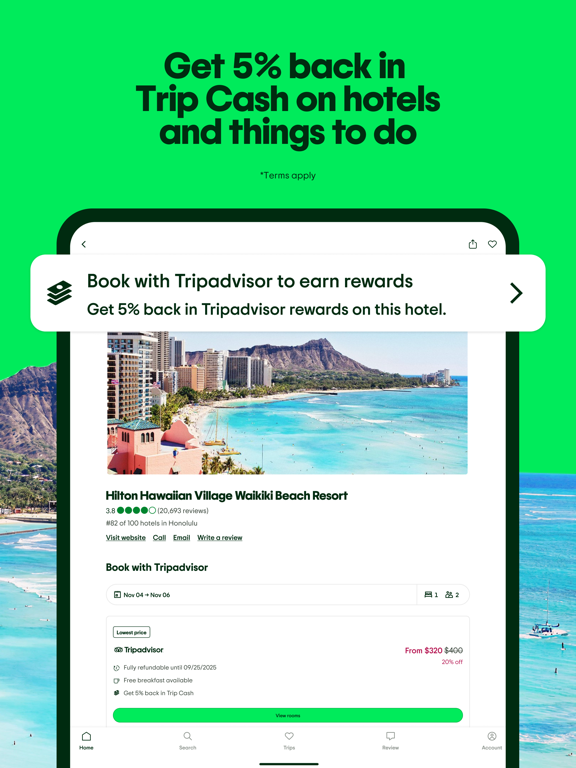
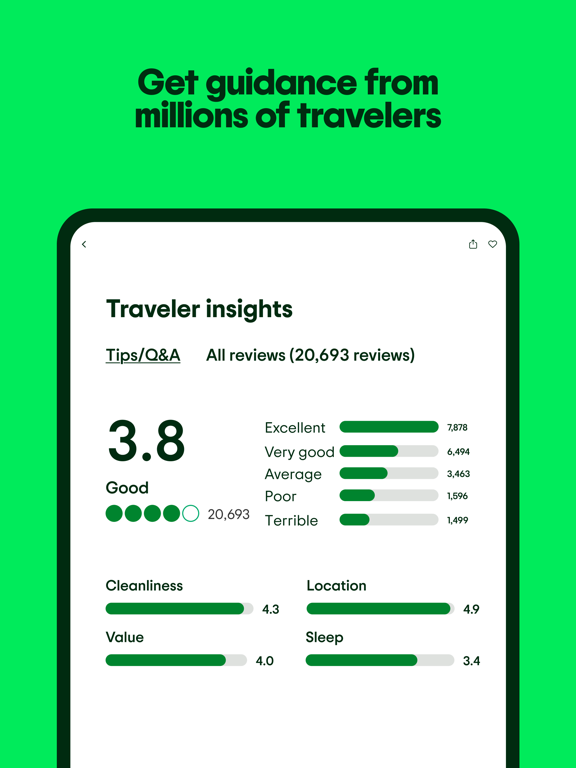

Icon palette
About this app
One app, so many places to discover. Get guidance from millions of travelers and earn rewards for more trips by doing what you love: planning, booking, and sharing. The best part? It’s free to join. Score last-minute tour tickets in a few quick taps. Book a hotel your entire family will love at a great rate. Create an itinerary in seconds with top recs from travelers like you. All while earning Trip Cash to fuel even more vacays. You bring the fun, the Tripadvisor app brings the rewards. Tripadvisor Rewards: Plan, book, share, earn rewards - Book from over 400,000 experiences and 600,000 hotels, and get 5% back in Trip Cash to save on future trips - Earn beyond booking: Planning and sharing can net you Trip Cash too - Join for free in the app! Plan all in one place - Save your favorite hotels, restaurants, and experiences - Get custom recs based on your saves with AI trip builder -…
App details
What you can learn from Tripadvisor: Plan & Book Trips
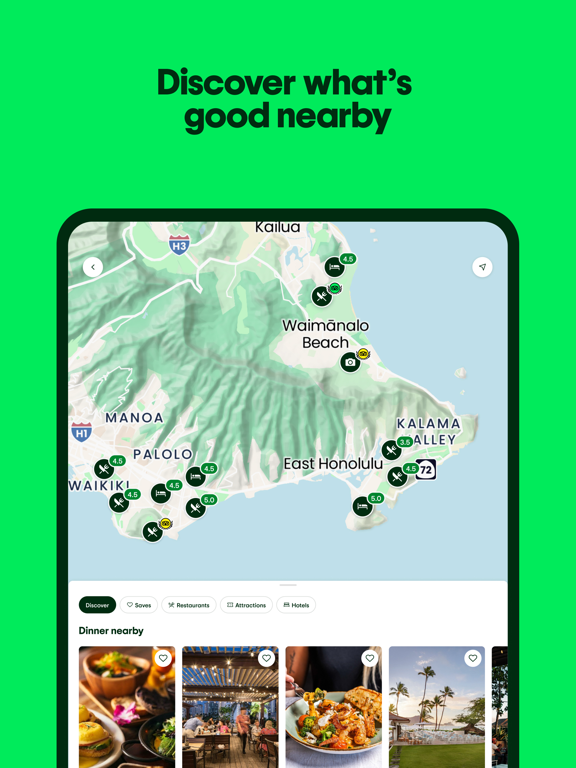
Every shipping app on the App Store has gone through the same decisions you're working through right now: which screenshot goes first, what caption sits over it, which device frame to show, what color the background should be. The 10 screenshots above are Tripadvisor: Plan & Book Trips's answers to those questions — they're public, they're real, and they made it through Apple's review.
Notice the first screenshot in particular. It's the one users see in search results and on the product page, and it's where most apps spend their best caption and tightest design. Look at the proportion of background to phone, where the text sits, what one thing the image is trying to communicate.
Want to see how other Travel apps approach the same problem? Browse more Travel apps in the showcase.
Take what works into your own screenshots
Open LaunchShots and design your App Store & Google Play screenshots — pick a device frame, drop captions, ship in minutes. Free, in your browser.
Open the screenshot editor →