Screenshots
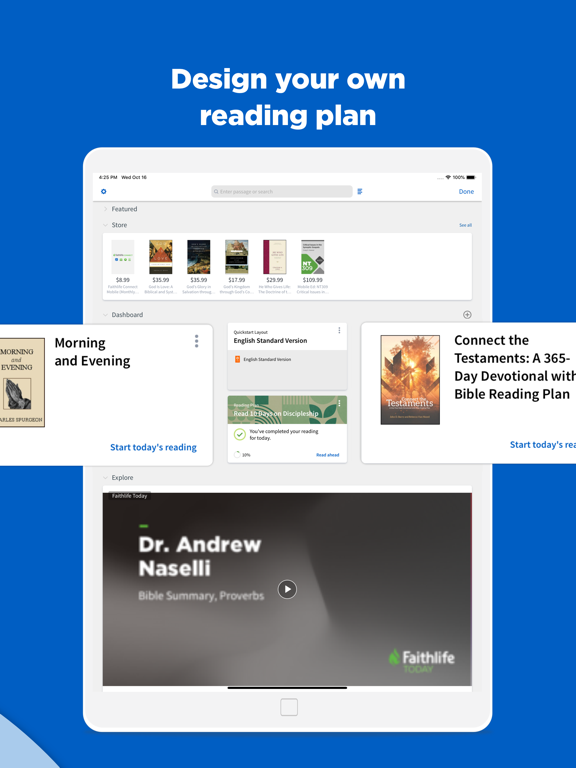
iPad screenshots




Icon palette
About this app
Ready to study deeper than in the average Bible study app? Whether you’re a small group leader, Bible teacher, or seminary student, you need more than a verse-a-day reminder. Know the Word. Know God. Enrich your time in Scripture with Logos, the world’s #1 Bible study app. Dive into God's Word with over 40 free Bibles and books including powerful commentaries, sermon prep tools, and writings from renowned theologians, all for free. Use our theological research tools and books to: • Search Scripture and books by verse, passage, or topic • Compare commentaries, translations, and notes side by side • Download books and Bibles for effective offline study on the go • Sync your notes, bible study lessons, and outlines across devices • Track built-in reading plans and easily plan your sermons start to finish • See cross-references, definitions, biblical themes, and more with just a tap 750…
App details
What you can learn from Logos: Deep Bible Study
Every shipping app on the App Store has gone through the same decisions you're working through right now: which screenshot goes first, what caption sits over it, which device frame to show, what color the background should be. The 6 screenshots above are Logos: Deep Bible Study's answers to those questions — they're public, they're real, and they made it through Apple's review.
Notice the first screenshot in particular. It's the one users see in search results and on the product page, and it's where most apps spend their best caption and tightest design. Look at the proportion of background to phone, where the text sits, what one thing the image is trying to communicate.
Want to see how other Reference apps approach the same problem? Browse more Reference apps in the showcase.
Take what works into your own screenshots
Open LaunchShots and design your App Store & Google Play screenshots — pick a device frame, drop captions, ship in minutes. Free, in your browser.
Open the screenshot editor →