Screenshots

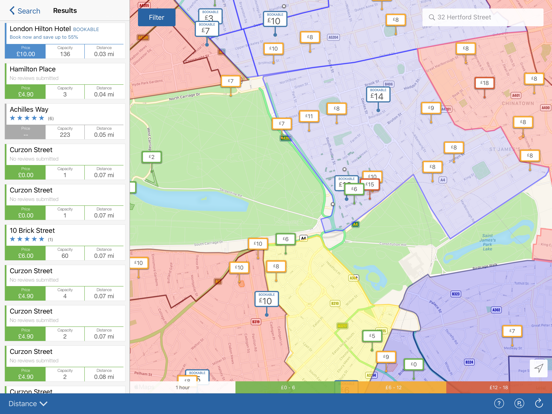
iPad screenshots


Icon palette
About this app
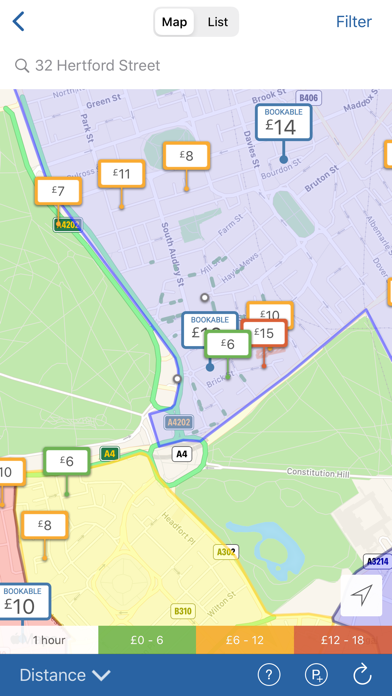
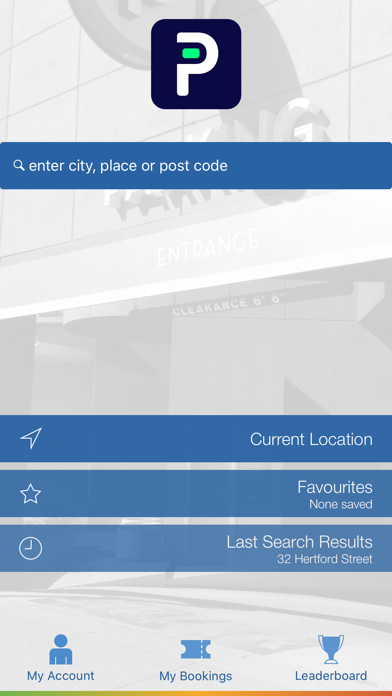
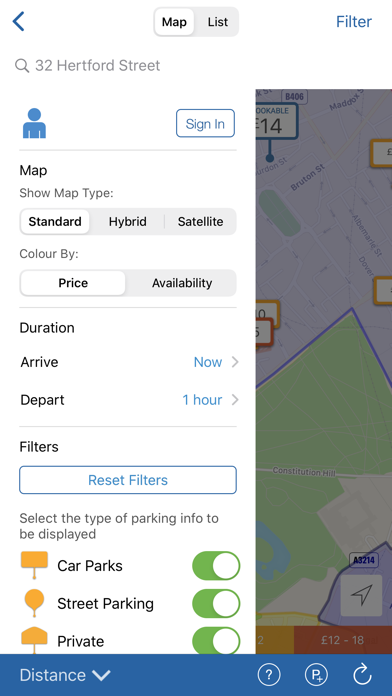
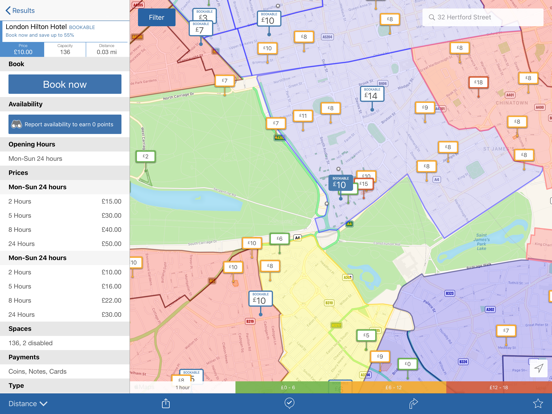
Who we are Use Parkopedia to access information on over 70 million parking spaces in 15,000 cities around the world – and counting – thanks to contributions from drivers like you. Every driver has suffered parking anxiety – usually when running late and there’s not a minute to lose. It’s a familiar frustration that’s inspired us to map and list parking spaces across the world so you can find (and pay for) one that’s just right for you. With Parkopedia you can: • Find parking using your current location or by entering an address • Get directions straight to the space • See parking space availability in real-time (where available, Premium account required) • Find opening hours, up to date prices, payment methods and more • Quickly narrow down parking choices using filters such as free, credit cards accepted, covered, etc. Help boost our coverage If we don’t yet have coverage in your…
App details
What you can learn from Parkopedia Parking
Every shipping app on the App Store has gone through the same decisions you're working through right now: which screenshot goes first, what caption sits over it, which device frame to show, what color the background should be. The 8 screenshots above are Parkopedia Parking's answers to those questions — they're public, they're real, and they made it through Apple's review.
Notice the first screenshot in particular. It's the one users see in search results and on the product page, and it's where most apps spend their best caption and tightest design. Look at the proportion of background to phone, where the text sits, what one thing the image is trying to communicate.
Want to see how other Navigation apps approach the same problem? Browse more Navigation apps in the showcase.
Take what works into your own screenshots
Open LaunchShots and design your App Store & Google Play screenshots — pick a device frame, drop captions, ship in minutes. Free, in your browser.
Open the screenshot editor →