Chart position — tracked daily by LaunchShots
Screenshot style breakdown
Sampled from 6 of SignNow: e-Signature app's App Store screenshots — background, accent and theme, measured by LaunchShots (not something Apple publishes).
#0C74D4 bg
#2E87DA
#C4845C accent
#FFFFFF text
Screenshots
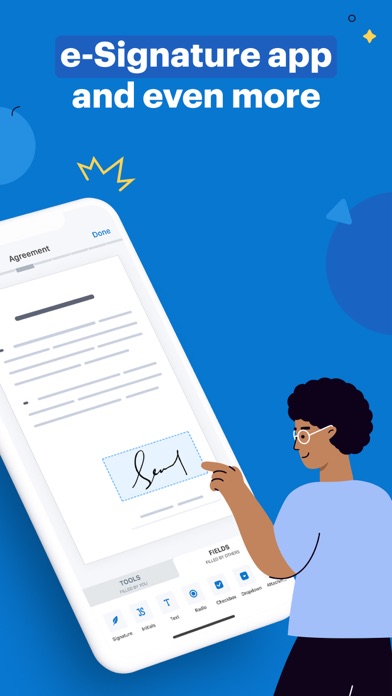

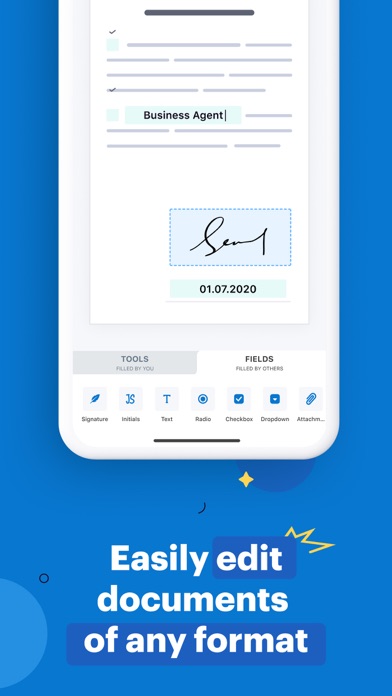
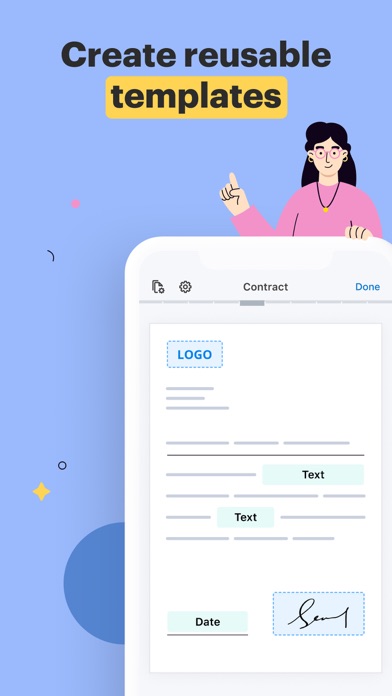
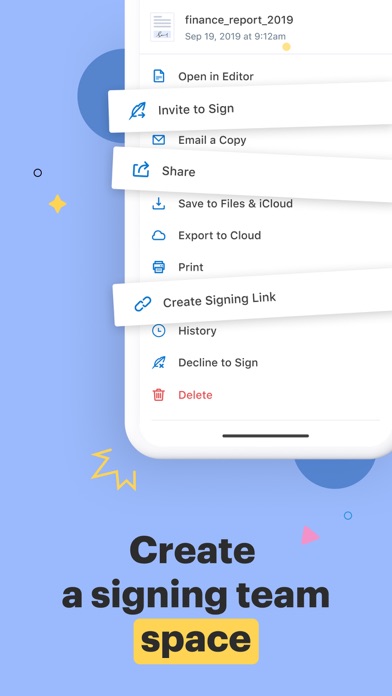

iPad screenshots


Icon palette
About this app
SignNow is the e-signature app trusted by over 6 million people worldwide to sign, send, and manage documents — wherever they are, on any device. Skip printing, scanning, and waiting. Use SignNow as your document signer to sign PDF files, contracts, and forms and get legally binding electronic signatures in minutes. SIGN & SEND DOCUMENTS • eSign PDFs, Word files, and other formats in just a few taps • Draw, type, or upload your digital signature with the built-in signature maker • Send documents to one or more recipients via email or link to request signatures • Set the signing order and assign roles when there are multiple signers • Get notified in real time when documents are opened or signed • Collect in-person signatures with Kiosk Mode — ideal for events, front desks, or check-ins FILL & EDIT DOCUMENTS • Fill and sign PDF forms: add text, checkboxes, dates, and stamps • Create fi…
App details
What you can learn from SignNow: e-Signature app
Every shipping app on the App Store has gone through the same decisions you're working through right now: which screenshot goes first, what caption sits over it, which device frame to show, what color the background should be. The 12 screenshots above are SignNow: e-Signature app's answers to those questions — they're public, they're real, and they made it through Apple's review.
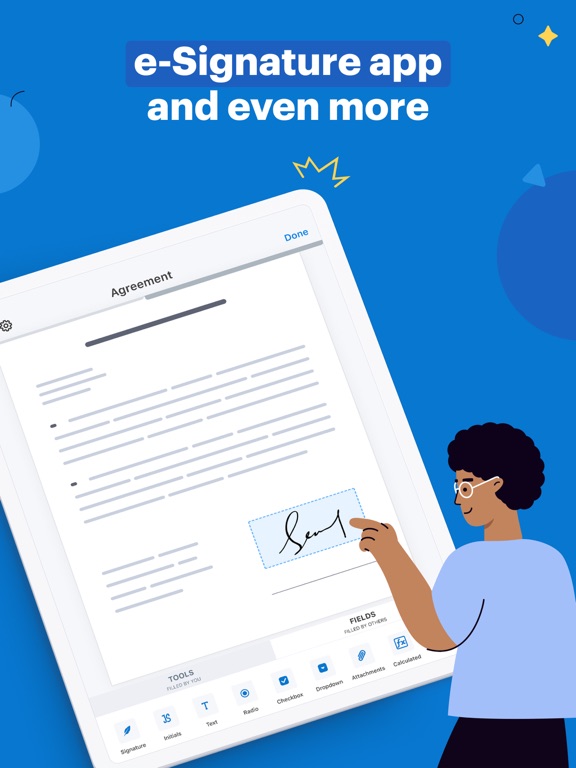
What the numbers say: SignNow: e-Signature app runs a mixed light-and-dark set where the background shifts from screenshot to screenshot (first shot #0C74D4) — each image has to stand on its own, so the captions carry more of the story. The accent colour we picked up, #C4845C, is the one to reuse for badges, arrows and highlighted words if you borrow this look. Hit Use this style to open the editor with these exact colours and drop your own screenshot in.
Notice the first screenshot in particular. It's the one users see in search results and on the product page, and it's where most apps spend their best caption and tightest design. Look at the proportion of background to phone, where the text sits, what one thing the image is trying to communicate.
Want to see how other Productivity apps approach the same problem? Browse more Productivity apps in the showcase.
Take what works into your own screenshots
Open LaunchShots and design your App Store & Google Play screenshots — pick a device frame, drop captions, ship in minutes. Free, in your browser.
Open the screenshot editor →Apps with a similar look
Closest background + accent colours among the listings we've analysed — useful when you want to see the same palette handled by a different team.