Chart position — tracked daily by LaunchShots
Screenshot changes — detected by LaunchShots
Screenshot style breakdown
Sampled from 6 of Studyplus(スタディプラス)勉強記録&集中タイマー's App Store screenshots — background, accent and theme, measured by LaunchShots (not something Apple publishes).
#F4F4F4 bg
#D6D6D6
#049CFC accent
#111111 text
- #4(4) Sunny456 8A26H(A) 17:30
Captions read from the screenshots (OCR, may contain small errors): 1 headline, 4 words on average (longest 4).
Screenshots

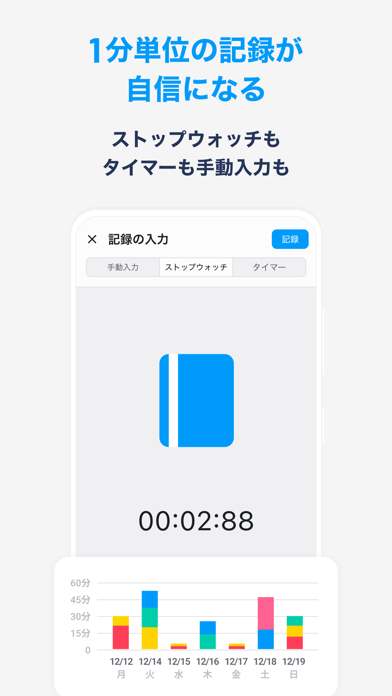
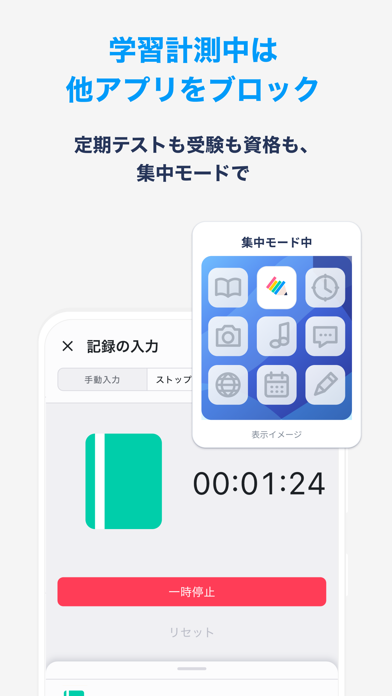


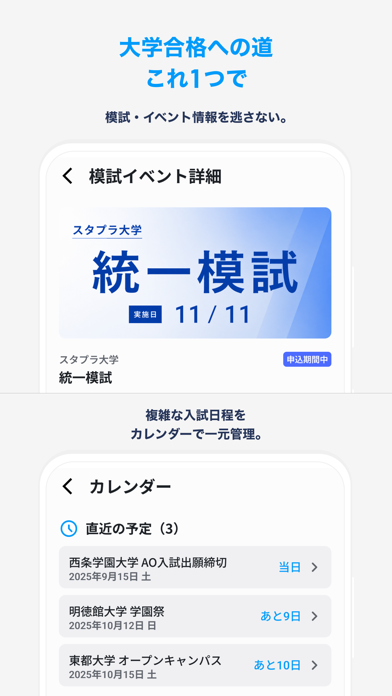

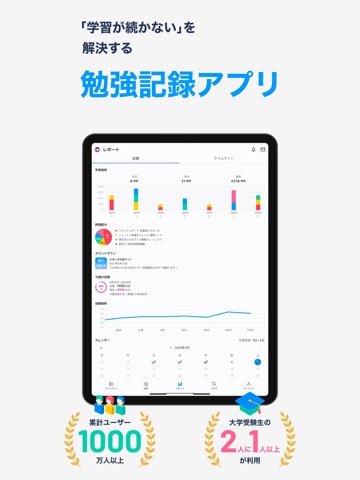
iPad screenshots
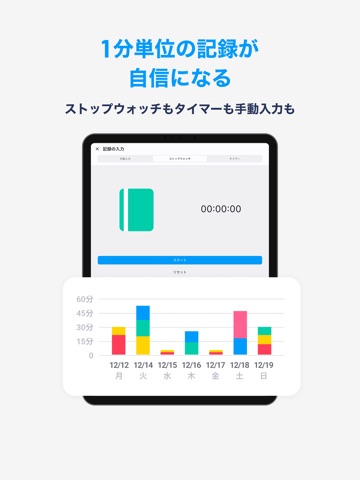
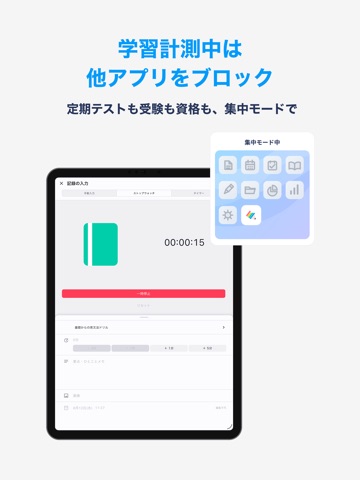

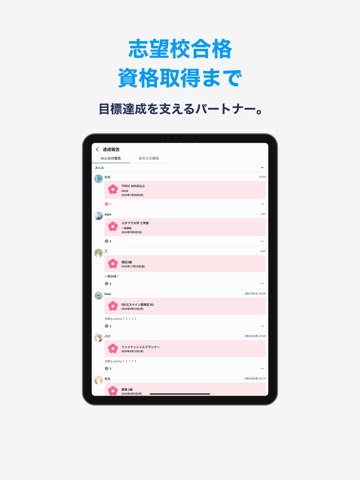


Icon palette
About this app
◆1000万人以上が使う勉強記録アプリ◆ ◆ストップウォッチ・タイマーで測ってそのまま記録、集中モードでスマホの誘惑も遮断◆ ◆中学生から社会人まで。大学受験・定期テスト・資格・語学、目標に向かう勉強に◆ Studyplusは、勉強の記録と可視化でやる気を引き出し、学習管理と継続を支える “学びのパートナー” です。 ストップウォッチやタイマーで勉強時間をはかり、集中モードでスマホの誘惑を断ち、同じ目標を持った勉強仲間と励まし合いながら、学習習慣を身につけましょう! 【こんな人にオススメ】 ◆ 受験生・学生の方へ ・モチベーションが続かない… ・机に向かってもスマホを触ってしまい、集中できない ・自分の勉強時間や進捗を客観的に把握したい ・ストップウォッチで勉強時間をはかって記録に残したい ・他の受験生の勉強方法や教材を参考にしたい ・同じ目標の仲間と高め合いながら勉強したい ◆ 資格・語学学習に取り組む社会人へ ・資格試験・語学学習の進捗を管理したい ・スキマ時間を勉強に使いたい ・タイマーで区切って短時間の勉強を積み上げ…
App details
What you can learn from Studyplus(スタディプラス)勉強記録&集中タイマー
Every shipping app on the App Store has gone through the same decisions you're working through right now: which screenshot goes first, what caption sits over it, which device frame to show, what color the background should be. The 14 screenshots above are Studyplus(スタディプラス)勉強記録&集中タイマー's answers to those questions — they're public, they're real, and they made it through Apple's review.
What the numbers say: Studyplus(スタディプラス)勉強記録&集中タイマー runs a light set with one background colour (#F4F4F4) carried across every screenshot — the listing reads as a single poster when the shots sit side by side in search results. The accent colour we picked up, #049CFC, is the one to reuse for badges, arrows and highlighted words if you borrow this look. Hit Use this style to open the editor with these exact colours and drop your own screenshot in.
Notice the first screenshot in particular. It's the one users see in search results and on the product page, and it's where most apps spend their best caption and tightest design. Look at the proportion of background to phone, where the text sits, what one thing the image is trying to communicate.
Want to see how other Education apps approach the same problem? Browse more Education apps in the showcase.
Take what works into your own screenshots
Open LaunchShots and design your App Store & Google Play screenshots — pick a device frame, drop captions, ship in minutes. Free, in your browser.
Open the screenshot editor →Apps with a similar look
Closest background + accent colours among the listings we've analysed — useful when you want to see the same palette handled by a different team.