Screenshots


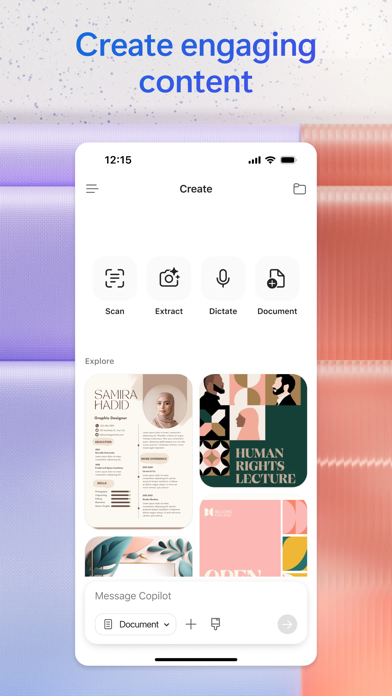
Icon palette
About this app
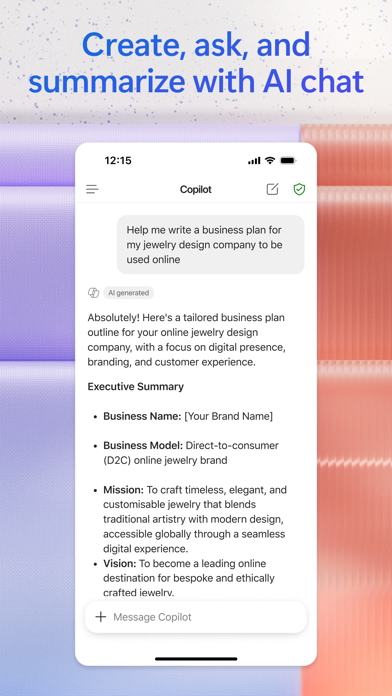
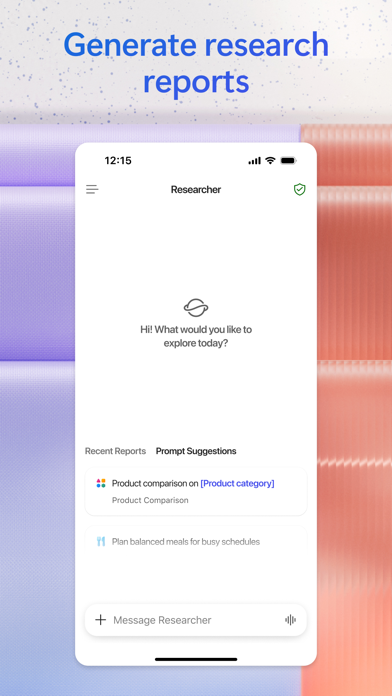
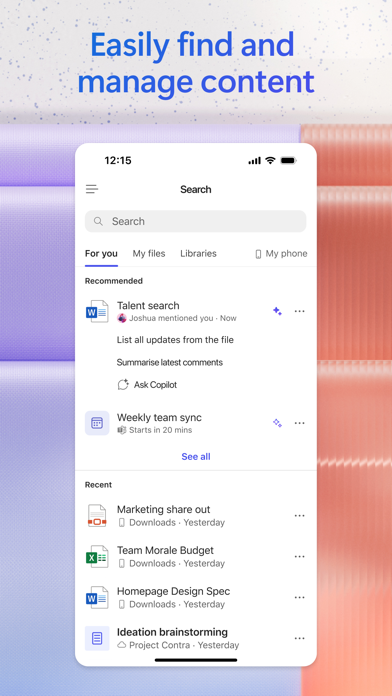
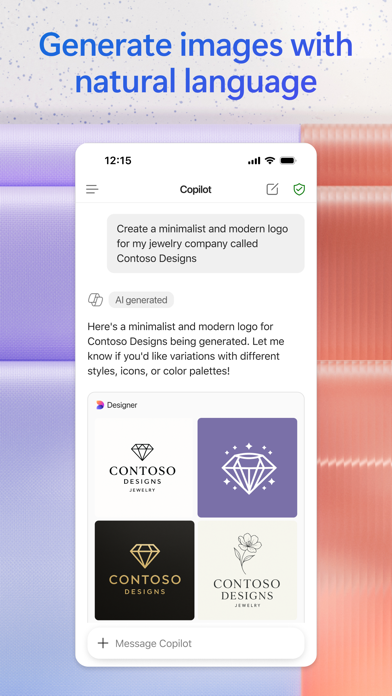
The Microsoft 365 Copilot app is your AI-first productivity app for work. It provides one place for you to chat with your AI assistant1, create content, manage projects and quickly find files on the go – helping you get more done, without doing more. With the Microsoft 365 Copilot mobile app, you can1: • Chat with your AI assistant – Ask Copilot to create or summarize a document, draft an email or analyze a spreadsheet using natural language. • Interact with voice – Talk to Copilot to help you prepare for your day, get answers and brainstorm ideas. • Find what matters fast – Find the strategy deck you were working on recently, or a file that was attached to an email. • Accelerate your learning – Ask Copilot to explain a concept, summarize recent trends or help you prepare for a presentation. • Get expert insights – Use built-in AI agents like Researcher and Analyst to generate r…
App details
What you can learn from Microsoft 365 Copilot
Every shipping app on the App Store has gone through the same decisions you're working through right now: which screenshot goes first, what caption sits over it, which device frame to show, what color the background should be. The 7 screenshots above are Microsoft 365 Copilot's answers to those questions — they're public, they're real, and they made it through Apple's review.
Notice the first screenshot in particular. It's the one users see in search results and on the product page, and it's where most apps spend their best caption and tightest design. Look at the proportion of background to phone, where the text sits, what one thing the image is trying to communicate.
Want to see how other Productivity apps approach the same problem? Browse more Productivity apps in the showcase.
Take what works into your own screenshots
Open LaunchShots and design your App Store & Google Play screenshots — pick a device frame, drop captions, ship in minutes. Free, in your browser.
Open the screenshot editor →