Screenshots


Icon palette
About this app
Are you looking for a fast VPN in Canada? PureVPN is the best VPN for iOS users who want speed, privacy, and security online. Whether you need a VPN Canada solution for streaming, browsing, gaming, or secure internet access, PureVPN delivers a reliable and secure VPN experience. PureVPN is a trusted Canada VPN that helps protect your online activity with strong encryption, proxy, and private browsing. Connect instantly to a USA VPN server or any other fast VPN server and enjoy secure internet access from anywhere in the world. With a 4.7/5 Trustpilot rating, PureVPN is trusted by millions of users searching for a secure VPN, private VPN, and reliable VPN service for iPhone and iPad. Simply choose your preferred VPN server location and connect with one tap. Our advanced VPN technology helps you browse privately, access global content, and stay protected on public WiFi networks. Get s…
App details
What you can learn from PureVPN: Fast VPN & Secure VPN
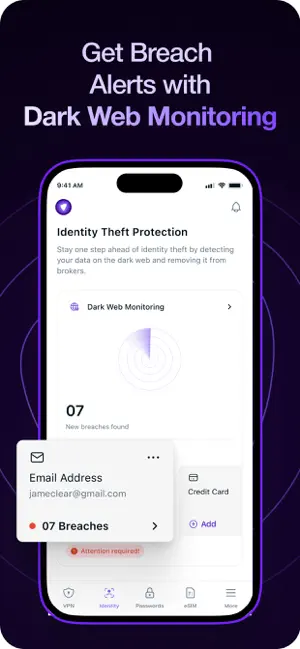
Every shipping app on the App Store has gone through the same decisions you're working through right now: which screenshot goes first, what caption sits over it, which device frame to show, what color the background should be. The 6 screenshots above are PureVPN: Fast VPN & Secure VPN's answers to those questions — they're public, they're real, and they made it through Apple's review.
Notice the first screenshot in particular. It's the one users see in search results and on the product page, and it's where most apps spend their best caption and tightest design. Look at the proportion of background to phone, where the text sits, what one thing the image is trying to communicate.
Want to see how other Productivity apps approach the same problem? Browse more Productivity apps in the showcase.
Take what works into your own screenshots
Open LaunchShots and design your App Store & Google Play screenshots — pick a device frame, drop captions, ship in minutes. Free, in your browser.
Open the screenshot editor →