Screenshots
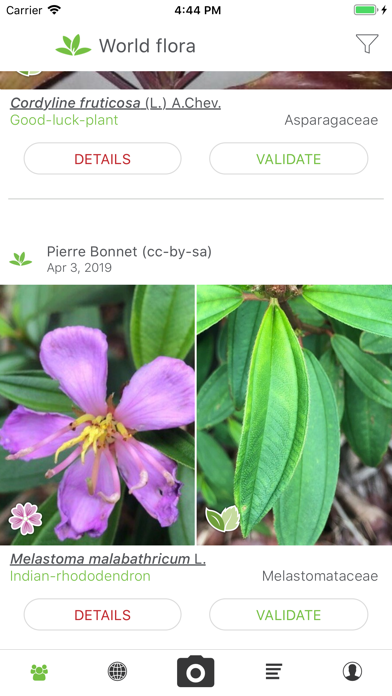
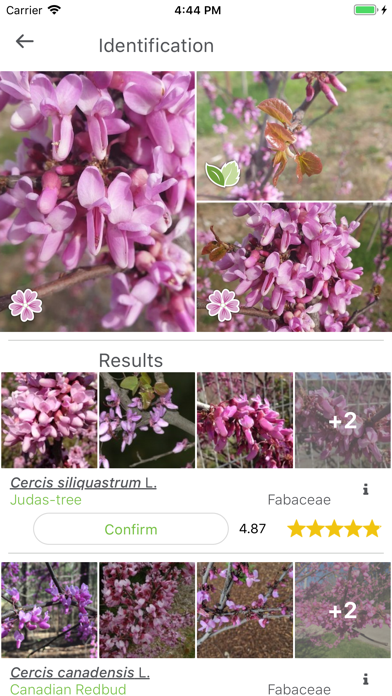
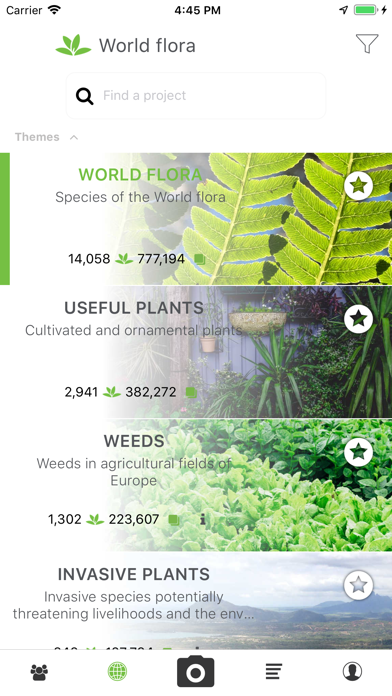
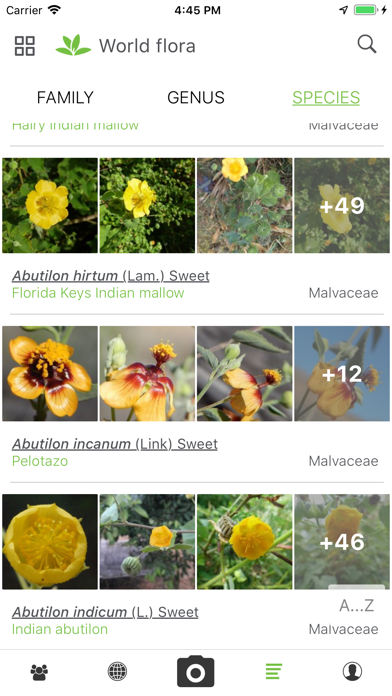
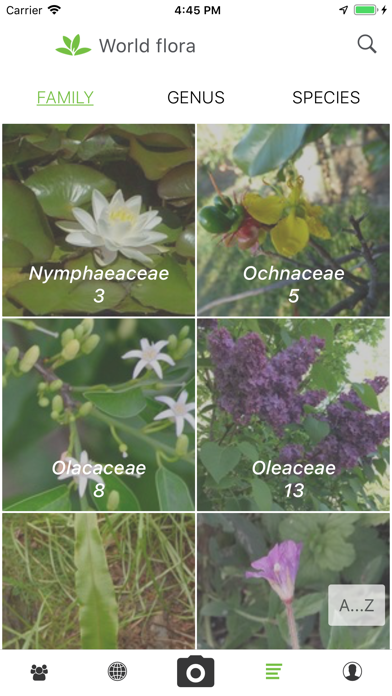
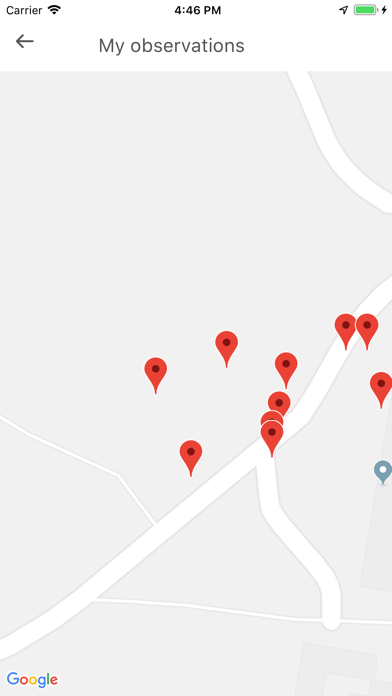
iPad screenshots
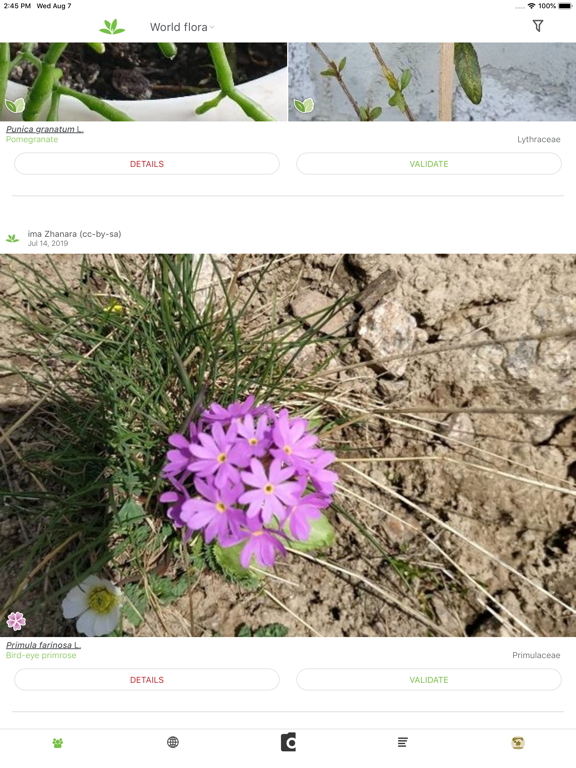
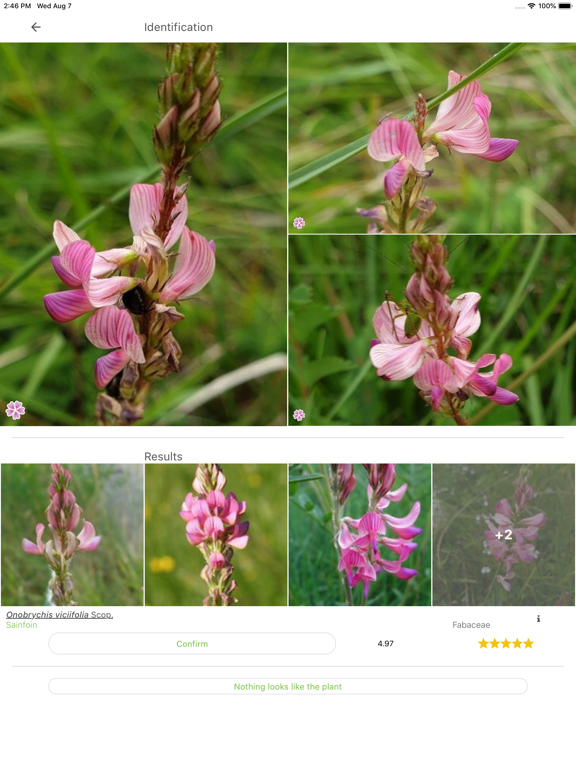
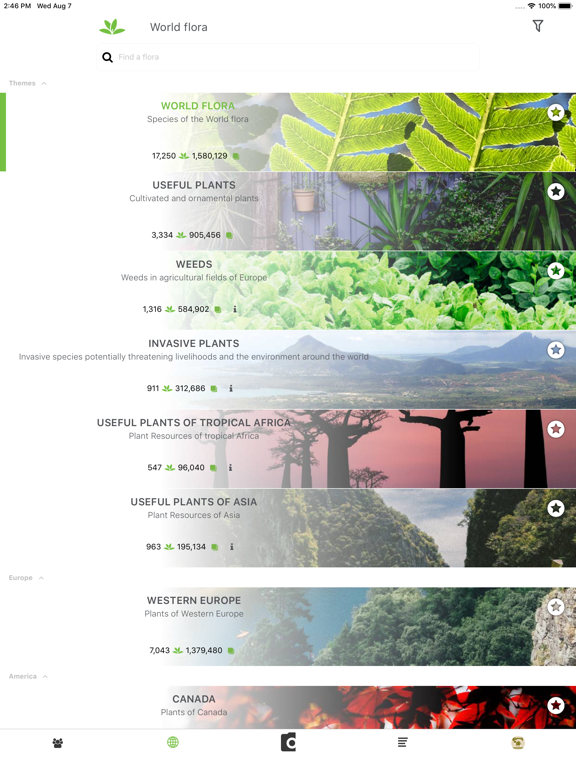


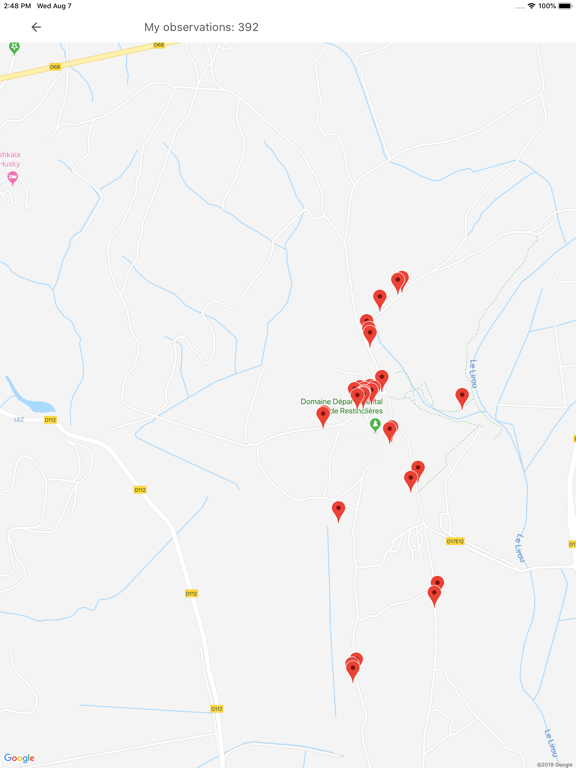
Icon palette
About this app
Pl@ntNet is an application that allows you to identify plants simply by photographing them with your smartphone. Very useful when you don't have a botanist on hand! Pl@ntNet is also a great citizen science project: all the plants you photograph are collected and analysed by scientists around the world to better understand the evolution of plant biodiversity and to better preserve it. Pl@ntNet allows you to identify and better understand all kinds of plants living in nature: flowering plants, trees, grasses, conifers, ferns, vines, wild salads, cacti (and many more). Pl@ntNet can also identify a large number of cultivated plants (in parks and gardens) but this is not its primary purpose. We especially need Pl@ntNet’s users to inventory the wild plants, those that you can observe in nature, but also those that grow on the sidewalks of cities or in the middle of your vegetable garden! …
App details
What you can learn from PlantNet
Every shipping app on the App Store has gone through the same decisions you're working through right now: which screenshot goes first, what caption sits over it, which device frame to show, what color the background should be. The 12 screenshots above are PlantNet's answers to those questions — they're public, they're real, and they made it through Apple's review.
Notice the first screenshot in particular. It's the one users see in search results and on the product page, and it's where most apps spend their best caption and tightest design. Look at the proportion of background to phone, where the text sits, what one thing the image is trying to communicate.
Want to see how other Education apps approach the same problem? Browse more Education apps in the showcase.
Take what works into your own screenshots
Open LaunchShots and design your App Store & Google Play screenshots — pick a device frame, drop captions, ship in minutes. Free, in your browser.
Open the screenshot editor →