Chart position — tracked daily by LaunchShots
Screenshot style breakdown
Sampled from 5 of Measuring Tape+ Measure AR арр's App Store screenshots — background, accent and theme, measured by LaunchShots (not something Apple publishes).
#2C2C2C bg
#494949
#FCE404 accent
#FFFFFF text
Screenshots


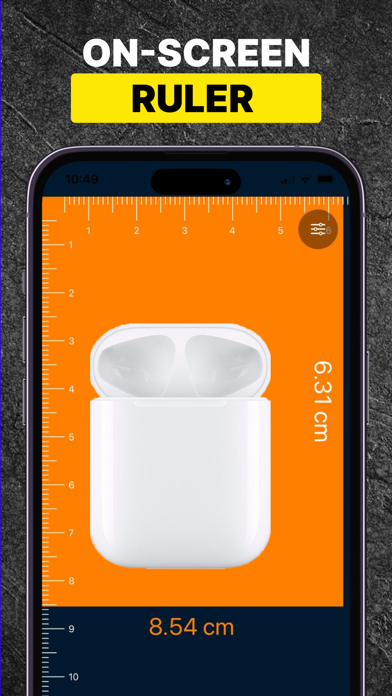
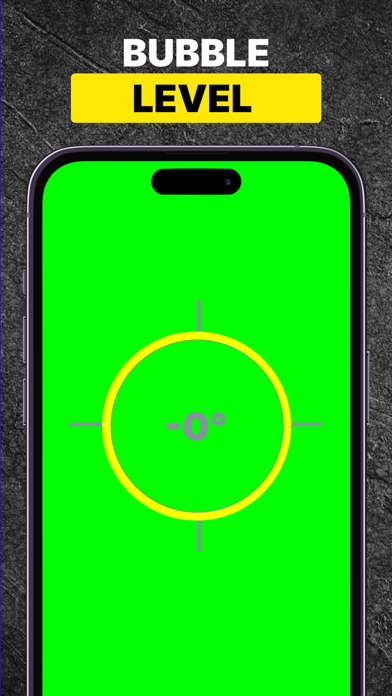
iPad screenshots


Icon palette
About this app
Measure anything with Measuring Tape+ Turn your iPhone or iPad into a powerful measuring tool. Using the device's camera, AR technology, and AI, you can easily and quickly measure the size of real objects or large rooms. Some of the key features: • AR technology: the AR ruler app uses augmented reality to measure objects by pointing your iPhone or iPad camera at them. Just tap on the screen to place start and end points for digital measurements; • Enjoy basic measuring features for a free ruler or unlock unlimited access to all tools, like area measurement, heigh tool, on-screen ruler, and bubble level with our premium subscription; • Multiple measurement units: choose between different measurement units, including inches, centimeters, and millimeters, so you can choose the one that best suits your needs; • Measuring Tape provides an opportunity to save and share measurements and …
App details
What you can learn from Measuring Tape+ Measure AR арр
Every shipping app on the App Store has gone through the same decisions you're working through right now: which screenshot goes first, what caption sits over it, which device frame to show, what color the background should be. The 9 screenshots above are Measuring Tape+ Measure AR арр's answers to those questions — they're public, they're real, and they made it through Apple's review.
What the numbers say: Measuring Tape+ Measure AR арр runs a mixed light-and-dark set where the background shifts from screenshot to screenshot (first shot #2C2C2C) — each image has to stand on its own, so the captions carry more of the story. The accent colour we picked up, #FCE404, is the one to reuse for badges, arrows and highlighted words if you borrow this look. Hit Use this style to open the editor with these exact colours and drop your own screenshot in.
Notice the first screenshot in particular. It's the one users see in search results and on the product page, and it's where most apps spend their best caption and tightest design. Look at the proportion of background to phone, where the text sits, what one thing the image is trying to communicate.
Want to see how other Utilities apps approach the same problem? Browse more Utilities apps in the showcase.
Take what works into your own screenshots
Open LaunchShots and design your App Store & Google Play screenshots — pick a device frame, drop captions, ship in minutes. Free, in your browser.
Open the screenshot editor →Apps with a similar look
Closest background + accent colours among the listings we've analysed — useful when you want to see the same palette handled by a different team.