Screenshot style breakdown
Sampled from 6 of ANBIMA Edu's App Store screenshots — background, accent and theme, measured by LaunchShots (not something Apple publishes).
#049CD4 bg
#27A9DA
#FCAC14 accent
#FFFFFF text
Screenshots


Icon palette
About this app
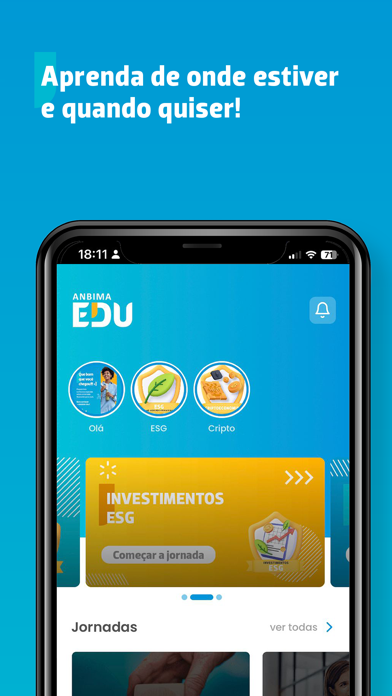
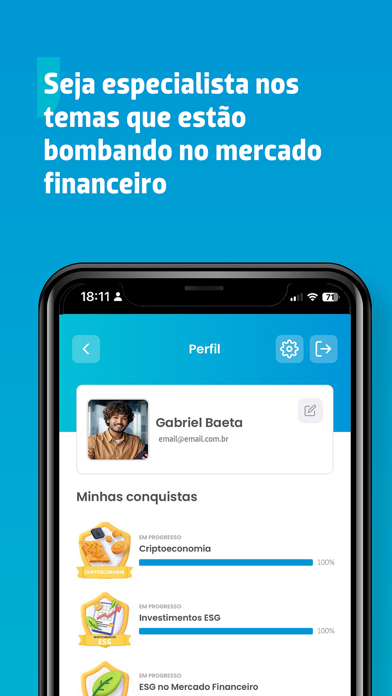
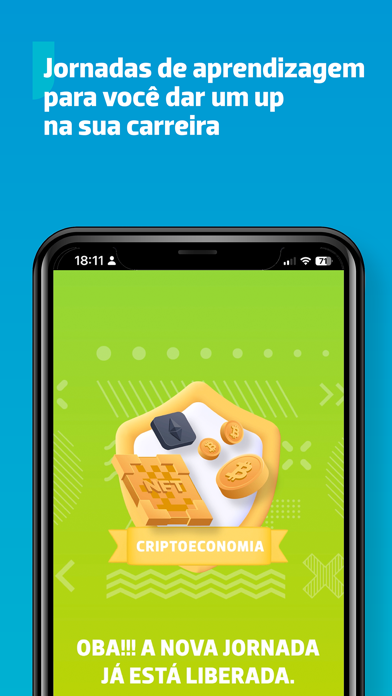
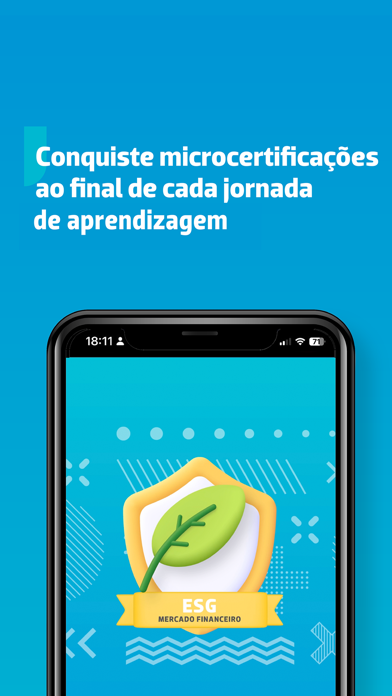
Procurando qualificação e conteúdo gratuito em um só lugar? Você encontrou! No ANBIMA Edu, você aprende sobre o mercado financeiro e se mantém sempre atualizado(a) sobre os temas mais quentes do mercado. Tudo feito pela ANBIMA :] O aplicativo é pra você que trabalha no mercado financeiro ou que busca uma oportunidade no segmento. Aqui, tudo foi feito para se ajustar ao seu dia a dia. Aprenda de onde estiver e quando quiser: no busão, no metrô, no intervalo da aula e até no treino da academia. Os conteúdos são divididos em jornadas de aprendizagem, trilhas e passos. Ao final de cada jornada você recebe uma microcertificação para compartilhar nas redes sociais. Demais, né? Ah, o aplicativo será sempre atualizado para oferecer o que existe de melhor em experiência do usuário. Por isso, seu feedback será importante para gente melhorar ainda mais o ANBIMA Edu. Então, …
App details
What you can learn from ANBIMA Edu
Every shipping app on the App Store has gone through the same decisions you're working through right now: which screenshot goes first, what caption sits over it, which device frame to show, what color the background should be. The 7 screenshots above are ANBIMA Edu's answers to those questions — they're public, they're real, and they made it through Apple's review.
What the numbers say: ANBIMA Edu runs a dark set with one background colour (#049CD4) carried across every screenshot — the listing reads as a single poster when the shots sit side by side in search results. The accent colour we picked up, #FCAC14, is the one to reuse for badges, arrows and highlighted words if you borrow this look. Hit Use this style to open the editor with these exact colours and drop your own screenshot in.
Notice the first screenshot in particular. It's the one users see in search results and on the product page, and it's where most apps spend their best caption and tightest design. Look at the proportion of background to phone, where the text sits, what one thing the image is trying to communicate.
Want to see how other Education apps approach the same problem? Browse more Education apps in the showcase.
Take what works into your own screenshots
Open LaunchShots and design your App Store & Google Play screenshots — pick a device frame, drop captions, ship in minutes. Free, in your browser.
Open the screenshot editor →Apps with a similar look
Closest background + accent colours among the listings we've analysed — useful when you want to see the same palette handled by a different team.