Screenshots

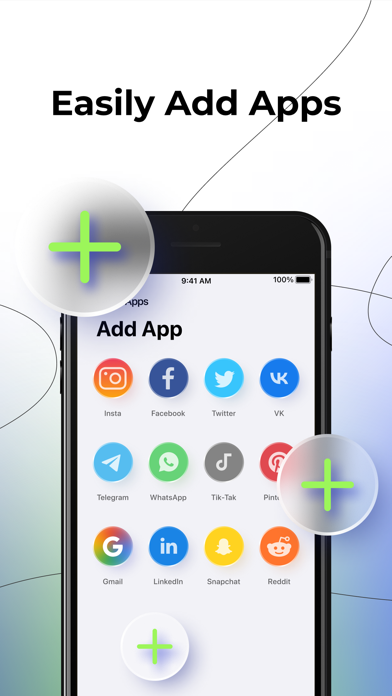

iPad screenshots


Icon palette
About this app
Manage all your accounts in one app! Have you ever had to log in, log out or switch between multiple accounts in the same app? "Yes" means you're on the right track. The target audience for this app is users who have many social media accounts and find it difficult to manage them. The main key features are: - Over 20 popular social networks and services. - Simultaneous sign-in to multiple accounts from a single phone; - Account security - automatic login and password setting In app purchase: You can be a premium user through auto-renewing subscription. - Payment will be charged to iTunes Account at confirmation of purchase - Subscription automatically renews unless auto-renew is turned off at least 24-hours before the end of the period - Length of subscription: one week, one month; one year. - Account will be charged for renewal within 24-hours prior to the end of the current perio…
App details
What you can learn from Parallel Space: Dual Account
Every shipping app on the App Store has gone through the same decisions you're working through right now: which screenshot goes first, what caption sits over it, which device frame to show, what color the background should be. The 6 screenshots above are Parallel Space: Dual Account's answers to those questions — they're public, they're real, and they made it through Apple's review.
Notice the first screenshot in particular. It's the one users see in search results and on the product page, and it's where most apps spend their best caption and tightest design. Look at the proportion of background to phone, where the text sits, what one thing the image is trying to communicate.
Want to see how other Reference apps approach the same problem? Browse more Reference apps in the showcase.
Take what works into your own screenshots
Open LaunchShots and design your App Store & Google Play screenshots — pick a device frame, drop captions, ship in minutes. Free, in your browser.
Open the screenshot editor →