Chart position — tracked daily by LaunchShots
Screenshot changes — detected by LaunchShots
Screenshot style breakdown
Sampled from 6 of Lookus-情侣定位异地恋自动报备实时位置共享查找app's App Store screenshots — background, accent and theme, measured by LaunchShots (not something Apple publishes).
#FCFCFC bg
#DDDDDD
#D4FC9C accent
#111111 text
Screenshots
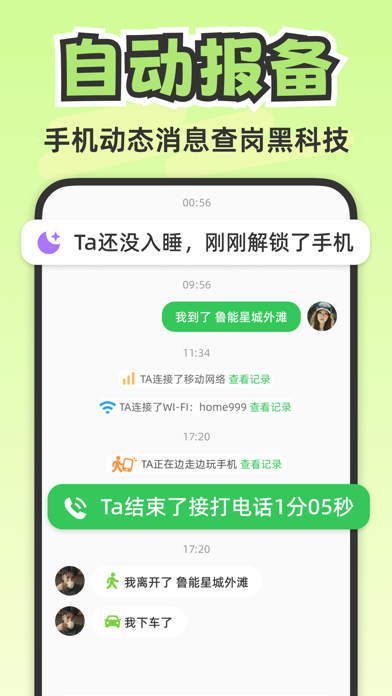
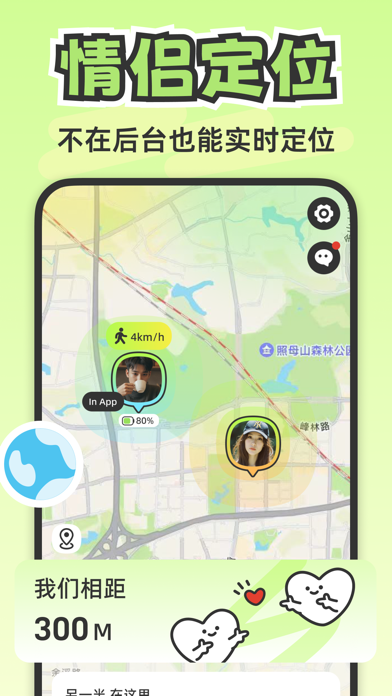
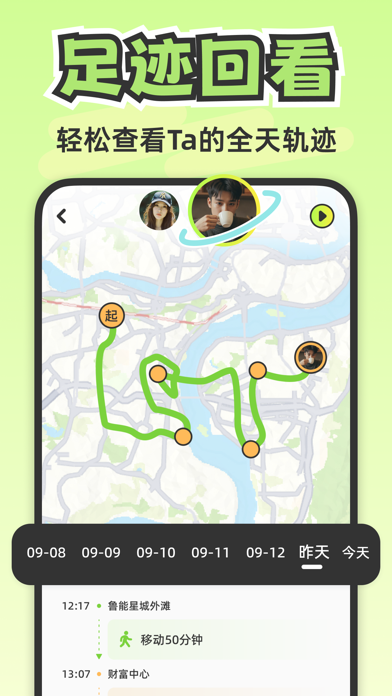
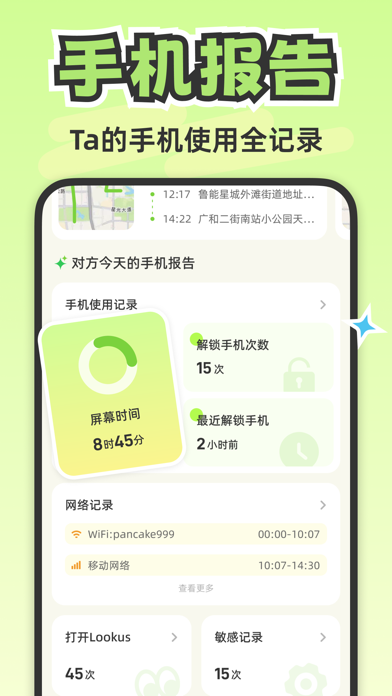
Icon palette
About this app
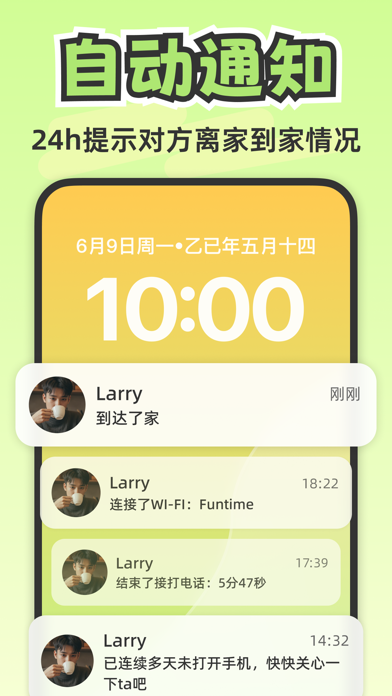
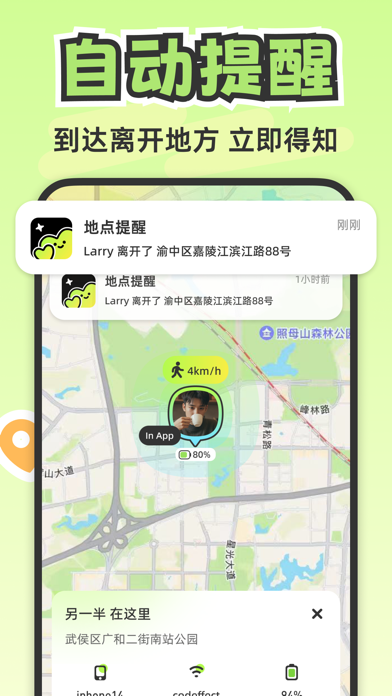
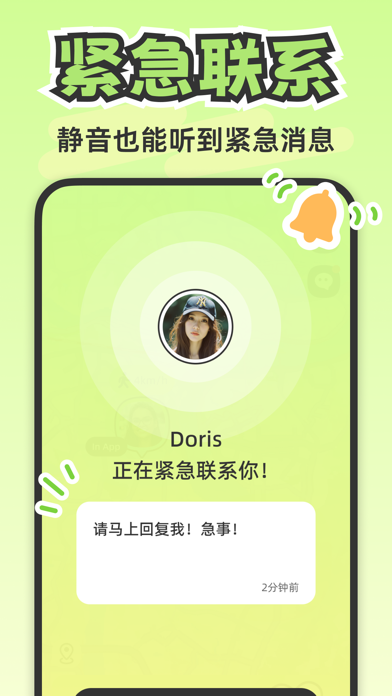
Lookus是一款专为情侣打造的相互陪伴与安全守护应用,通过双方自愿授权的位置共享与状态同步,让异地恋的牵挂变得踏实而温暖。 对于异地恋情侣来说,隔着距离的关心、深夜独自出行时的隐隐担忧、联系不上对方时的焦虑,是许多人都经历过的情绪。Lookus正是为此而生——在彼此知情与同意的前提下,让双方随时了解对方的动态,把不安转化为安心的陪伴。 自2024年上线以来,Lookus已累计服务全球超1000万用户。无论你和伴侣使用什么手机,设备互通无阻碍,让距离不再是关心的阻碍。 在定位方面,Lookus提供稳定精准的实时位置共享,核心团队拥有10年定位技术沉淀,确保全天候顺畅运行。同时支持查看近期的行动路线回顾,每一段行程都能清晰还原,让彼此的出行动态一目了然。全自动行程同步功能,会在对方抵达或离开重要地点时自动更新状态,无需反复发消息确认,让关心更轻松。 Lookus还设计了贴心的数字陪伴功能,帮助双方了解彼此的生活节奏,比如日常作息状态、晚间是否已休息等,让异地恋的每一天都多一分亲近感。同时配备紧急联络机制,在特殊情况下能快速引起对…
App details
What you can learn from Lookus-情侣定位异地恋自动报备实时位置共享查找app
Every shipping app on the App Store has gone through the same decisions you're working through right now: which screenshot goes first, what caption sits over it, which device frame to show, what color the background should be. The 7 screenshots above are Lookus-情侣定位异地恋自动报备实时位置共享查找app's answers to those questions — they're public, they're real, and they made it through Apple's review.
What the numbers say: Lookus-情侣定位异地恋自动报备实时位置共享查找app runs a light set where the background shifts from screenshot to screenshot (first shot #FCFCFC) — each image has to stand on its own, so the captions carry more of the story. The accent colour we picked up, #D4FC9C, is the one to reuse for badges, arrows and highlighted words if you borrow this look. Hit Use this style to open the editor with these exact colours and drop your own screenshot in.
Notice the first screenshot in particular. It's the one users see in search results and on the product page, and it's where most apps spend their best caption and tightest design. Look at the proportion of background to phone, where the text sits, what one thing the image is trying to communicate.
Want to see how other Lifestyle apps approach the same problem? Browse more Lifestyle apps in the showcase.
Take what works into your own screenshots
Open LaunchShots and design your App Store & Google Play screenshots — pick a device frame, drop captions, ship in minutes. Free, in your browser.
Open the screenshot editor →Apps with a similar look
Closest background + accent colours among the listings we've analysed — useful when you want to see the same palette handled by a different team.