Chart position — tracked daily by LaunchShots
Screenshot style breakdown
Sampled from 6 of QRコードリーダー。's App Store screenshots — background, accent and theme, measured by LaunchShots (not something Apple publishes).
#74ACFC bg
#6697DD
#1C7CFC accent
#111111 text
Screenshots


Icon palette
About this app
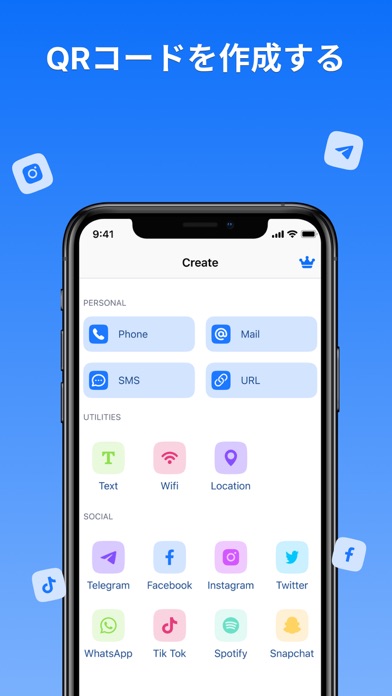
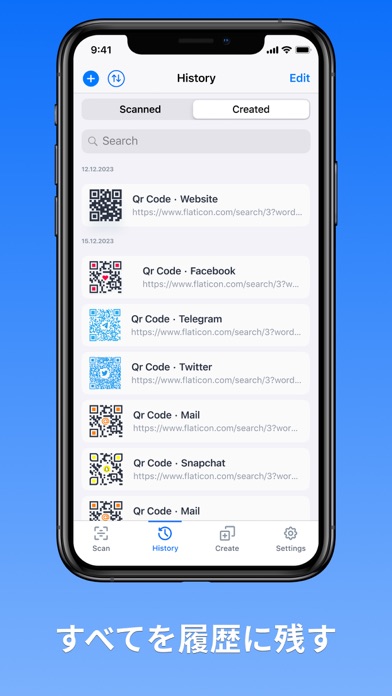
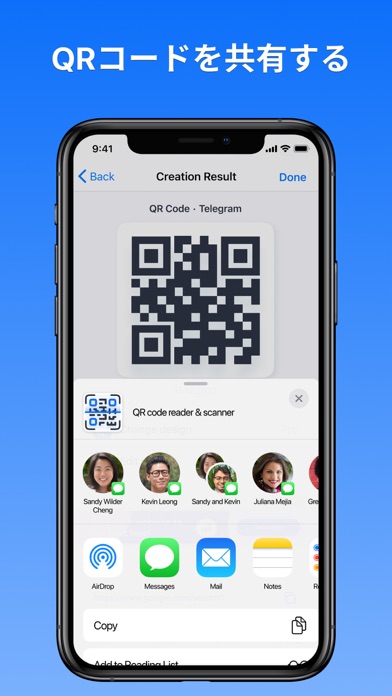
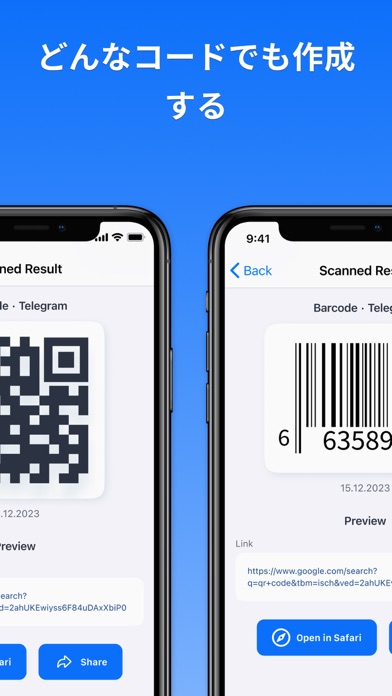
紹介 QRコードリーダー。 - あなたのiPhoneのための究極のQRコードとバーコードスキャンアプリ!デバイスのカメラの力を解放して、さまざまな形式のQRコードとバーコードを簡単にスキャンしてデコードできます。当アプリは単なるスキャナではありません。特長的な機能を備えた完全なQRコードソリューションです。 主な特徴: - 使いやすい:当QRコードリーダーとバーコードスキャナはシンプルさを重視して設計されています。暗い環境でも明るい日中でも、アプリの自動検出によりスムーズなスキャン体験が保証されます。iOS 16と完全互換で、すべてのiPhoneに最適化されています。 - QRコードの作成と共有:電話、メール、SMS、URL、テキスト、Wifi、位置、Telegram、Facebook、Instagram、Twitter、WhatsApp、TikTok、Spotify、Snapchatを含むさまざまな形式のQRコードを生成できます。Telegram、WhatsApp、Facebook、Twitter、Gmail、WeChat、Line、Eメール、SMSなどの人気プラットフォームを介して、QRコードリーダーとスキャナの結果を簡単に共有できます。 -…
App details
What you can learn from QRコードリーダー。
Every shipping app on the App Store has gone through the same decisions you're working through right now: which screenshot goes first, what caption sits over it, which device frame to show, what color the background should be. The 8 screenshots above are QRコードリーダー。's answers to those questions — they're public, they're real, and they made it through Apple's review.
What the numbers say: QRコードリーダー。 runs a mixed light-and-dark set where the background shifts from screenshot to screenshot (first shot #74ACFC) — each image has to stand on its own, so the captions carry more of the story. The accent colour we picked up, #1C7CFC, is the one to reuse for badges, arrows and highlighted words if you borrow this look. Hit Use this style to open the editor with these exact colours and drop your own screenshot in.
Notice the first screenshot in particular. It's the one users see in search results and on the product page, and it's where most apps spend their best caption and tightest design. Look at the proportion of background to phone, where the text sits, what one thing the image is trying to communicate.
Want to see how other Utilities apps approach the same problem? Browse more Utilities apps in the showcase.
Take what works into your own screenshots
Open LaunchShots and design your App Store & Google Play screenshots — pick a device frame, drop captions, ship in minutes. Free, in your browser.
Open the screenshot editor →Apps with a similar look
Closest background + accent colours among the listings we've analysed — useful when you want to see the same palette handled by a different team.