Screenshots



Icon palette
About this app
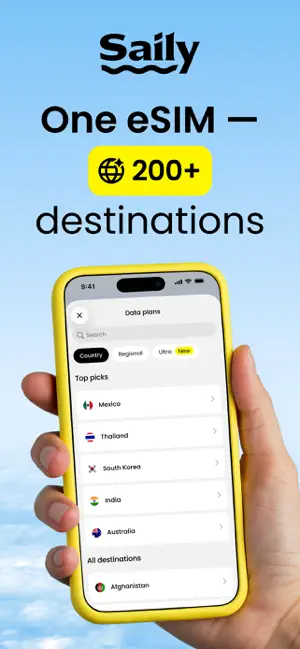
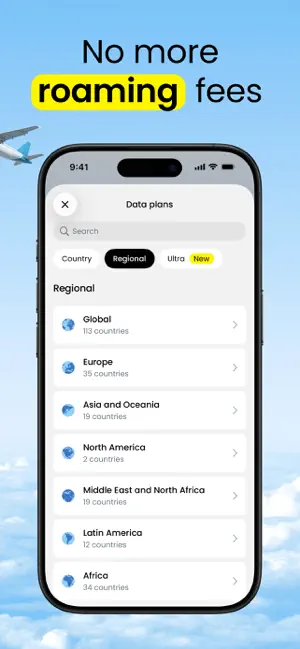
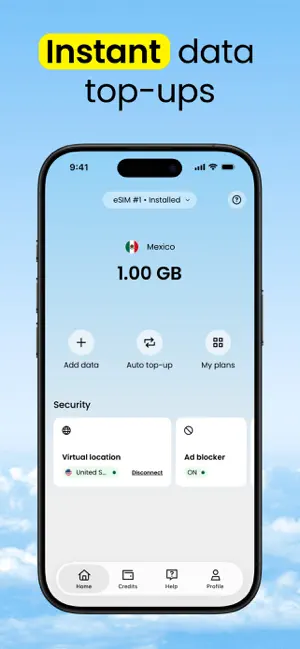
Saily is an eSIM app that gives travelers fast, reliable mobile data in over 200 destinations. Skip the shops, avoid roaming fees, and stay connected wherever you go — all with an eSIM you can install and activate in minutes. Choose your plan, manage everything in one app, and get online the moment you land! What is an eSIM? An eSIM (embedded SIM) is a digital SIM built into your device. It works like a physical SIM but doesn’t require a card. Buy a plan in the app, install the international eSIM, and connect to local networks wherever you travel. Why choose Saily • No roaming fees. Use prepaid data for international travel at transparent rates. • Wide coverage. Get travel internet in 200+ destinations by connecting to the leading local networks. • Activate in minutes. Purchase, install, and turn on your eSIM for travel with guided steps. • Keep your number. Saily eSIMs are data onl…
App details
What you can learn from Saily eSIM: Travel & Data
Every shipping app on the App Store has gone through the same decisions you're working through right now: which screenshot goes first, what caption sits over it, which device frame to show, what color the background should be. The 6 screenshots above are Saily eSIM: Travel & Data's answers to those questions — they're public, they're real, and they made it through Apple's review.
Notice the first screenshot in particular. It's the one users see in search results and on the product page, and it's where most apps spend their best caption and tightest design. Look at the proportion of background to phone, where the text sits, what one thing the image is trying to communicate.
Want to see how other Travel apps approach the same problem? Browse more Travel apps in the showcase.
Take what works into your own screenshots
Open LaunchShots and design your App Store & Google Play screenshots — pick a device frame, drop captions, ship in minutes. Free, in your browser.
Open the screenshot editor →