Screenshots


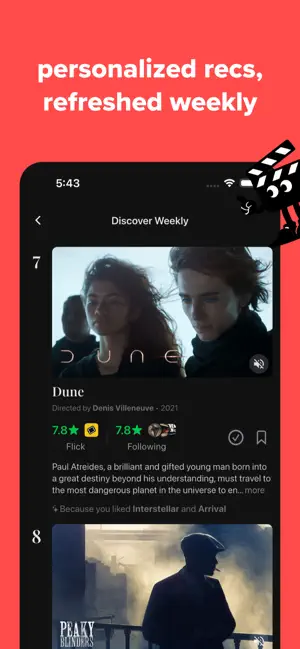
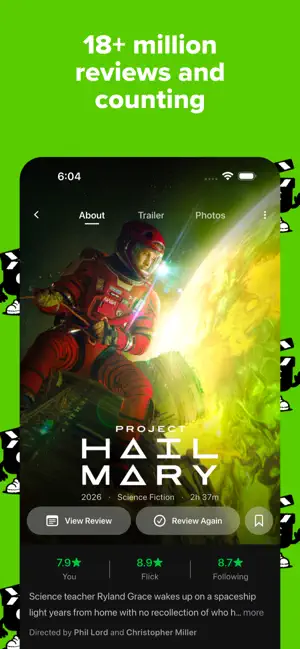
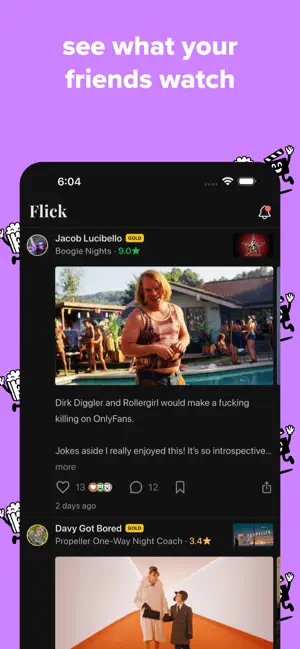
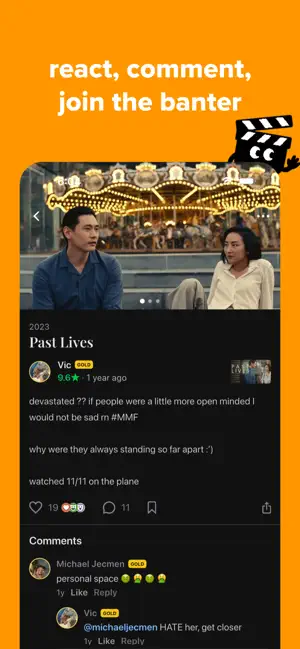
Icon palette
About this app
Flick is a modern movie and tv rating app built for people who want more: richer reviews, actual discussion, a movie-watching wrapped, and personalized recommendations. Import your entire watch history in seconds—then discover what you've been missing. Keep your movie and TV takes in the same place. You no longer have to juggle multiple apps to track your favorite shows and films. Everything lives in one beautifully organized feed—your ratings, reviews, and recommendations all in sync. Say more with your reviews. Attach stills, clips, or gifs to your reviews to celebrate any movie moment—whether you're celebrating perfect framing or a funny side-eye from the lead. Whether you're looking to add high-detail analysis, write artistic prose, or meme your way to the top, the tools are finally in your hands to craft whatever review you want. The most fun way to rate. Our "this or th…
App details
What you can learn from Flick: Rate Movies & Shows
Every shipping app on the App Store has gone through the same decisions you're working through right now: which screenshot goes first, what caption sits over it, which device frame to show, what color the background should be. The 6 screenshots above are Flick: Rate Movies & Shows's answers to those questions — they're public, they're real, and they made it through Apple's review.
Notice the first screenshot in particular. It's the one users see in search results and on the product page, and it's where most apps spend their best caption and tightest design. Look at the proportion of background to phone, where the text sits, what one thing the image is trying to communicate.
Want to see how other Social Networking apps approach the same problem? Browse more Social Networking apps in the showcase.
Take what works into your own screenshots
Open LaunchShots and design your App Store & Google Play screenshots — pick a device frame, drop captions, ship in minutes. Free, in your browser.
Open the screenshot editor →