Screenshots






Icon palette
About this app
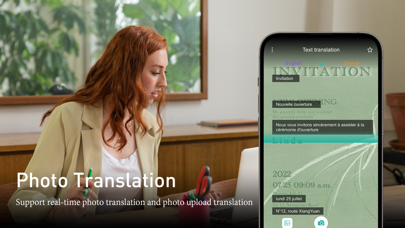
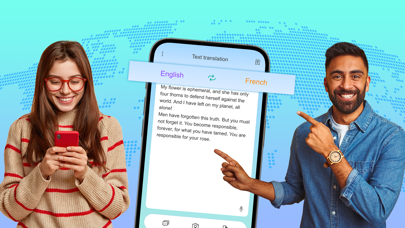
Discover TransEase: Your Key to Seamless Communication Are you tired of language barriers holding you back from exploring the world? Introducing TransEase, your ultimate companion for smooth and efficient translations on the go. With TransEase, breaking the language barrier has never been easier. Key Features: Instant Translation: TransEase offers real-time translation services, allowing you to converse with ease in over 100 languages. Voice Recognition: Speak into your device, and TransEase will instantly translate your words into the language of your choice. Offline Mode: Traveling without internet? No problem! TransEase's offline mode ensures you can translate essential phrases without connectivity. Text Translation: Simply type or paste the text you need to translate, and TransEase will provide you with accurate translations in seconds. Image Translation: Point your camera at…
App details
What you can learn from TransEase: Realtime Translator
Every shipping app on the App Store has gone through the same decisions you're working through right now: which screenshot goes first, what caption sits over it, which device frame to show, what color the background should be. The 10 screenshots above are TransEase: Realtime Translator's answers to those questions — they're public, they're real, and they made it through Apple's review.
Notice the first screenshot in particular. It's the one users see in search results and on the product page, and it's where most apps spend their best caption and tightest design. Look at the proportion of background to phone, where the text sits, what one thing the image is trying to communicate.
Want to see how other Utilities apps approach the same problem? Browse more Utilities apps in the showcase.
Take what works into your own screenshots
Open LaunchShots and design your App Store & Google Play screenshots — pick a device frame, drop captions, ship in minutes. Free, in your browser.
Open the screenshot editor →