Screenshots



Icon palette
About this app
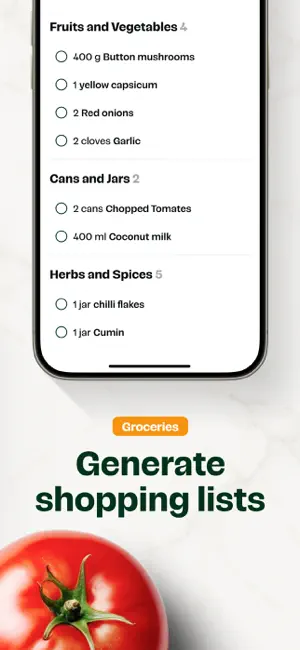
Clove is designed to simplify everyday home cooking. Discover inspiring creator recipes, save recipes from anywhere, plan your weekly cook, simplify groceries and become a more confident cook. Features Get inspired - Curated collections of hundreds of vetted creator recipes, perfect for everyday cooking. Discover different cuisines, flavors and techniques. Save recipes from anywhere - Import recipes from Instagram, Pinterest, Tiktok or websites. Convert from any app like Recime, Paprika, Notes, Google Docs, Canva or Notion. Download recipes from anywhere and convert into an easy-to-use format. Save recipes from printed cookbooks by taking a photo of any recipe and importing into Clove. Smart Plan - Plan your week with the AI smart planner. Generate a bespoke meal plan based on your tastes and dietary preferences. Generate shopping lists with 1 click - Create smart grocery lists ba…
App details
What you can learn from Clove: Discover & Save Recipes
Every shipping app on the App Store has gone through the same decisions you're working through right now: which screenshot goes first, what caption sits over it, which device frame to show, what color the background should be. The 5 screenshots above are Clove: Discover & Save Recipes's answers to those questions — they're public, they're real, and they made it through Apple's review.
Notice the first screenshot in particular. It's the one users see in search results and on the product page, and it's where most apps spend their best caption and tightest design. Look at the proportion of background to phone, where the text sits, what one thing the image is trying to communicate.
Want to see how other Food & Drink apps approach the same problem? Browse more Food & Drink apps in the showcase.
Take what works into your own screenshots
Open LaunchShots and design your App Store & Google Play screenshots — pick a device frame, drop captions, ship in minutes. Free, in your browser.
Open the screenshot editor →