Screenshots

Icon palette
About this app
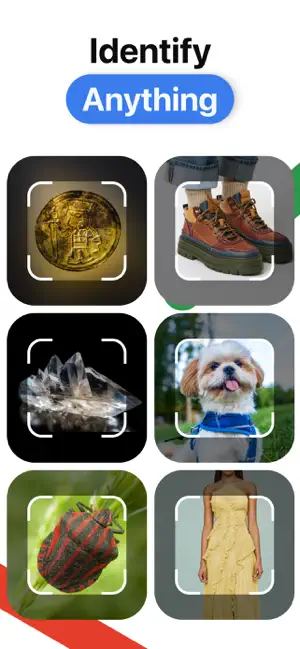
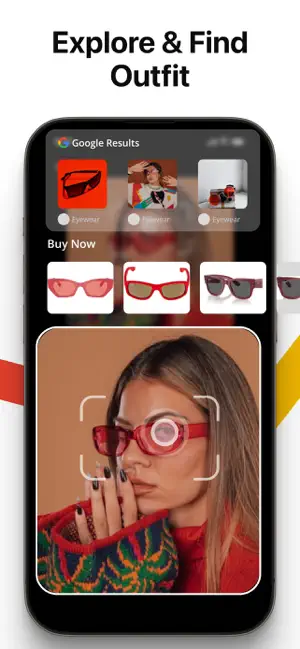
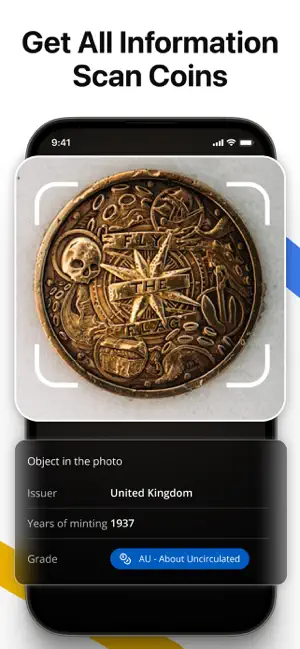
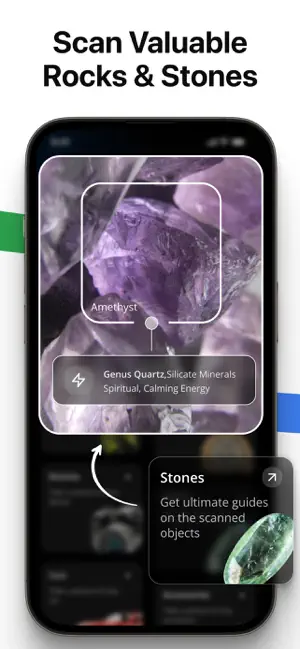
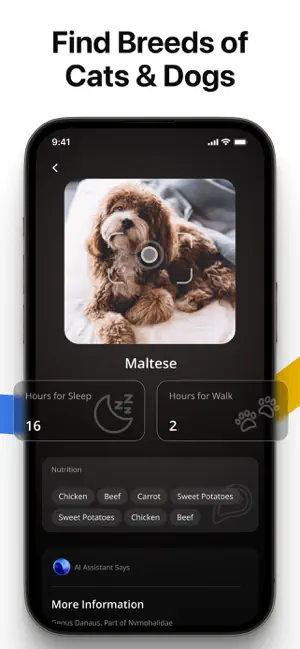
LENS AI – AI Scanner & Identifier - IDENTIFY EVERYTHING! Find people faster with DeepSearch, search across apps and platforms using just a photo! Identify anything fast with AI! Scan and recognize Dog Breeds, Cats, Coins, Stones, Rocks, Plants, and Flowers with LENS AI. AI Scanner for Everything! Try LENS AI to quickly scan and identify objects around you. Just take a picture or show it to your camera, and let Lens AI do it for you. Animal & Pet Identifier Identify animals, pets like cats, dogs, dog breeds. If it’s a dog, cat, or any other pet, LENS AI helps you recognize breeds accurately. Want to learn more about your pets breed, history, or characteristics? LENS AI gives you fast details. Scan animals or unknown pets and get valuable insights with Lens AI Scanner & Identifier. Dog & Cat Breed Identifier Not sure what breed your pet is? LENS AI identify your Dog or Cat breeds acc…
App details
What you can learn from Lens AI: Identify Anything
Every shipping app on the App Store has gone through the same decisions you're working through right now: which screenshot goes first, what caption sits over it, which device frame to show, what color the background should be. The 6 screenshots above are Lens AI: Identify Anything's answers to those questions — they're public, they're real, and they made it through Apple's review.
Notice the first screenshot in particular. It's the one users see in search results and on the product page, and it's where most apps spend their best caption and tightest design. Look at the proportion of background to phone, where the text sits, what one thing the image is trying to communicate.
Want to see how other Reference apps approach the same problem? Browse more Reference apps in the showcase.
Take what works into your own screenshots
Open LaunchShots and design your App Store & Google Play screenshots — pick a device frame, drop captions, ship in minutes. Free, in your browser.
Open the screenshot editor →