Screenshots


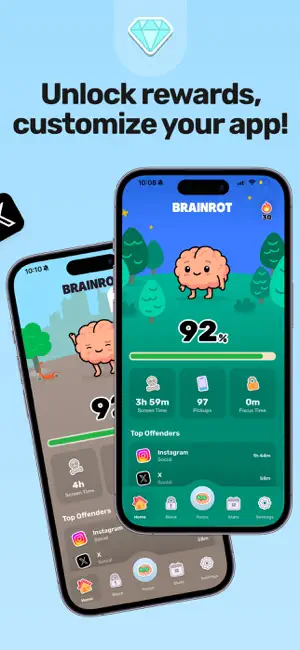
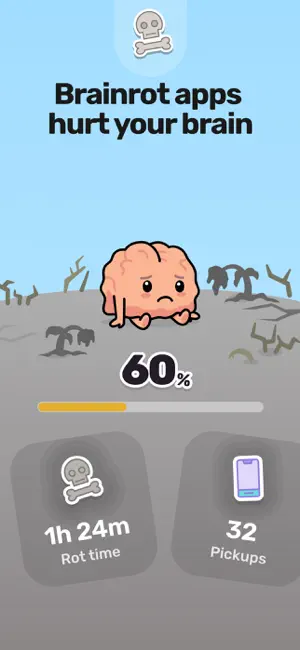
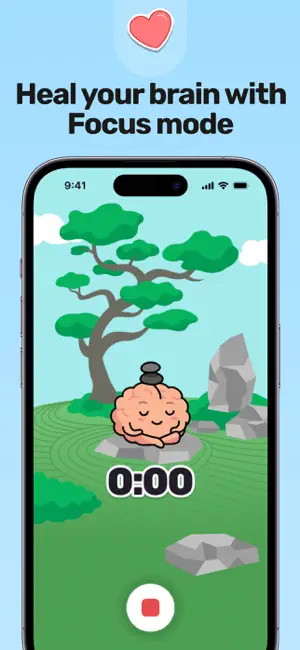

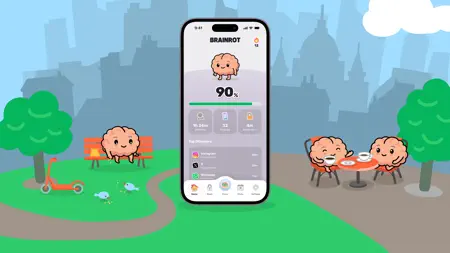
Icon palette
About this app
Reclaim your day with Brainrot, a playful screen time control, app blocker, and focus coach. Pick the apps and sites to block, set schedules, and watch your cute brain avatar decay as you doom scroll. The visual nudge helps you put the phone down. Save about 2 hours per day, feel less distracted, sleep better, and get more done. What you get: - Instant blocking for apps and websites - Focus timer for deep work and Pomodoro - Smart schedules for bedtime, mornings, and meetings - Mindful breaks so you reset without the guilt - Clear insights to spot Brainrot apps fast ### PRIVATE & SECURE Brainrot uses Apple’s Screen Time API; all monitoring and blocking run *entirely* on your device. Your browsing data never leaves your phone. *All features described above require a subscription.* Terms of Service: https://thebrainrotapp.com/terms Privacy Policy: https://thebrainrotapp.com/pri…
App details
What you can learn from Brainrot: Screen Time Control
Every shipping app on the App Store has gone through the same decisions you're working through right now: which screenshot goes first, what caption sits over it, which device frame to show, what color the background should be. The 7 screenshots above are Brainrot: Screen Time Control's answers to those questions — they're public, they're real, and they made it through Apple's review.
Notice the first screenshot in particular. It's the one users see in search results and on the product page, and it's where most apps spend their best caption and tightest design. Look at the proportion of background to phone, where the text sits, what one thing the image is trying to communicate.
Want to see how other Productivity apps approach the same problem? Browse more Productivity apps in the showcase.
Take what works into your own screenshots
Open LaunchShots and design your App Store & Google Play screenshots — pick a device frame, drop captions, ship in minutes. Free, in your browser.
Open the screenshot editor →