Screenshot style breakdown
Sampled from 3 of 超星萤火虫's App Store screenshots — background, accent and theme, measured by LaunchShots (not something Apple publishes).
#14342C bg
#345049
#1494EC accent
#FFFFFF text
Reading the caption text from the screenshots in your browser…
Screenshots
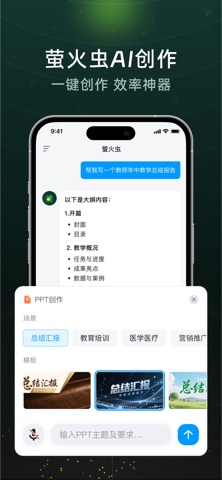
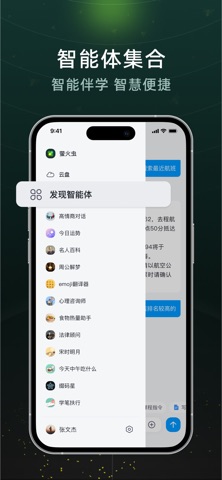
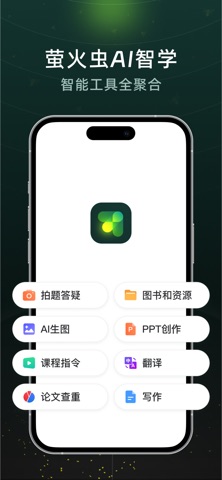
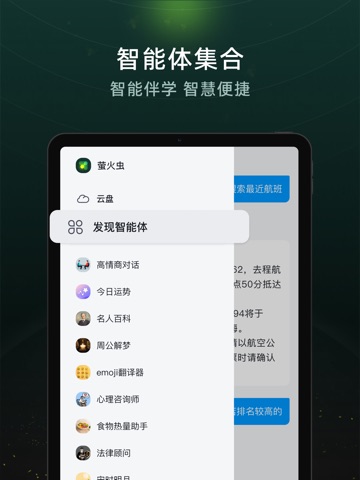
iPad screenshots

Icon palette
About this app
"超星萤火虫"——这是一款有温度的教育AI助手,我们用心为师生打造更美好的学习体验。 • 听得懂:支持语音对话、文字交流,像朋友一样自然沟通 • 更懂你:基于个人学习数据,提供量身定制的学习方案 • 全程伴学:从课前资料智能推荐、课中互动参与到课后作业辅导,陪伴每个学习时刻 • 越用越聪明:持续学习进化,与您共同成长 让科技赋能教育,我们致力于让知识获取更高效,让校园生活更便捷,让每个学习者都能享受AI带来的改变。
App details
What you can learn from 超星萤火虫
Every shipping app on the App Store has gone through the same decisions you're working through right now: which screenshot goes first, what caption sits over it, which device frame to show, what color the background should be. The 6 screenshots above are 超星萤火虫's answers to those questions — they're public, they're real, and they made it through Apple's review.
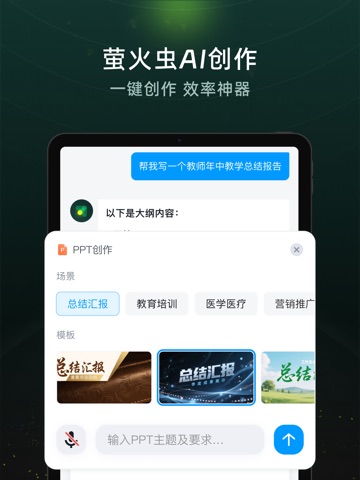
What the numbers say: 超星萤火虫 runs a dark set with one background colour (#14342C) carried across every screenshot — the listing reads as a single poster when the shots sit side by side in search results. The accent colour we picked up, #1494EC, is the one to reuse for badges, arrows and highlighted words if you borrow this look. Hit Use this style to open the editor with these exact colours and drop your own screenshot in.
Notice the first screenshot in particular. It's the one users see in search results and on the product page, and it's where most apps spend their best caption and tightest design. Look at the proportion of background to phone, where the text sits, what one thing the image is trying to communicate.
Want to see how other Education apps approach the same problem? Browse more Education apps in the showcase.
Take what works into your own screenshots
Open LaunchShots and design your App Store & Google Play screenshots — pick a device frame, drop captions, ship in minutes. Free, in your browser.
Open the screenshot editor →Apps with a similar look
Closest background + accent colours among the listings we've analysed — useful when you want to see the same palette handled by a different team.