Screenshots
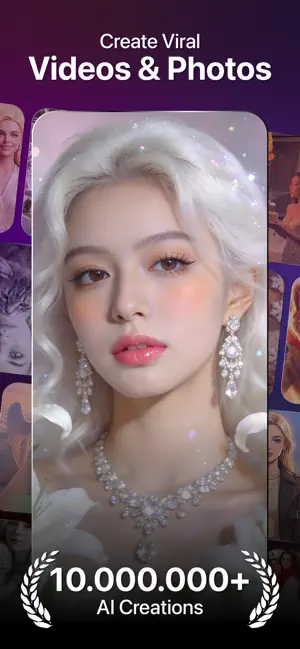

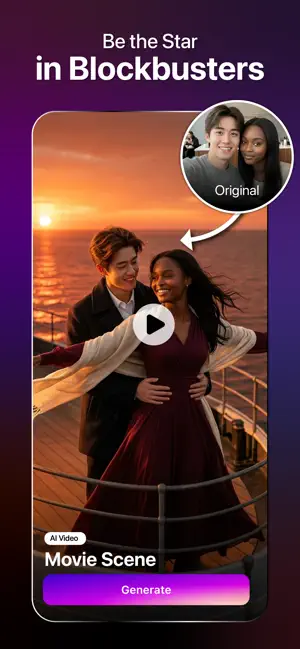
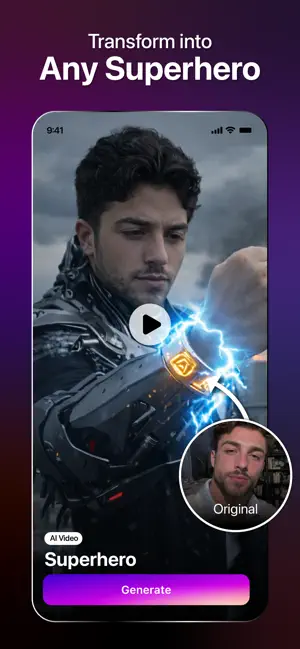
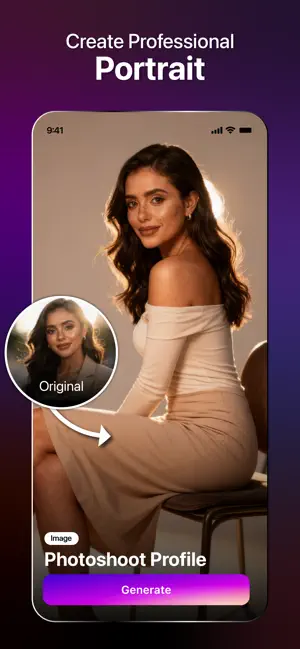

Icon palette
About this app
Glow up your photos with AI-powered creativity - every day. ReelMe is your daily AI creative companion for photos, portraits, beauty styles, trending templates, and viral-ready content. Capture everyday moments, explore creative looks, and turn your selfies into expressive visual stories with just a few taps. Whether you're building a daily photo routine, creating a photo a day story, documenting a 365 photo challenge, exploring an AI photoshoot, or creating content for social profiles, ReelMe helps bring your ideas to life through intuitive AI-powered tools. 1. Daily trends templates Explore a growing collection of AI templates inspired by social trends, seasonal moments, creator culture, and viral visual styles. Perfect for: Daily photos Photo challenges Selfie collections Creator content Lifestyle stories Social-ready visuals Trend-inspired video content Turn simple photos into e…
App details
What you can learn from ReelMe AI: Daily Photo & Trend
Every shipping app on the App Store has gone through the same decisions you're working through right now: which screenshot goes first, what caption sits over it, which device frame to show, what color the background should be. The 6 screenshots above are ReelMe AI: Daily Photo & Trend's answers to those questions — they're public, they're real, and they made it through Apple's review.
Notice the first screenshot in particular. It's the one users see in search results and on the product page, and it's where most apps spend their best caption and tightest design. Look at the proportion of background to phone, where the text sits, what one thing the image is trying to communicate.
Want to see how other Photo & Video apps approach the same problem? Browse more Photo & Video apps in the showcase.
Take what works into your own screenshots
Open LaunchShots and design your App Store & Google Play screenshots — pick a device frame, drop captions, ship in minutes. Free, in your browser.
Open the screenshot editor →