Chart position — tracked daily by LaunchShots
Screenshot style breakdown
Sampled from 5 of wŚUMie's App Store screenshots — background, accent and theme, measured by LaunchShots (not something Apple publishes).
#0C1414 bg
#2E3434
#1C5C9C accent
#FFFFFF text
Screenshots


iPad screenshots



Icon palette
About this app
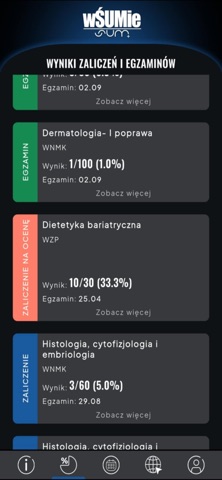
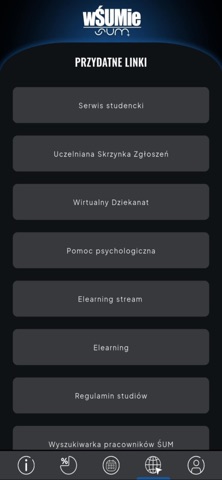
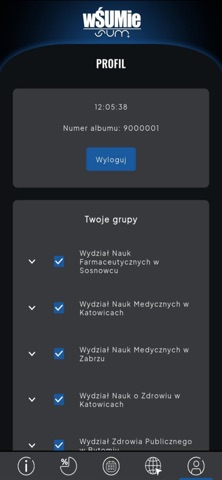
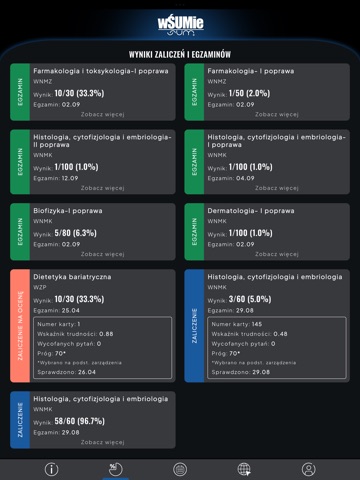
Aplikacja wŚUMie to niezastąpione narzędzie stworzone z myślą o studentach uczelni wyższych, które ułatwia codzienną organizację życia akademickiego. Dzięki niej masz zawsze pod ręką najważniejsze informacje związane z Twoimi studiami – szybko, wygodnie i bez stresu. Funkcje aplikacji Komunikacja ze studentami i wykładowcami Otrzymuj powiadomienia o ważnych ogłoszeniach Wbudowane powiadomienia push zapewniają, że niczego nie przegapisz. Wyniki zaliczeń i egzaminów Sprawdź swoje oceny i statusy zaliczeń natychmiast po ich opublikowaniu. Powiadomienia o nowych wpisach do bazy wyników. Bezpieczne logowanie Pobierz teraz i ucz się mądrzej, nie ciężej! Aplikacja jest dostępna wyłącznie dla studentów SUM – zaloguj się za pomocą konta uczelnianego i korzystaj z pełni funkcji.
App details
What you can learn from wŚUMie
Every shipping app on the App Store has gone through the same decisions you're working through right now: which screenshot goes first, what caption sits over it, which device frame to show, what color the background should be. The 9 screenshots above are wŚUMie's answers to those questions — they're public, they're real, and they made it through Apple's review.
What the numbers say: wŚUMie runs a dark set with one background colour (#0C1414) carried across every screenshot — the listing reads as a single poster when the shots sit side by side in search results. The accent colour we picked up, #1C5C9C, is the one to reuse for badges, arrows and highlighted words if you borrow this look. Hit Use this style to open the editor with these exact colours and drop your own screenshot in.
Notice the first screenshot in particular. It's the one users see in search results and on the product page, and it's where most apps spend their best caption and tightest design. Look at the proportion of background to phone, where the text sits, what one thing the image is trying to communicate.
Want to see how other Social Networking apps approach the same problem? Browse more Social Networking apps in the showcase.
Take what works into your own screenshots
Open LaunchShots and design your App Store & Google Play screenshots — pick a device frame, drop captions, ship in minutes. Free, in your browser.
Open the screenshot editor →Apps with a similar look
Closest background + accent colours among the listings we've analysed — useful when you want to see the same palette handled by a different team.