Screenshots

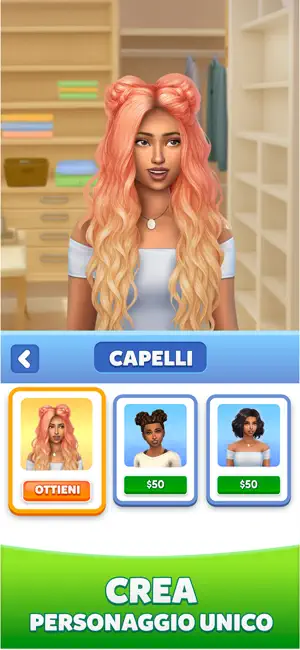
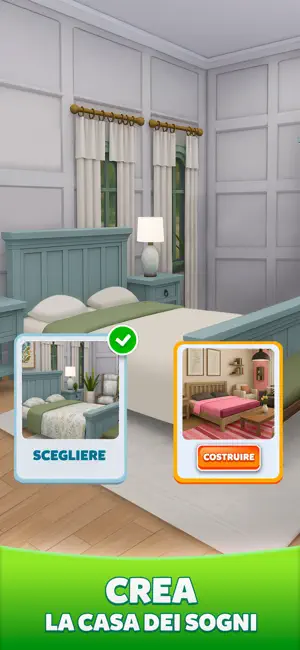



Icon palette
About this app
Benvenuto in Life Sim 3D: Family Simulator — la tua esperienza ideale di vita virtuale! Entra in un mondo dove la tua immaginazione non ha limiti! Crea la vita che hai sempre sognato: scegli il tuo personaggio e personalizza il suo aspetto con acconciature, opzioni di colore dei capelli, outfit e molto altro. Costruisci la casa dei tuoi sogni, crea una famiglia, adotta animali domestici come gatti e cani e vivi un quotidiano ricco di sorprese. Crea la tua storia, a modo tuo Progetta ogni dettaglio del tuo stile di vita: arreda una casa accogliente, decora le camerette dei bambini e preparati ad accogliere un bebé in un’esperienza realistica di famiglia e genitorialità. Vivi la gioia di prenderti cura dei più piccoli, costruire relazioni e creare un’atmosfera calda e familiare. Vivi in tempo reale Accompagna il tuo personaggio in ogni fase della vita — dalla prima infanzia alla geni…
App details
What you can learn from Life Sim: Simulatore Famiglia
Every shipping app on the App Store has gone through the same decisions you're working through right now: which screenshot goes first, what caption sits over it, which device frame to show, what color the background should be. The 6 screenshots above are Life Sim: Simulatore Famiglia's answers to those questions — they're public, they're real, and they made it through Apple's review.
Notice the first screenshot in particular. It's the one users see in search results and on the product page, and it's where most apps spend their best caption and tightest design. Look at the proportion of background to phone, where the text sits, what one thing the image is trying to communicate.
Want to see how other Games apps approach the same problem? Browse more Games apps in the showcase.
Take what works into your own screenshots
Open LaunchShots and design your App Store & Google Play screenshots — pick a device frame, drop captions, ship in minutes. Free, in your browser.
Open the screenshot editor →