Screenshots
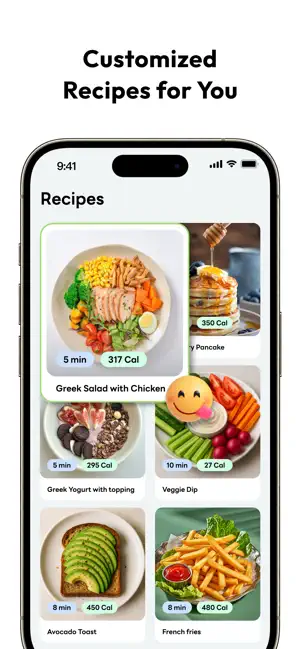
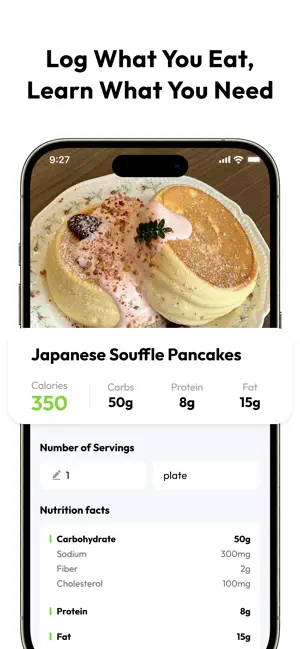
Icon palette
About this app
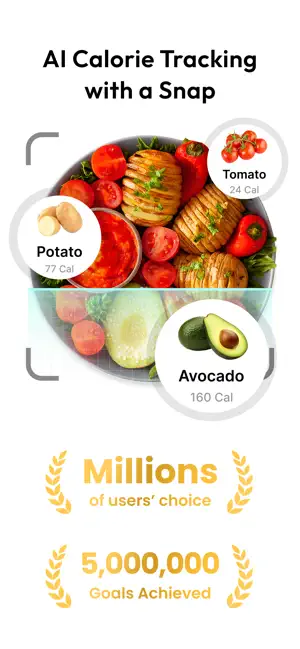
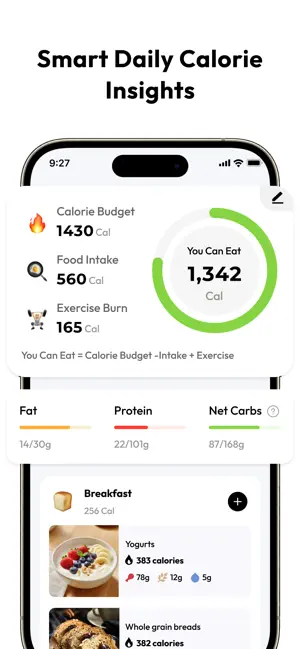
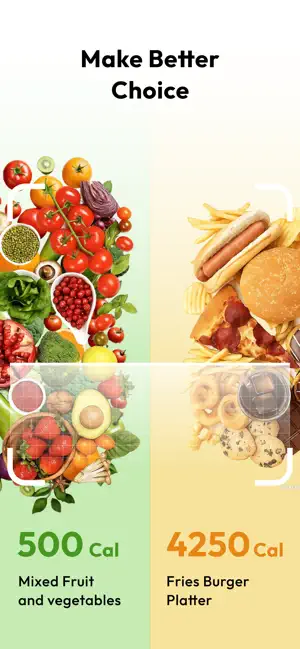
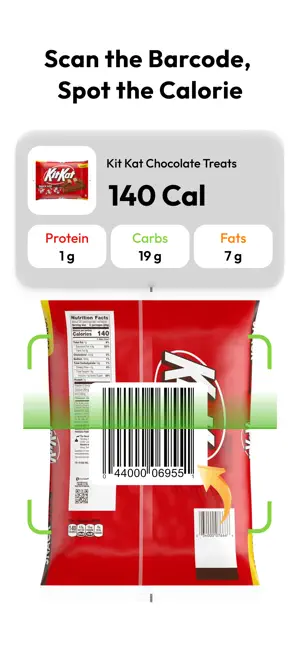
SnapCal is your all-in-one weight management companion — powered by smart calorie tracking and personalized meal planning. Just snap, log, and reach your goals with ease. Whether you're looking to lose weight, maintain it, or simply build healthier habits, SnapCal guides you every step of the way. Using science-backed calorie tracking, AI-powered food recognition, and intuitive tools, SnapCal makes wellness simple — and sustainable. Why SnapCal: - Snap & Track Meals in Seconds Just take a photo to log your meal — it's that simple. No more tedious input! - Personalized Calorie Goals Enter your info and goal weight — we'll calculate a daily calorie budget tailored just for you. - Smarter Food Logging Track meals by photo, barcode, or search — powered by AI for fast, accurate results. - Beyond Calories: Track What Matters Monitor your macros, water, sugar, body measurements, and more — a…
App details
What you can learn from SnapCal: AI Calorie Counter
Every shipping app on the App Store has gone through the same decisions you're working through right now: which screenshot goes first, what caption sits over it, which device frame to show, what color the background should be. The 6 screenshots above are SnapCal: AI Calorie Counter's answers to those questions — they're public, they're real, and they made it through Apple's review.
Notice the first screenshot in particular. It's the one users see in search results and on the product page, and it's where most apps spend their best caption and tightest design. Look at the proportion of background to phone, where the text sits, what one thing the image is trying to communicate.
Want to see how other Health & Fitness apps approach the same problem? Browse more Health & Fitness apps in the showcase.
Take what works into your own screenshots
Open LaunchShots and design your App Store & Google Play screenshots — pick a device frame, drop captions, ship in minutes. Free, in your browser.
Open the screenshot editor →