Screenshots

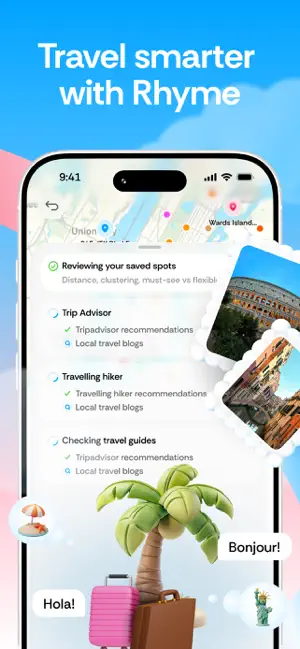
Icon palette
About this app
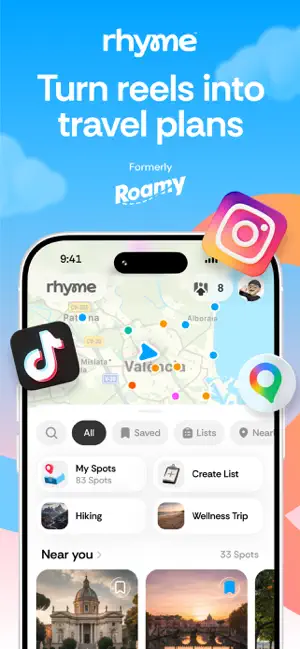
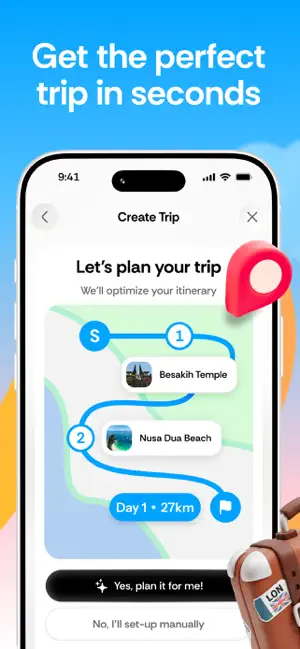
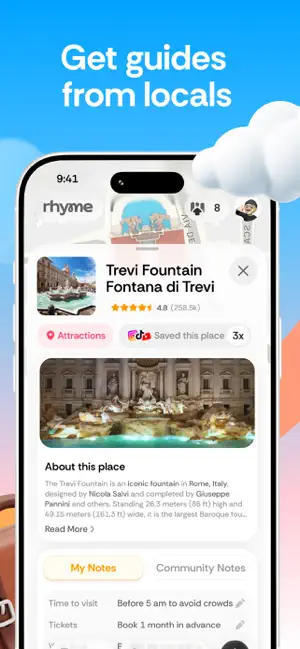
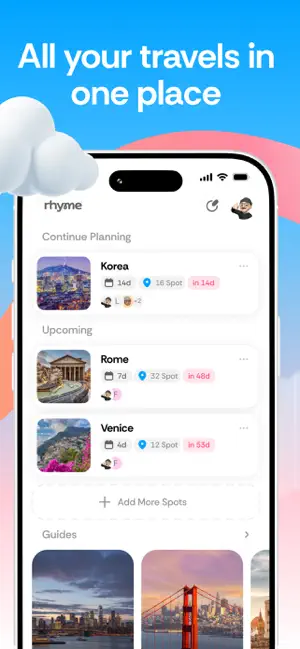
Rhyme (formerly Roamy) — Turn reels into travel plans Thousands of travel videos saved across your Instagram and TikTok… and zero time to turn them into a plan? You can’t search those folders, you keep rewatching clips to find the exact spot, pinning places on Google Maps takes forever, and spreadsheets don’t tell you how far anything is. We get it. Trip planning from scratch is painful—and your saved folder is begging to be used. Rhyme fixes the mess. With one tap, pull every location mentioned in a video, drop them onto a map, and see your entire collection of spots—clearly, visually, and all in one place. When you’re ready to go, just tell Rhyme how many days you have. We’ll build a sensible, day-by-day itinerary that connects the dots for you. Trip planning, minus the stress. Who Rhyme is for - You’ve got dozens of folders and thousands of saved travel posts across Instagram and …
App details
What you can learn from Rhyme (formerly Roamy)
Every shipping app on the App Store has gone through the same decisions you're working through right now: which screenshot goes first, what caption sits over it, which device frame to show, what color the background should be. The 7 screenshots above are Rhyme (formerly Roamy)'s answers to those questions — they're public, they're real, and they made it through Apple's review.
Notice the first screenshot in particular. It's the one users see in search results and on the product page, and it's where most apps spend their best caption and tightest design. Look at the proportion of background to phone, where the text sits, what one thing the image is trying to communicate.
Want to see how other Travel apps approach the same problem? Browse more Travel apps in the showcase.
Take what works into your own screenshots
Open LaunchShots and design your App Store & Google Play screenshots — pick a device frame, drop captions, ship in minutes. Free, in your browser.
Open the screenshot editor →