Screenshots

Icon palette
About this app
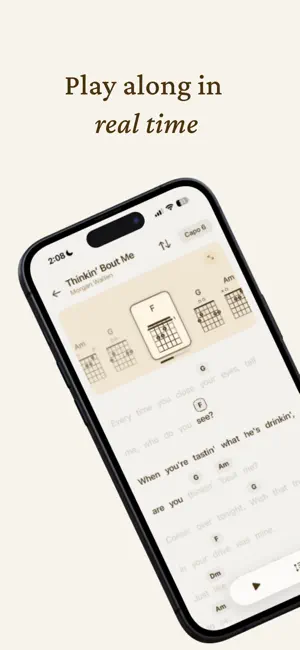
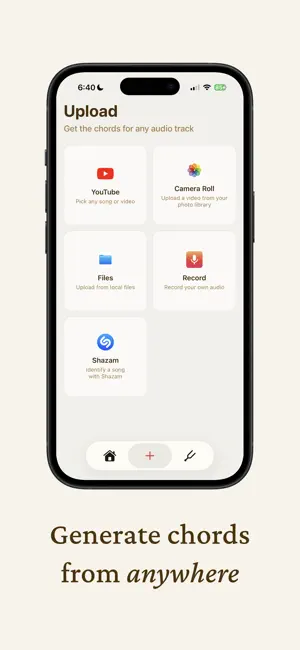
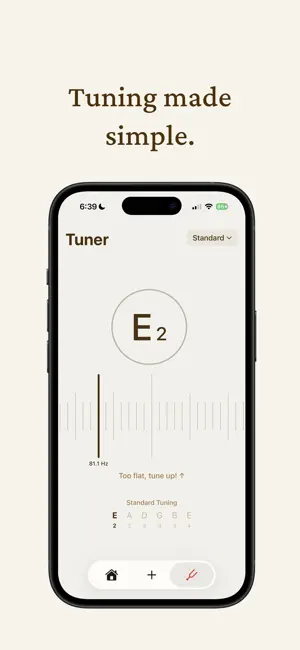
Transform any song into playable chords in seconds! Whether you're jamming to YouTube hits, your personal music library, or chart-toppers, Strum makes learning your favorite songs effortless.* Key Features: YouTube Integration - Paste any YouTube music link and get instant chord progressions File Upload Support - Upload your own audio files (MP3, WAV, M4A) for chord detection Top Charts Library - Browse trending songs with pre-loaded chord charts Smart Chord Recognition - Advanced AI analyzes audio to identify accurate chord progressions Practice Mode - Loop sections and adjust playback speed for learning Perfect For: Beginner musicians learning new songs Experienced players wanting quick chord references Music teachers creating lesson materials Songwriters analyzing chord progressions Anyone who loves playing music Stop searching for unreliable chord tabs online. Get accurate, profe…
App details
What you can learn from Strum - Play Guitar
Every shipping app on the App Store has gone through the same decisions you're working through right now: which screenshot goes first, what caption sits over it, which device frame to show, what color the background should be. The 5 screenshots above are Strum - Play Guitar's answers to those questions — they're public, they're real, and they made it through Apple's review.
Notice the first screenshot in particular. It's the one users see in search results and on the product page, and it's where most apps spend their best caption and tightest design. Look at the proportion of background to phone, where the text sits, what one thing the image is trying to communicate.
Want to see how other Music apps approach the same problem? Browse more Music apps in the showcase.
Take what works into your own screenshots
Open LaunchShots and design your App Store & Google Play screenshots — pick a device frame, drop captions, ship in minutes. Free, in your browser.
Open the screenshot editor →