Chart position — tracked daily by LaunchShots
Screenshot style breakdown
Sampled from 6 of وافي | للمعلمين والمعلمات's App Store screenshots — background, accent and theme, measured by LaunchShots (not something Apple publishes).
#FCFCFC bg
#DDDDDD
#04C46C accent
#111111 text
Screenshots
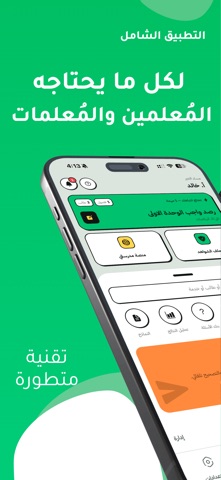
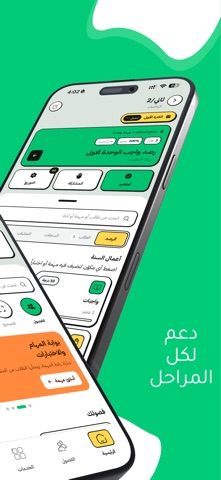
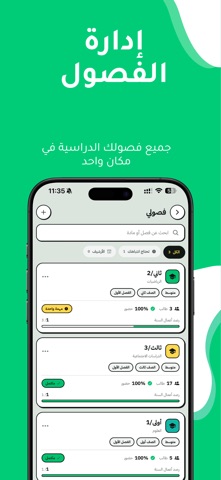


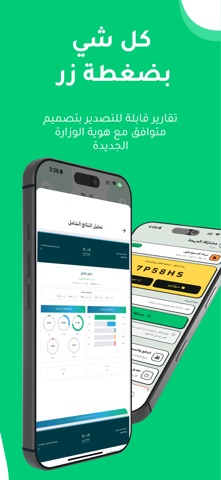
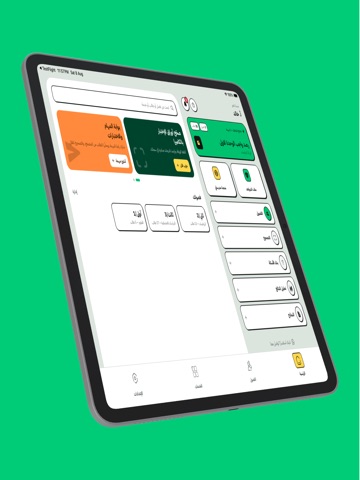
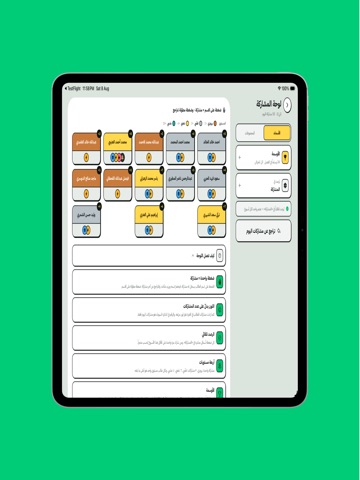
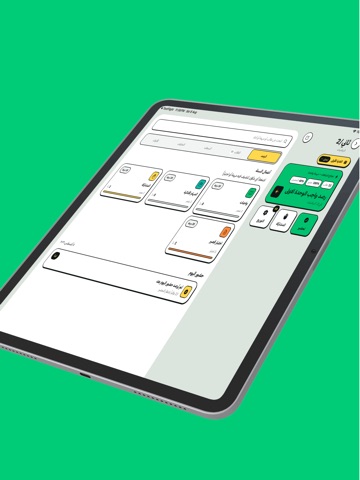
iPad screenshots

Icon palette
About this app
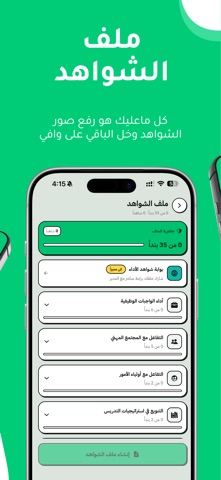
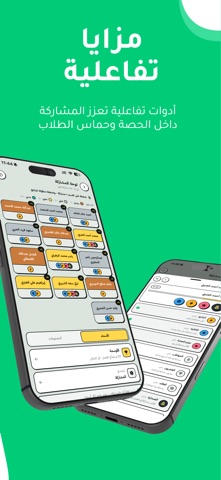
وافي هو التطبيق الاول من نوعه يجمع جميع الأدوات التي يحتاجها المعلم والمعلمة في مكان واحد، مع تكامل مباشر مع منصة مدرستي، لتسهيل إدارة الحصص، متابعة الطلاب، وإعداد التقارير التعليمية باحترافية. المميزات الرئيسية: أدوات منصة مدرستي: تحضير حصص مدرستي بضغطة زر واحدة إنشاء الخطة الأسبوعية ونشرها مباشرة على المنصة استيراد الفصول الدراسية من منصة مدرستي استيراد أسماء الطلاب تلقائيًا بنك الاسئلة لانشاء الاختبارات حسب المادة والدروس: أكثر من 40.000 سؤال أكثر من 235 مادة أكثر من 7000 درس يشمل جميع المراحل والصفوف والمواد إدارة الفصل الدراسي: سجلات متابعة إلكترونية احترافية مع إمكانية الطباعة تسجيل الحضور والغياب بسهولة مع طباعة الكشوفات تحليلات شاملة لأداء الطلاب تحليلات تفصيلية للحضور والغياب إضافة ملاحظات سلوكية للطلاب إحالة الطالب إلى الإدارة بشكل رسمي إصدار شهادات شكر للطلاب المتميزين لوحة النشاط والاوسمة النرد لاختيار طالب عشوائي تقسيم الطلاب إلى مجموعات التحليلات والتقارير تحلي…
App details
What you can learn from وافي | للمعلمين والمعلمات
Every shipping app on the App Store has gone through the same decisions you're working through right now: which screenshot goes first, what caption sits over it, which device frame to show, what color the background should be. The 12 screenshots above are وافي | للمعلمين والمعلمات's answers to those questions — they're public, they're real, and they made it through Apple's review.
What the numbers say: وافي | للمعلمين والمعلمات runs a light set where the background shifts from screenshot to screenshot (first shot #FCFCFC) — each image has to stand on its own, so the captions carry more of the story. The accent colour we picked up, #04C46C, is the one to reuse for badges, arrows and highlighted words if you borrow this look. Hit Use this style to open the editor with these exact colours and drop your own screenshot in.
Notice the first screenshot in particular. It's the one users see in search results and on the product page, and it's where most apps spend their best caption and tightest design. Look at the proportion of background to phone, where the text sits, what one thing the image is trying to communicate.
Want to see how other Education apps approach the same problem? Browse more Education apps in the showcase.
Take what works into your own screenshots
Open LaunchShots and design your App Store & Google Play screenshots — pick a device frame, drop captions, ship in minutes. Free, in your browser.
Open the screenshot editor →Apps with a similar look
Closest background + accent colours among the listings we've analysed — useful when you want to see the same palette handled by a different team.