Screenshots

Icon palette
About this app
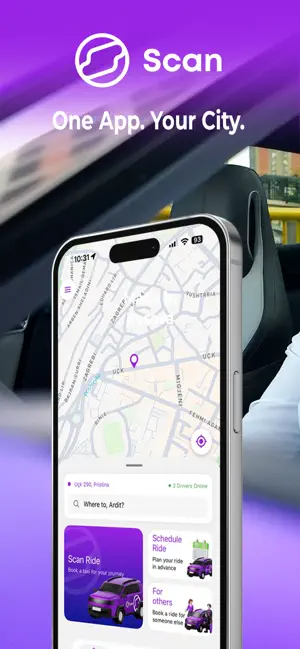
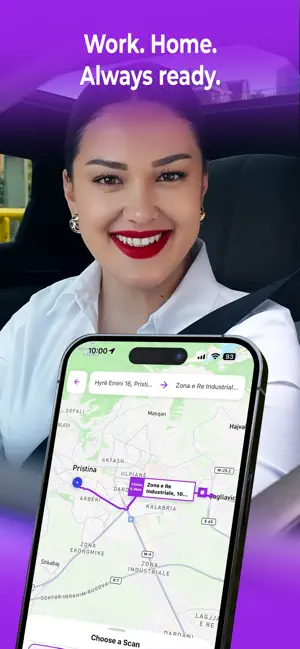
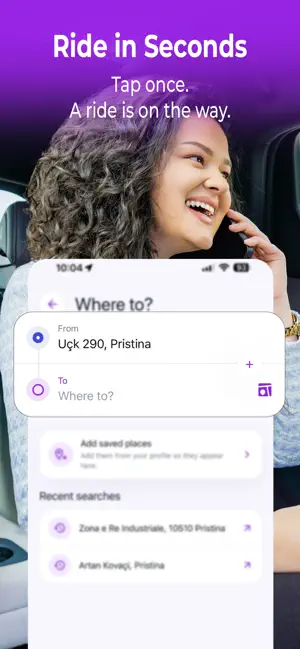
Scan Ride makes it easy to book safe, fast, and reliable rides directly from your phone. Whether you are going to work, meeting friends, heading anywhere, or moving around the city, Scan Ride helps you find a driver quickly and track your ride in real time. With a simple app experience, transparent ride details, and live driver tracking, Scan Ride gives you a smoother way to travel. Because apparently getting from point A to point B should not require a committee meeting. Key features: Book rides in just a few taps Track your driver live on the map See trip details before and during your ride Travel with trusted drivers Manage your rides easily from the app Get a simple, modern, and reliable transport experience Download Scan Ride today and move around with confidence.
App details
What you can learn from Scan Ride : Food and More
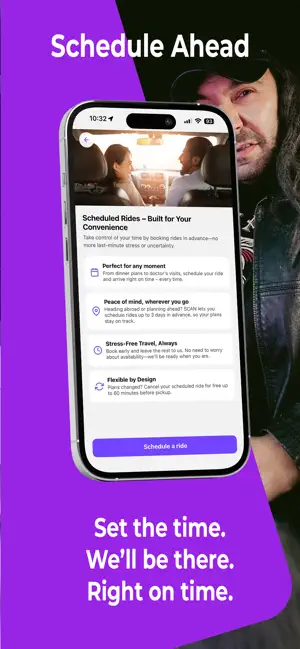
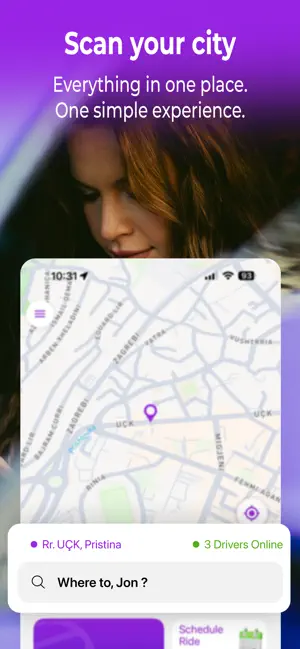
Every shipping app on the App Store has gone through the same decisions you're working through right now: which screenshot goes first, what caption sits over it, which device frame to show, what color the background should be. The 6 screenshots above are Scan Ride : Food and More's answers to those questions — they're public, they're real, and they made it through Apple's review.
Notice the first screenshot in particular. It's the one users see in search results and on the product page, and it's where most apps spend their best caption and tightest design. Look at the proportion of background to phone, where the text sits, what one thing the image is trying to communicate.
Want to see how other Travel apps approach the same problem? Browse more Travel apps in the showcase.
Take what works into your own screenshots
Open LaunchShots and design your App Store & Google Play screenshots — pick a device frame, drop captions, ship in minutes. Free, in your browser.
Open the screenshot editor →