Screenshots
Icon palette
About this app
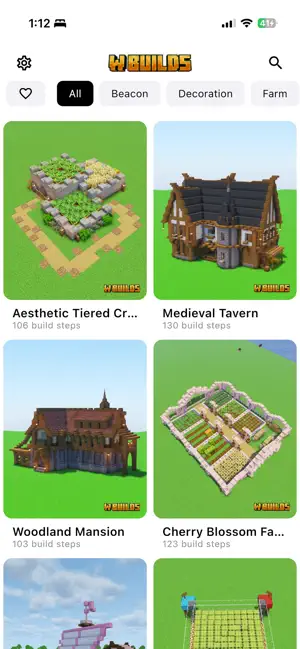
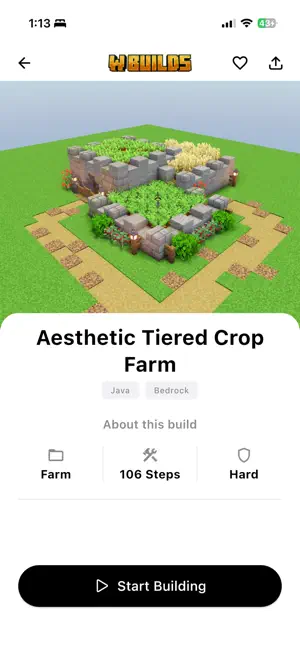
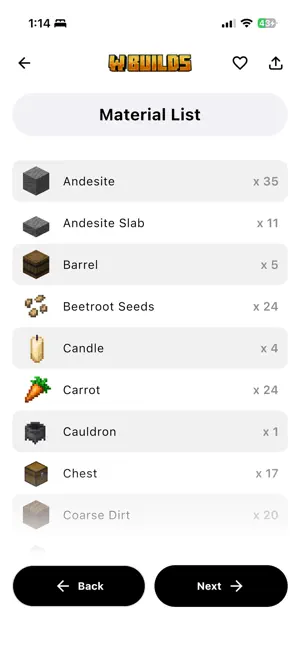
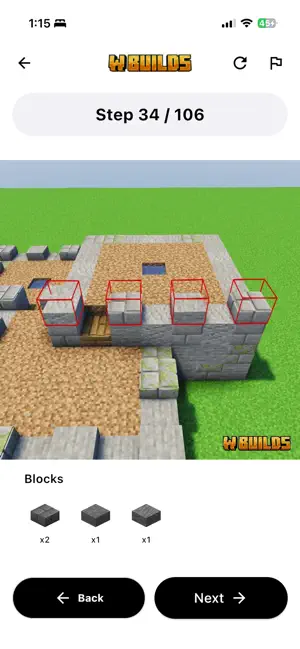
W Builds is your complete Minecraft building guide helping you create clean, accurate builds faster and easier. no matter your skill level. The Ultimate Minecraft Building Guide W Builds is built for players who want real, usable Minecraft builds not random videos. Whether you’re building a minecraft house build, survival house, a medieval tower, a castle, a farm, or a full base, W Builds walks you through every structure block by block. Perfect for Minecraft Bedrock, Minecraft Java, and Pocket Edition players. Why Players Choose W Builds • 64+ high-quality Minecraft building tutorials • Step-by-step builds for beginners and advanced players • Minecraft house build ideas from small bases to large homes • Exact material lists so you never miss a block • Chunk-style guidance — understand placement with clear layouts • Works with Minecraft Bedrock & Java Editions • Clean visuals and e…
App details
What you can learn from WBuilds for Building Guide
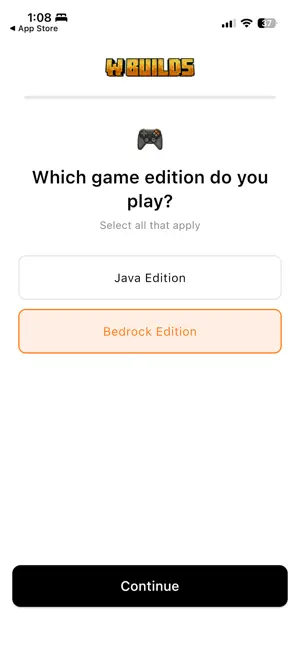
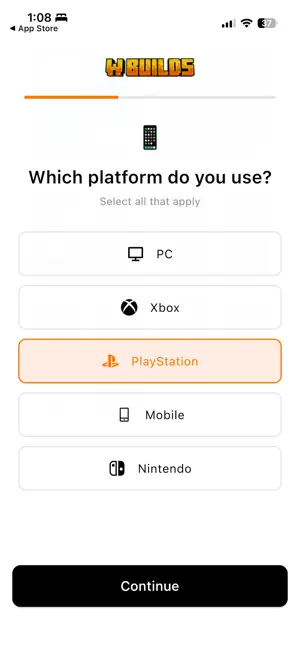
Every shipping app on the App Store has gone through the same decisions you're working through right now: which screenshot goes first, what caption sits over it, which device frame to show, what color the background should be. The 6 screenshots above are WBuilds for Building Guide's answers to those questions — they're public, they're real, and they made it through Apple's review.
Notice the first screenshot in particular. It's the one users see in search results and on the product page, and it's where most apps spend their best caption and tightest design. Look at the proportion of background to phone, where the text sits, what one thing the image is trying to communicate.
Want to see how other Reference apps approach the same problem? Browse more Reference apps in the showcase.
Take what works into your own screenshots
Open LaunchShots and design your App Store & Google Play screenshots — pick a device frame, drop captions, ship in minutes. Free, in your browser.
Open the screenshot editor →