Screenshots
Icon palette
About this app
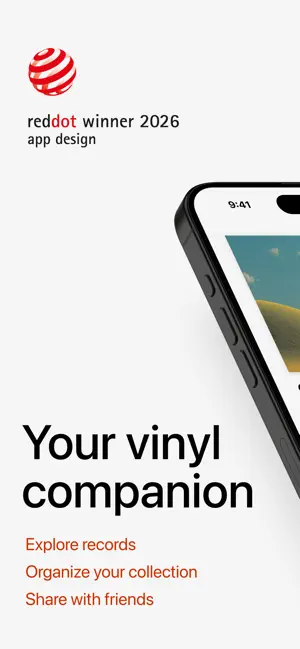
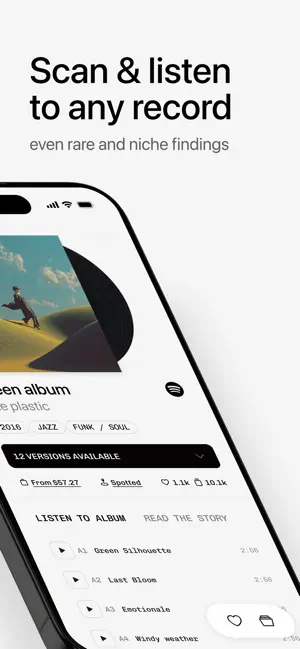
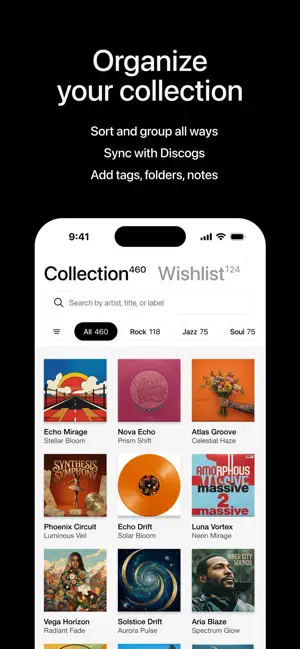
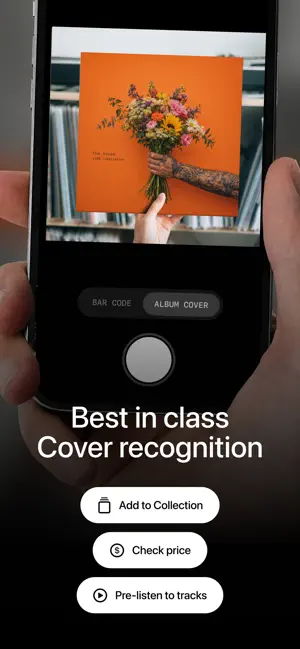
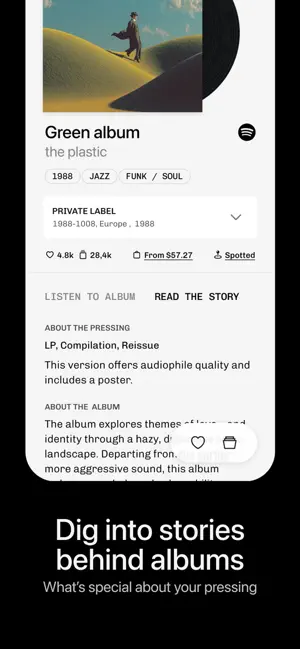
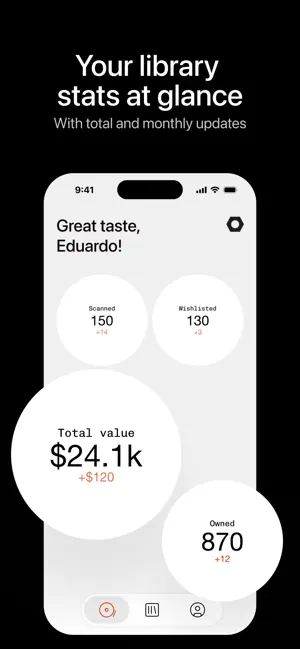
Plastic is a companion app for vinyl lovers. Scan any record in your collection or at the store to instantly identify it, explore its details, and keep track of what you own. SCAN & IDENTIFY Point your camera at any album cover or center label. Plastic uses advanced image recognition to identify the record in seconds — even rare or obscure pressings. When a cover doesn’t have visible text, deep visual search helps find a match. EXPLORE EVERY DETAIL Once identified, view the full tracklist, preview songs, and explore pressing information. See which versions exist, compare marketplace pricing, and understand the rarity of the record. BUILD YOUR COLLECTION Add scanned records to your personal collection with one tap. Browse everything you own in one place, organized and easy to navigate. Keep a wishlist for records you are still hunting for. LISTEN & PREVIEW Preview tracks directly in …
App details
What you can learn from Plastic: Vinyl collection
Every shipping app on the App Store has gone through the same decisions you're working through right now: which screenshot goes first, what caption sits over it, which device frame to show, what color the background should be. The 6 screenshots above are Plastic: Vinyl collection's answers to those questions — they're public, they're real, and they made it through Apple's review.
Notice the first screenshot in particular. It's the one users see in search results and on the product page, and it's where most apps spend their best caption and tightest design. Look at the proportion of background to phone, where the text sits, what one thing the image is trying to communicate.
Want to see how other Reference apps approach the same problem? Browse more Reference apps in the showcase.
Take what works into your own screenshots
Open LaunchShots and design your App Store & Google Play screenshots — pick a device frame, drop captions, ship in minutes. Free, in your browser.
Open the screenshot editor →